



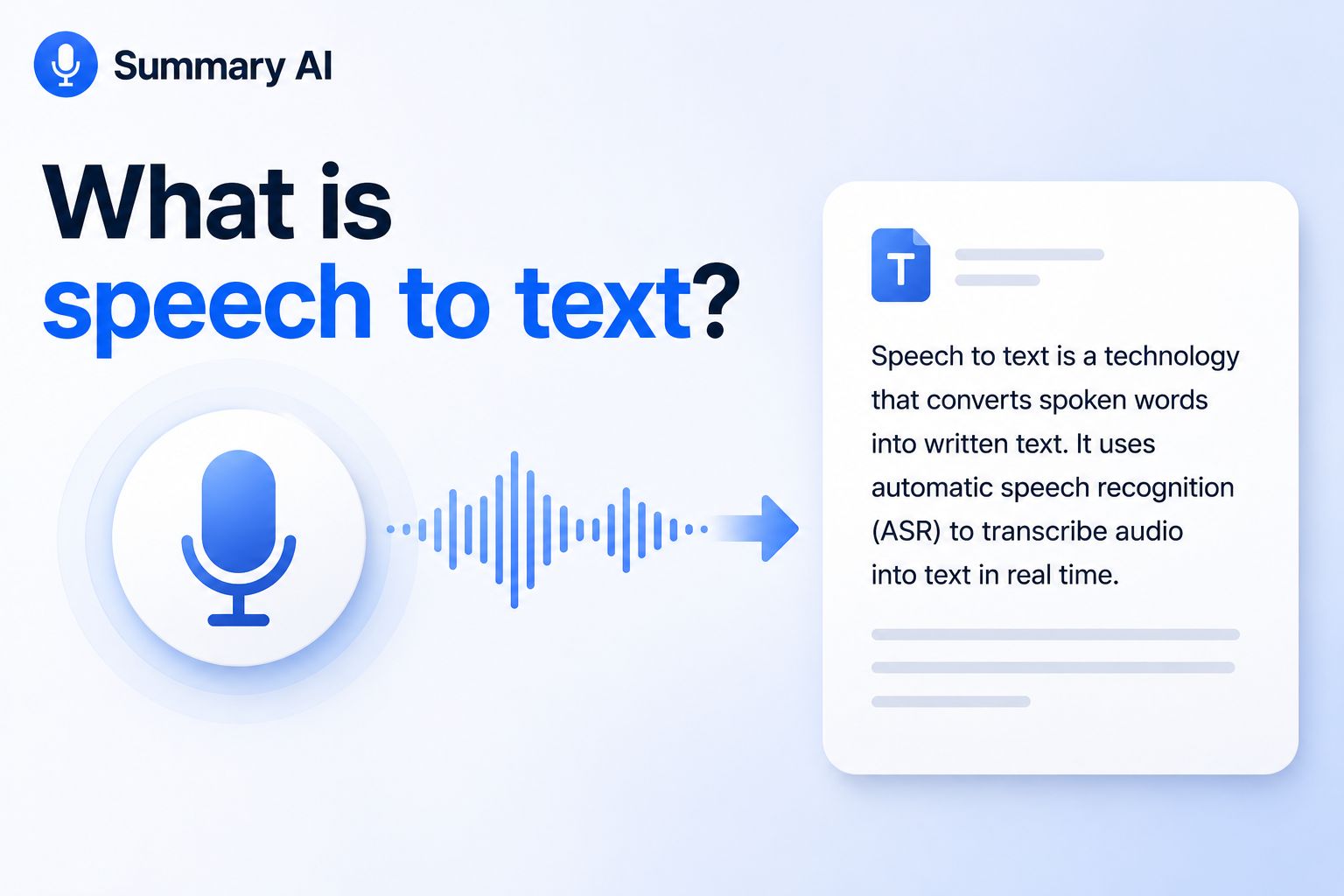


Speech-to-text is technology that turns spoken words into written text. It is also called speech recognition, automatic speech recognition, voice recognition, or voice dictation.
You use speech-to-text when you speak a text message instead of typing it, ask a virtual assistant a question, talk into a document, or turn a recording into a written transcript. The software listens to the audio, looks for sound patterns, and works out which words are being spoken. It then shows those words as text.
Speech-to-text can work while a person is speaking. It can also work with a saved audio file after a meeting, interview, class, phone call, or other recording.
What is speech-to-text?
Speech-to-text, often shortened to STT, is computer technology that turns speech into digital text. The sound can come from a microphone or an audio file. The speech-to-text system processes the sound and creates a transcript, message, command, or document.
Speech-to-text is the tech used in speech-to-text apps to power features like transcription and dictation.
- Speech-to-text is the general technology that turns spoken audio into written words.
- Dictation usually means speaking into a phone, computer, or app instead of typing.
- Transcription usually means turning a saved recording into text after the audio has been recorded.
- Voice recognition can mean speech-to-text, but it can also mean technology that works out who is speaking or tech that requires a voice to access it and unlock it instead of a password.
For example, if you speak the copy of an email out loud in something like Gmail and the words appear in a document, you are using dictation. If you upload a recorded interview and get a text file, you are using transcription. Both use speech-to-text technology. To understand how AI works you can start with our article on what is artificial intelligence, both of which help you understand SST better as well.
Summary AI also uses speech-to-text in its AI transcription to transcribe your meetings so that you can generate summaries and share your notes with your team.
How does speech-to-text work?
Speech-to-text may look simple when you use it, but several things happen before you see the final text. The system has to record the sound, prepare the audio, study speech patterns, choose the right words, and put those words into sentences.
Many new tools use AI and machine learning to do this. In simple terms, the software studies a lot of data, finds patterns, and uses those patterns to make a good guess about what a person said.
1. Audio capture
The process starts with audio. A microphone picks up the sound made when someone speaks. The audio may come from a live microphone, a phone call, a video meeting, or a saved audio file.
The system turns the sound into digital data that a computer can use. This is often done with an analog-to-digital converter. At this point, the system is only collecting the sound. It has not yet decided which words the person said.
Good audio helps from the start. If the voice is clear and easy to hear, the software has a better chance of creating correct text.
2. Audio processing
Next, the software prepares the audio so it is easier to understand. It may lower background noise, change the volume, remove long quiet parts, or split a long recording into smaller parts.
Clear audio usually gives better results. A quiet room, a good microphone, and people taking turns instead of speaking over each other can all help. Poor audio makes the job harder. If several people talk at once or there is loud music in the background, the system may have trouble telling speech apart from other sounds. Some newer tools also use AI to clean up the audio before they turn it into text. They may lower noise or make voices easier to hear.
3. Sound analysis
The system studies patterns in the audio, such as pitch, timing, volume, and how often a sound moves up or down. It breaks speech into very small sound parts called phonemes.
A phoneme is one of the smallest sounds in a language. Changing one phoneme can change a word. For example, the first sound in “bat” is different from the first sound in “cat.” Speech-to-text systems use these small sound patterns to work out which words are most likely being spoken.
This is not as simple as matching one sound with one word. People speak at different speeds. They have different accents. They may also say the same word in slightly different ways.
Because of this, the software has to look at many sounds together. It also has to look at the words before and after each sound.
4. AI and language models
Machine learning models compare sounds with words, common phrases, grammar, and language patterns. The system also looks at the rest of the sentence to help choose the right word.
For example, “write,” “right,” and “rite” can sound the same. The other words in the sentence help the software decide which one makes the most sense. Newer speech-to-text tools use AI models trained on large amounts of spoken language. This helps them understand different accents, speaking speeds, phrases, and sentence styles.
Speech-to-text is also used in many forms of conversational AI. In those systems, the software may first turn your voice into text. Then another AI system may use that text to answer a question or take an action.
Language models can also help make transcripts easier to read. They may add punctuation, choose better sentence breaks, or use the meaning of a sentence to correct a likely mistake.
5. Text output
Finally, the system creates written text. Depending on the tool, it may also add punctuation, capital letters, paragraphs, timestamps, speaker names, and other simple formatting. You can usually edit the text after it is created. This lets you fix names, numbers, product names, special terms, or anything else the software got wrong.
Some AI tools do more after they make the transcript. They can shorten the text, list tasks, find important ideas, or answer questions about the recording.
This is one reason speech-to-text is often part of an AI assistant. The assistant can use the transcript and then help the user do something useful with it.
Types of speech-to-text

Speech-to-text tools come in different forms depending on how and where they process audio. Some work live, some use saved recordings, and others run in the cloud or directly on your device. Each type is useful for different needs, like real-time typing, transcription, or offline use.
Real-time speech to text
Turns speech into text as someone is talking. It is used for voice typing, live captions, and meeting tools. It works fast, but the text may change as the system hears more of the sentence.
Recorded audio transcription
Converts saved audio or video into text. It is used for interviews, meetings, lectures, and podcasts. It allows more time to process the audio and is good for reviewing or editing later.
Streaming speech to text
Processes speech in small parts as it is spoken. It is used in live apps, call centers, and voice tools. It has a short delay and helps systems respond quickly during conversations.
Cloud-based speech to text
Sends audio to online servers for processing. It is easy to use, works with large files, and often includes extra AI features like summaries and speaker labels. It needs an internet connection.
Offline speech to text
Runs directly on your device without the internet. It is useful when you need privacy or have no connection. It may have fewer features but still works well for basic dictation and transcription.
Each type of speech-to-text has its own strengths, and they are used in different scenarios.
Where is speech-to-text used?

Speech-to-text is used in many everyday tools and apps. Below are the most common ways it is used.
Voice typing (writing by speaking)
Voice typing lets you speak instead of type. The system turns your words into text in real time. You can use it for writing anything you want from emails, messages, notes, documents, and searches. Most phones and computers already include voice typing, so you can start using it right away.
Virtual assistants and voice commands
AI personal assistants use speech-to-text to understand what you say. You can ask them to set alarms, play music, send messages, or answer questions. They are used in phones, smart speakers, cars, TVs, and other smart devices.
First, your voice is turned into text. Then the system figures out what you want and responds. These tools often use AI, so they can also hold simple conversations and remember context.
Meeting notes and transcription
Speech-to-text can turn meetings into written notes. This makes it easy to review what was said without listening to the full recording again. Many tools also add summaries, speaker names, and action items. This helps teams stay organized and not miss important details.
Interviews and research
People like journalists, researchers, and recruiters use speech-to-text to turn interviews into text. This makes it easy to search for answers, find quotes, and compare responses. Instead of replaying audio, they can quickly scan the written version. Some AI tools can also group ideas from many interviews, but the original recording is still used to double-check accuracy.
Learning and education
Students and teachers use speech-to-text for classes, lectures, and study notes. It helps turn spoken lessons into text that is easier to review later.
Students can search the transcript instead of rewatching or relistening to long recordings. AI tools can also use these transcripts to create summaries, notes, or practice questions.
Accessibility support
Speech-to-text helps people who have trouble typing or writing. They can speak instead of using a keyboard, and the words appear as text.
It is also used for live captions, which help people read spoken words in real time during videos, meetings, or classes. This makes the tools easier to use for more people.
Customer service and call analysis
Businesses use speech-to-text to turn customer calls into written records. This helps teams review conversations, find common problems, and improve service. It is also easier to search text than listen to long recordings. Some AI tools go further by summarizing calls or suggesting next steps for support teams.
Speech-to-text is used in many areas of daily life, work, and learning. As AI improves, it is becoming even more common in apps, devices, and services we use every day.
Use speech-to-text for meetings
Speech-to-text turns spoken words into text that you can read, search, and save. It can help with meetings and other types of audio.
For meetings, Summary AI’s AI transcription can turn a meeting into a written transcript. You can use the transcript to check what was said, find key points, review decisions, and see what needs to be done next.
You can also use the transcript to make notes or a summary after the meeting. This gives you a written record that you can go back to when you need it.

