



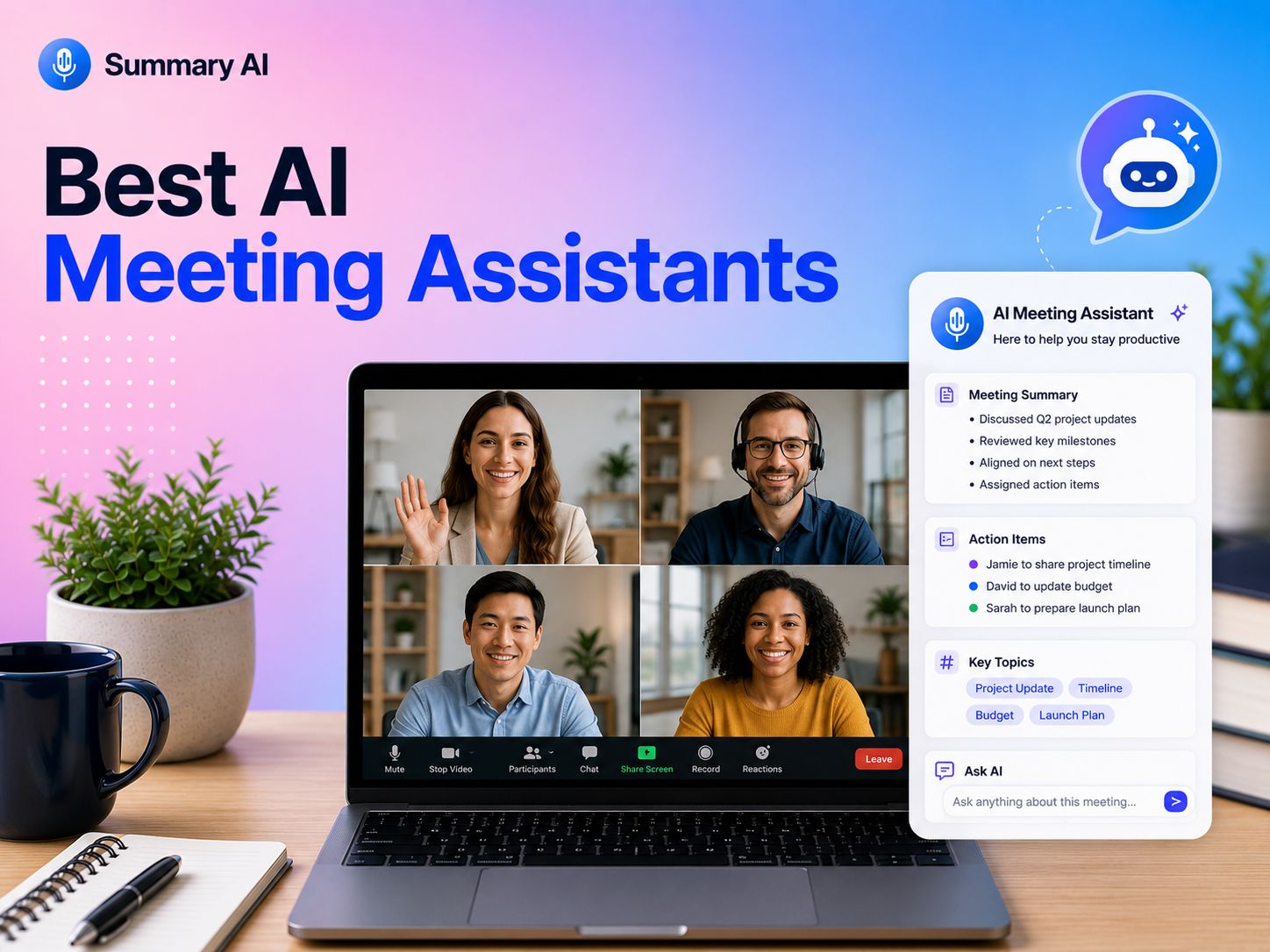


AI meeting assistants can take a lot of the admin out of meetings by automatically recording conversations, creating transcripts, summarizing key points, and pulling out action items. The best tools can also help teams search past discussions, share notes, and keep important decisions from getting lost after the call ends.
But with so many AI meeting assistants offering similar features, choosing the right one isn’t always straightforward. Some are better for accurate transcription, while others stand out for automated summaries, integrations, analytics, or team collaboration.
To help you decide, we reviewed and compared 10 of the best AI meeting assistants based on their features, ease of use, integrations, pricing, and overall value. Below, we’ll break down where each tool excels, its limitations, and which type of user or team it’s best suited for.
What Are AI Meeting Assistants?
AI meeting assistants are tools that use artificial intelligence to help you manage meetings before, during, and after a call. They can join virtual meetings, record conversations, create transcripts, summarize key points, and identify action items.
Many AI meeting assistants work with platforms like Zoom, Microsoft Teams, and Google Meet. Some can also connect with your Google Calendar, project management tools, and other software.
The main goal is to reduce manual note-taking and make important information easier to find later. Instead of writing everything down yourself, you can focus on the conversation while the AI assistant captures the details.
Depending on the tool, an AI meeting assistant may also help you:
- Make summaries
- Highlight important decisions
- Identify key points
- Track action items and next steps
- Search past meeting transcripts
- Share notes with teammates
- Analyze speaking time or speakers to label them
- Automatically send meeting notes to other apps
These tools can be useful for a variety of situations and roles, including sales teams, managers, recruiters, customer success teams, and anyone who spends a lot of time in online meetings.
How I Reviewed and Selected the Best AI Meeting Assistants
I reviewed AI meeting assistants based on the features that matter most in everyday use. I compared the platforms based on various aspects that are important in a meeting assistant like transcription quality, meeting summaries, action items, integrations, ease of use, pricing, and overall value.
I also looked at how well each tool works with popular platforms like Zoom, Google Meet, and Microsoft Teams.
Now that you know what went into creating this list, let’s take a look at the top AI meeting assistants and compare the strongest options.
Top AI Meeting Assistants
The best AI meeting assistant depends on what you need most, whether that is simple meeting notes, live transcription, sales insights, integrations, or support for different languages. Here are 10 of the best options I reviewed and compared.
Pricing and features below were checked in August 2026. Keep in mind that pricing may change and you should always verify the current price and capabilites on the website of each vendor.
1. Summary AI: Best for Summaries, Meeting Notes, and Multilingual Teams
Best for: Professionals and teams that want easy meeting summaries, transcripts, action items, and translations.
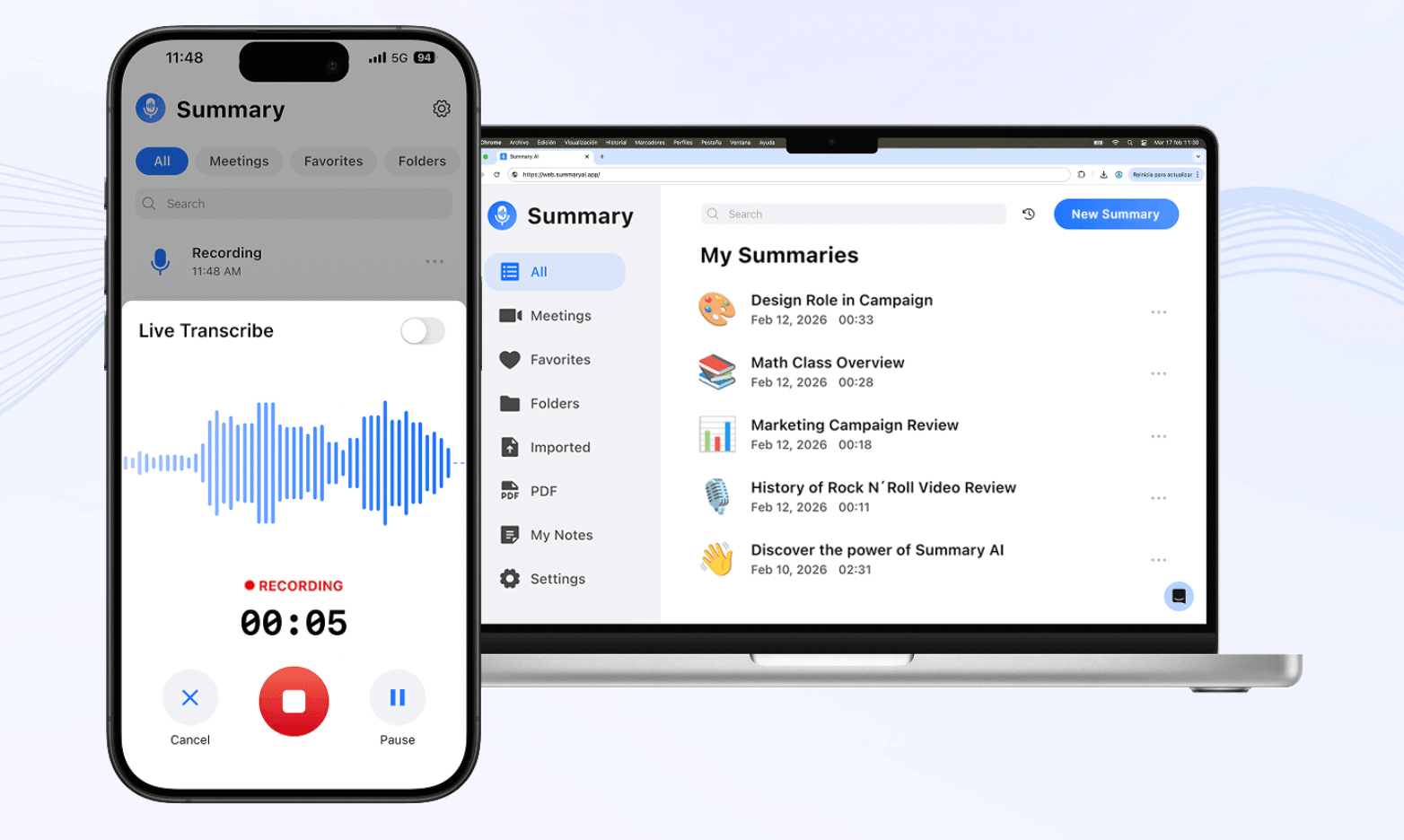
Summary AI is an easy-to-use AI meeting assistant that records, transcribes, and summarizes meetings for you. You can connect your Google or Outlook Calendar and have the Summary AI Meeting Agent automatically join selected Zoom, Google Meet, and Microsoft Teams calls. It can also record in-person meetings.
After a meeting, Summary AI creates a transcript with speaker detection, highlights important points, and identifies action items and who is responsible for them. Its AI Chat also lets you ask questions about your meetings instead of searching through a full transcript.
One of its biggest advantages is that Summary AI can translate meeting content into more than 120 languages, making it a useful choice for international teams.
Key features:
- Automatic meeting recording and transcription
- AI meeting summaries
- Action items and next steps
- Speaker detection
- AI Chat for asking questions about meetings
- Translation in 120+ languages
Zoom, Google Meet, and Microsoft Teams support - Online and in-person meeting recording
Pricing: You can start for free. Paid plans start at $8.99/week and $79.99/year. Both include unlimited audio transcriptions and support for 120+ languages.
Why I picked it: Summary AI offers a good mix of note-taking, meeting transcription, action items, and a good amount of languages supported without making the workflow complicated.
2. Fathom: Best Free AI Meeting Assistant
Best for: Individuals who want unlimited meeting recording and transcription without paying right away.
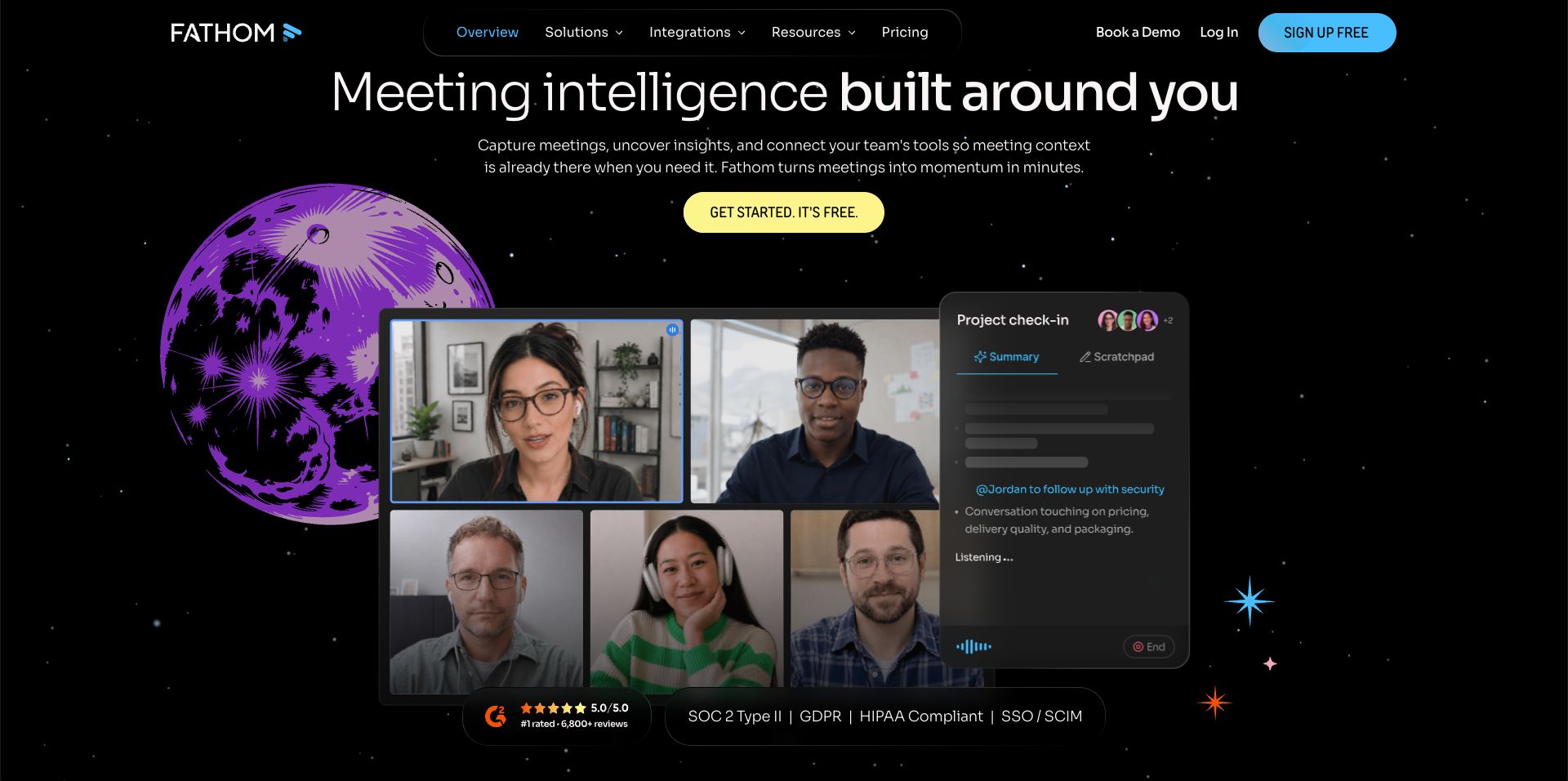
Fathom has one of the best free plans in this list. It includes unlimited recordings, unlimited transcription, AI meeting summaries, clips, playlists, and search. It works with Zoom, Google Meet, and Microsoft Teams. The free plan currently has a limit of 5 calls per month for advanced AI summaries and action items.
The paid version of Fathom can automatically create summaries and lets you search or ask questions about your calls. Plans also add features such as AI-generated action items, follow-up emails, summary templates, team-wide search, and CRM tools. Fathom also now offers a bot-free capture option in beta for Mac alongside its regular meeting bot.
Key features:
- Unlimited recording and transcription
- AI meeting summaries
- Meeting clips and playlists
- AI-generated action items
- Follow-up email drafts
- Ask Fathom AI
- CRM integrations
- Bot and bot-free recording options
Pricing: Free plan available. Fathom Premium starts at $19/user/month when billed monthly with a 2 user minimum.
Why I picked it: The unlimited recordings and transcriptions make Fathom a good choice for people who have a lot of meetings but do not want to or can’t pay.
3. Fireflies.ai: Best Meeting AI Assistant for Automation
Best for: Teams that want to connect meeting notes with the rest of their workflow.
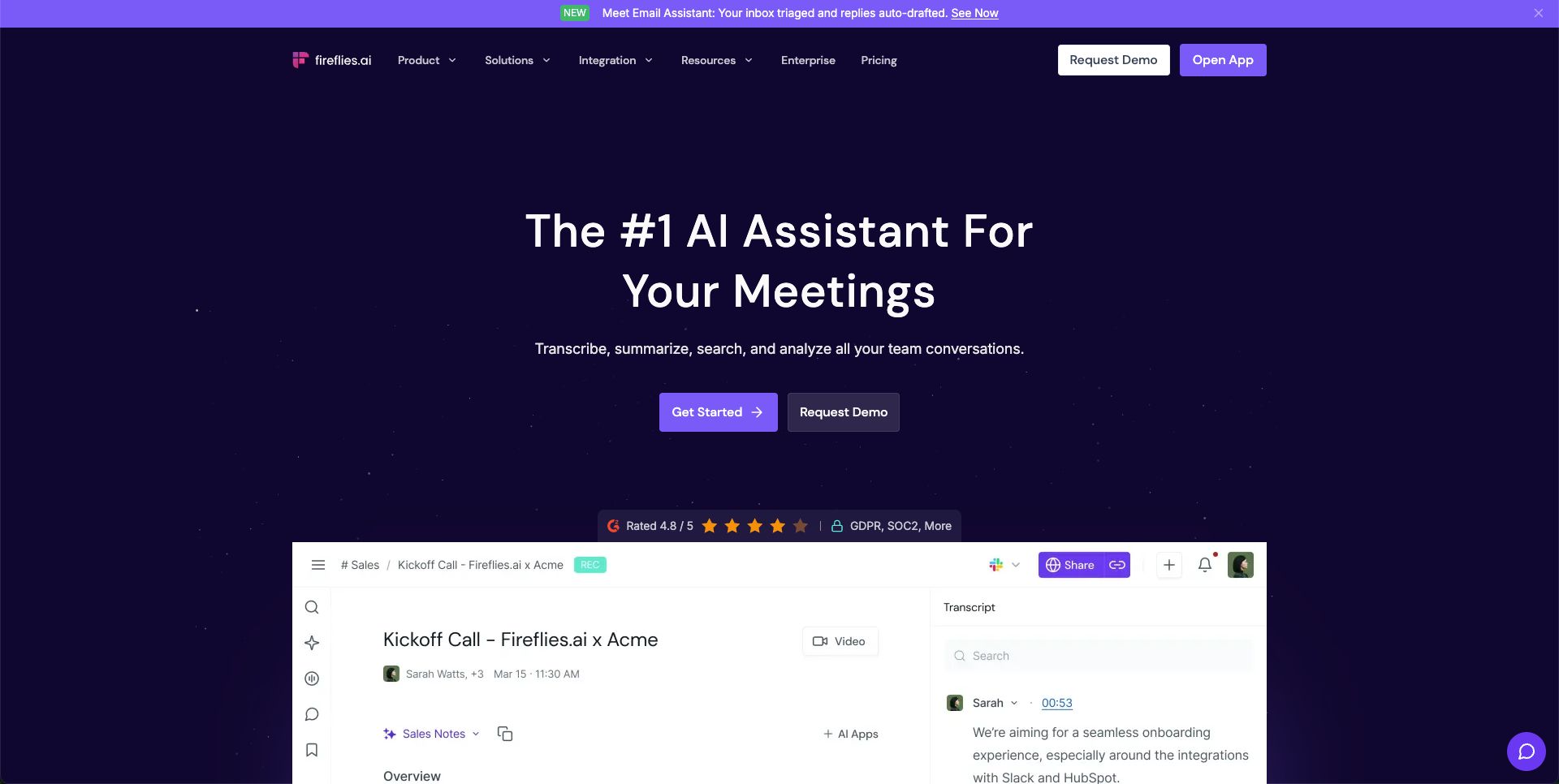
Fireflies.ai records, transcribes, and summarizes meetings across Zoom, Google Meet, Microsoft Teams, and other meeting platforms. Its free plan now includes unlimited transcription and unlimited AI summaries, although storage and tokens for AI are limited.
Fireflies stands out for its integrations and automation features. Paid users can connect meeting information with other apps to manage action items, ask questions about conversations, and analyze meetings. Business users also get further features like insights about conversations and more advanced analytics.
Key features:
- Unlimited transcription
- AI summaries
- Transcription in 100+ languages
- Live notes and transcription
- AskFred AI assistant
- Action item detection
- Meeting search
- Conversation intelligence
- CRM and productivity integrations
Pricing: Free plan available. Pro starts at $18 monthly. Business plans cost $29 monthly.
Why I picked it: Fireflies is a strong option if your meeting assistant needs to do more than create notes and you want meeting information to flow into other tools automatically.
4. Otter.ai: Best AI Meeting Assistant for Live Transcription
Best for: People who want to follow a transcript while the meeting is happening.
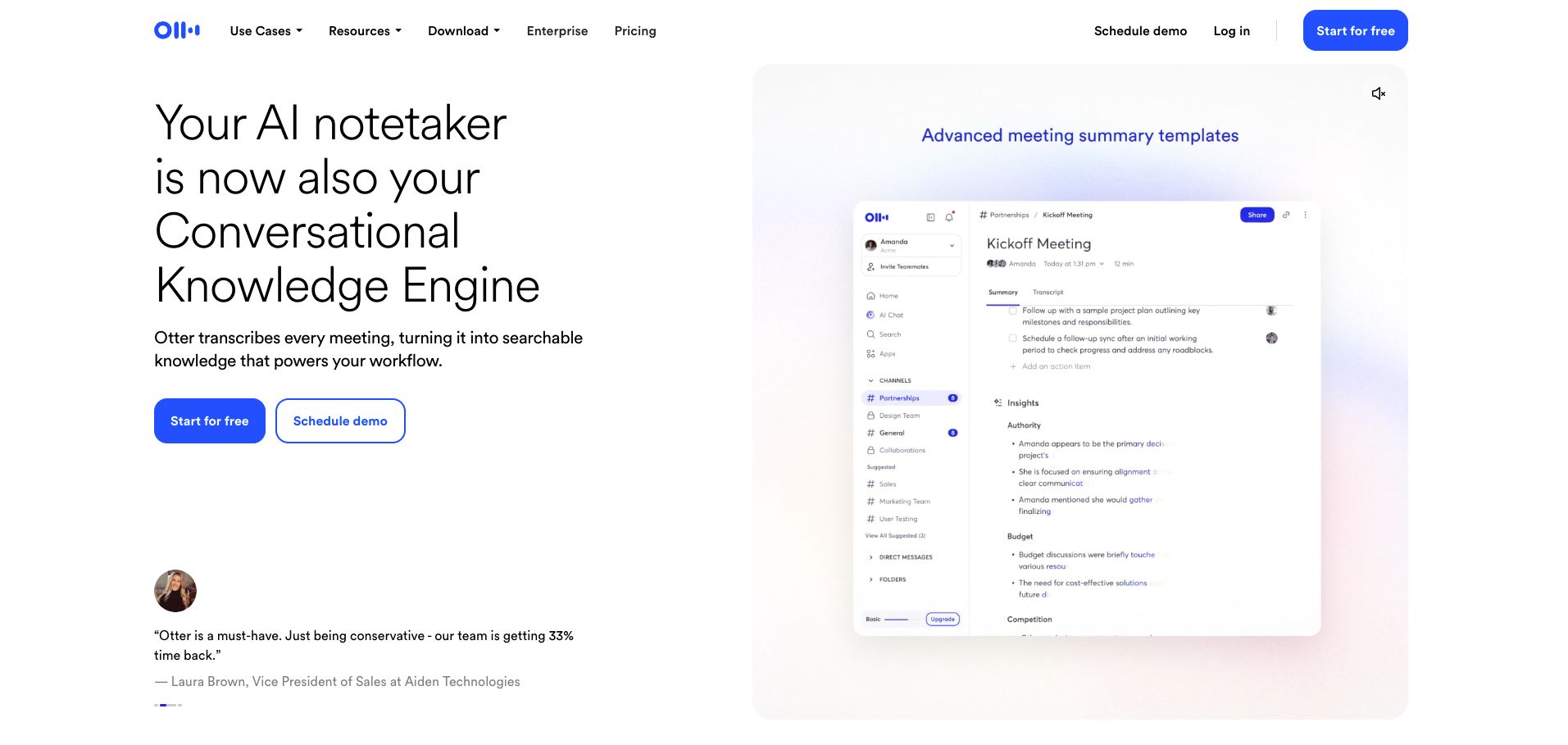
Otter is one of the most established AI meeting assistants. It can automatically join Zoom, Microsoft Teams, and Google Meet meetings and create live transcripts with speakers labeled. You can also highlight text, add comments, and assign action items while reviewing the conversation.
Otter also includes AI Chat, automated summaries, meeting workflows, mobile apps, and supports uploading audio or video files. More pricey plans add more: meeting minutes, advanced search, integrations, and admin controls.
Key features:
- Live transcription
- Speaker identification
- AI meeting summaries
- AI Chat
- Action items
- Meeting workflows
- Zoom, Teams, and Google Meet support
- Mobile and desktop apps
Pricing: The free plan includes 300 transcription minutes per month. Pro starts at $16.99/user/month.
Why I picked it: Otter is particularly useful when seeing the transcript in real time is just as important as getting a summary after the meeting.
5. tl;dv: Best for AI Meeting Assistant for Insights
Best for: Teams that need to compare information across many calls.
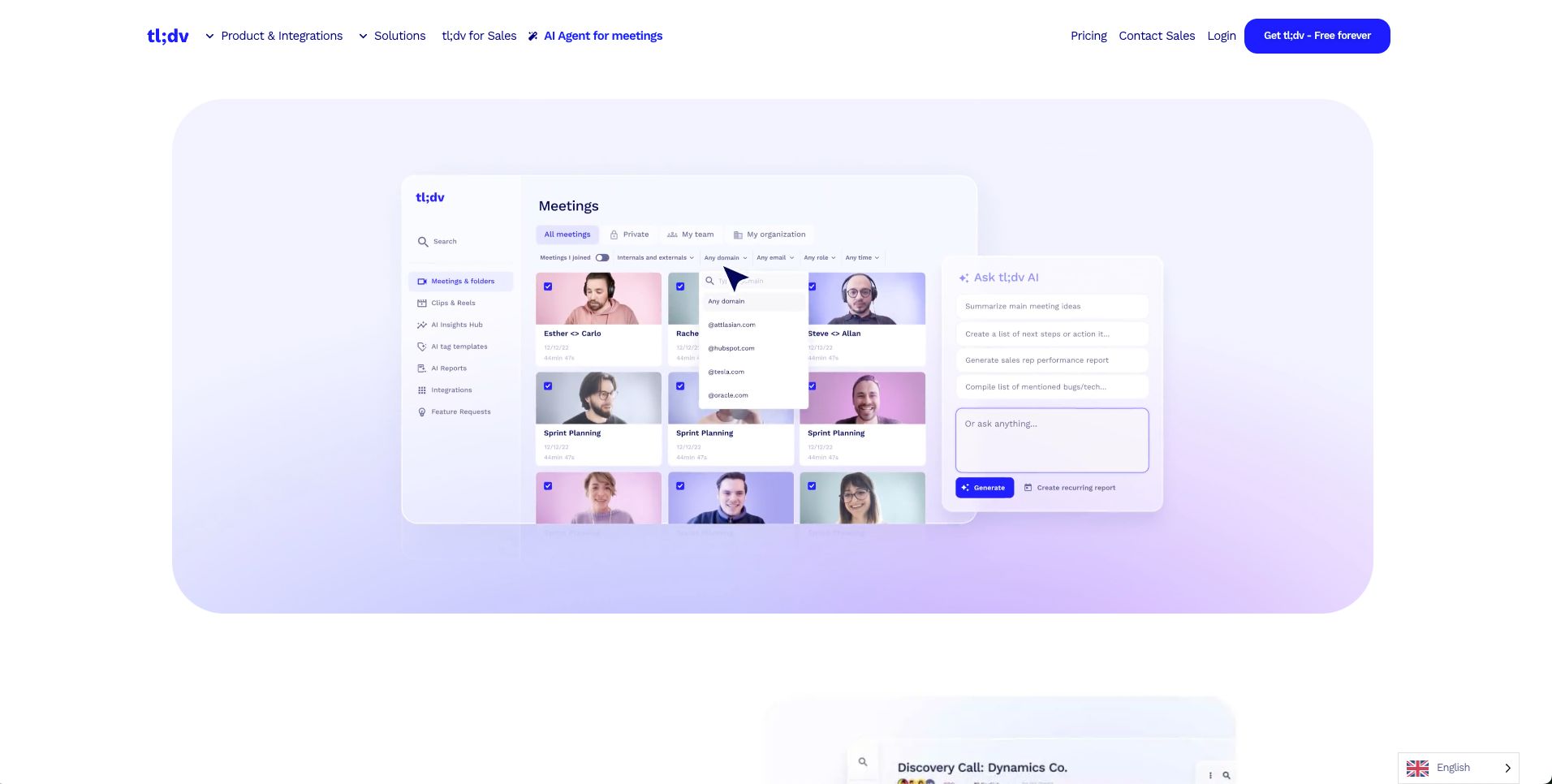
tl;dv records and transcribes Zoom, Microsoft Teams, and Google Meet meetings. Its free plan includes unlimited recording and transcription, while AI meeting notes are available for a limited number of meetings each month.
With the paid plans, you can search across transcripts, sync information with CRMs, create AI reports, and find patterns across several meetings. tl;dv also offers bot-free desktop recording, while a bot can still be used when video recording is needed.
Key features:
- Unlimited recording and transcription
- AI summaries
- Multi-meeting AI reports
- Global transcript search
- CRM integrations
- Follow-up email drafting
- Sales coaching and playbooks
- Bot-free recording option
Pricing: Free plan available. Pro is currently listed at $29/user/month with annual billing or $29 monthly.
Why I picked it: tl;dv is useful when you want AI to analyze many conversations instead of treating every meeting as a separate set of notes.
6. Granola: Best Bot-Free AI Meeting Notes
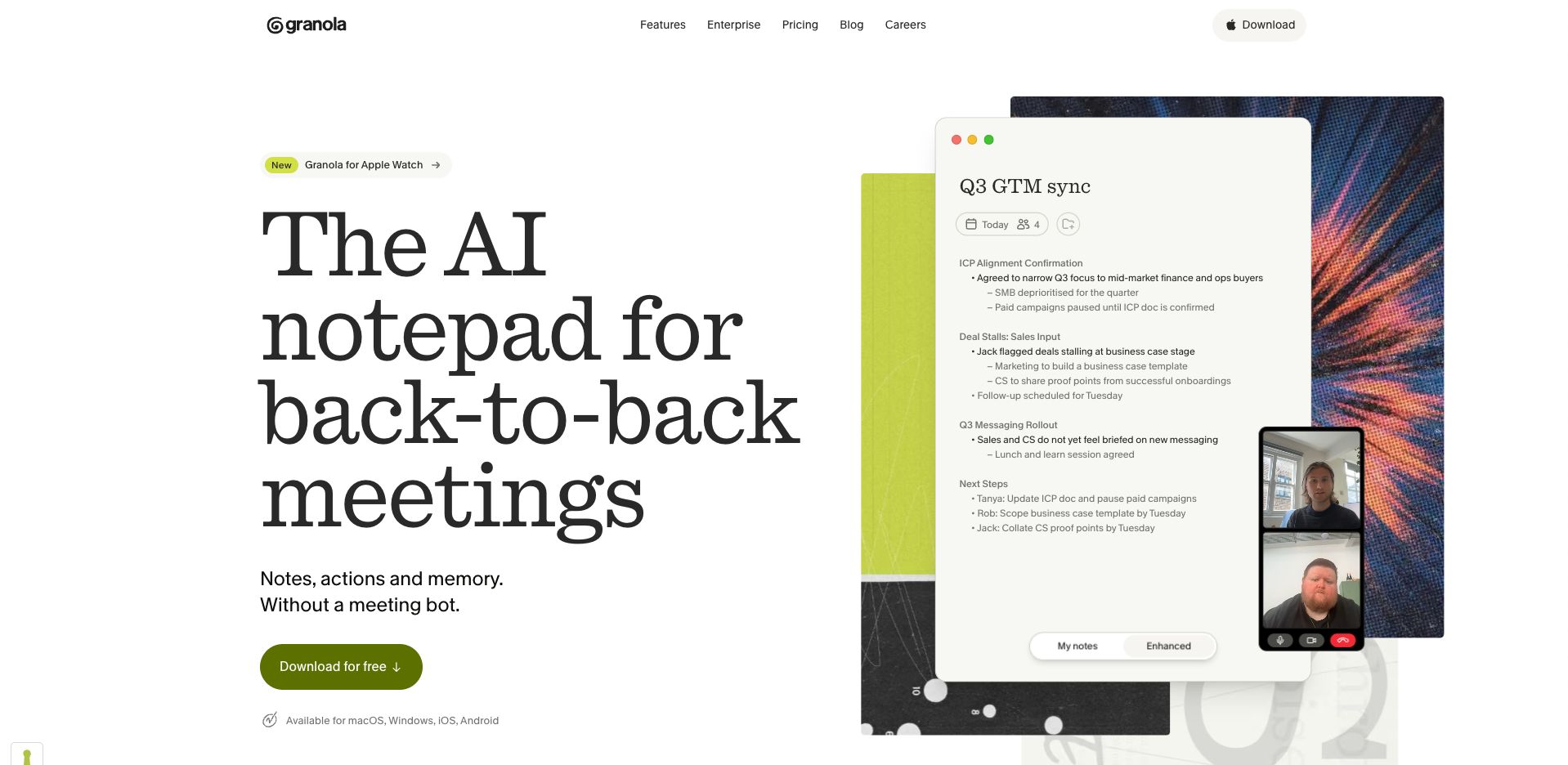
Best for: Individuals and teams that do not want a meeting bot joining every call.
Granola takes a different approach to many AI meeting assistants. It captures meetings via audio recording from your device instead of sending a bot everyone can see into the call. Then it uses AI to summarize and organize your notes.
It includes AI meeting notes, custom templates, folders you can share, support for multiple languages, and AI Chat that can answer questions within or across meetings. Paid users can also integrate Granola with other tools such as Notion, Slack, HubSpot, and Zapier.
Key features:
- Bot-free meeting capture
- AI-enhanced notes
- AI Chat across meetings
- Custom note templates
- Shared folders
- Multi-language support
- Notion, Slack, HubSpot, and Zapier integrations
- API and MCP access on Business
Pricing: Basic is free with limited meeting history. Paid plans start at $14/user/month and include unlimited meeting history and integrations.
Why I picked it: Granola is a good choice if you prefer a more natural note-taking workflow and do not want a bot participating in your video calls.
7. Avoma: Best AI Meeting Assistant for Sales Teams
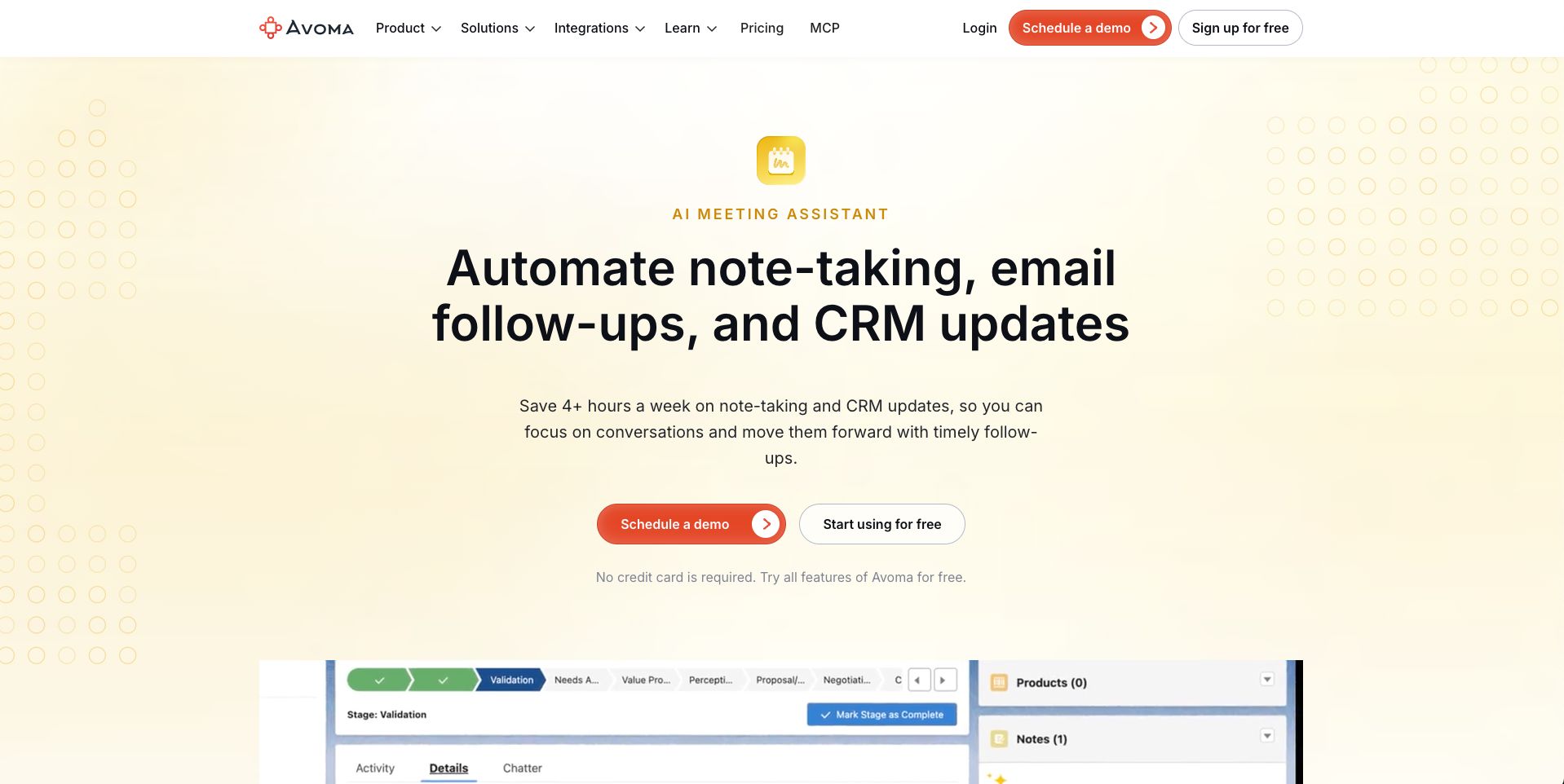
Best for: Sales and customer-facing teams that want meeting notes connected directly to their CRM.
Avoma can automatically record meetings, transcribe them, generate summaries and action items, and save information from meetings to CRM records.
It supports Zoom, Google Meet, Microsoft Teams, Webex, and other platforms and offers both bot-based and bot-less recording. Avoma also supports more than 70 languages and can generate AI follow-up emails.
Certain optional add-ons provide more features you may find useful, such as AI call scoring, coaching, deal-risk alerts, and pipeline analysis.
Key features:
- Unlimited real-time transcription
- AI summaries and action items
- CRM field updates
- AI follow-up emails
- 70+ language support
- Meeting and speaker insights
- Bot and bot-less recording
- Sales and revenue add-ons
Pricing: Plans start at $29 per user per month.
Why I picked it: Avoma offers more tools for sales teams specifically than a standard meeting note taker, especially for teams that want meeting info automatically added to their CRM.
8. Read AI: Best for Meeting Analytics and Coaching
Best for: Users who want to understand how meetings are going, not just what was said.
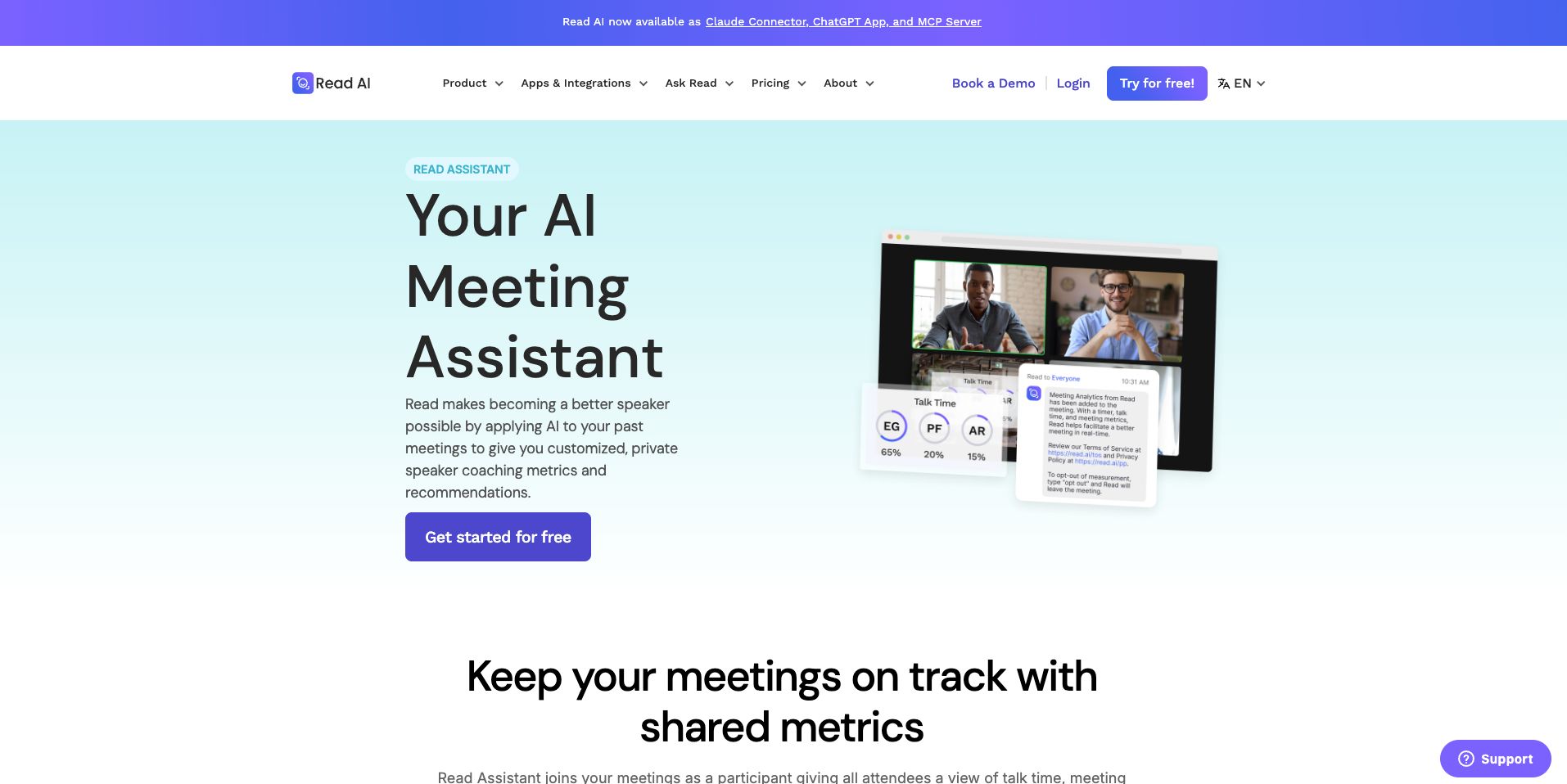
Read AI creates meeting transcripts, summaries, topics, questions, and action items. It can join meetings on Zoom, Microsoft Teams, and Google Meet and also provides live meeting notes and metrics.
One of its more unusual features is Meeting Coach, which gives feedback on things such as speaking speed and filler words. Ask Read can also search across meetings and other connected information.
Key features:
- Automatic meeting summaries
- Transcription
- Action items and topics
- Live meeting metrics
- Personalized Meeting Coach
- Ask Read AI search
- Zoom, Teams, and Meet support
- 20+ language support
Pricing: The Free plan includes five meeting transcripts per month. Pro starts from $19.75 monthly.
Why I picked it: Read AI is worth considering if you want analytics and coaching alongside normal transcription and meeting summaries.
9. Fellow: Best for Managing Meetings and Follow-Ups
Best for: Teams that want AI note-taking combined with agendas, action items, and meeting management.
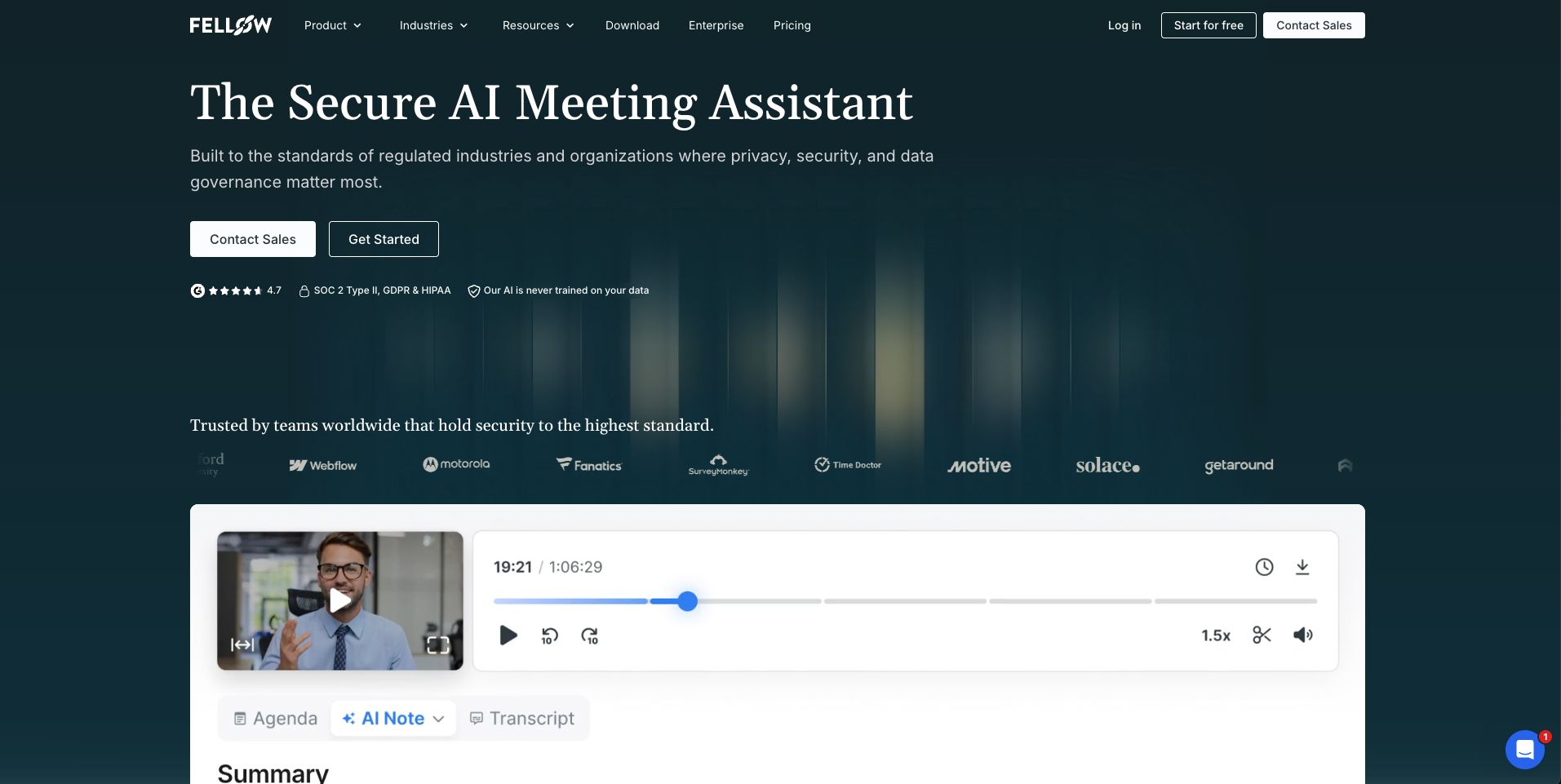
Fellow combines its AI meeting assistant with tools for planning and running meetings. It can transcribe calls, create summaries, identify action items, generate meeting agendas, and let you ask questions through Ask Fellow.
It supports Zoom, Google Meet, and Microsoft Teams, and its transcription supports 99 languages. Paid plans add meeting automations and integrations with project management, documentation, and CRM tools.
Key features:
- AI transcription and summaries
- AI action items
- AI-generated agendas
- Ask Fellow chatbot
- 99 transcription languages
- Meeting automations
- Project management integrations
- CRM integrations on higher plans
Pricing: A limited Free plan is available. Paid plans for teams start at $11/user/month.
Why I picked it: Fellow is a strong choice if you want one tool to help both prepare before and follow up after meetings instead of focusing only on what happens during the meeting.
10. Krisp: Best for Clear Audio and Bot-Free Meetings
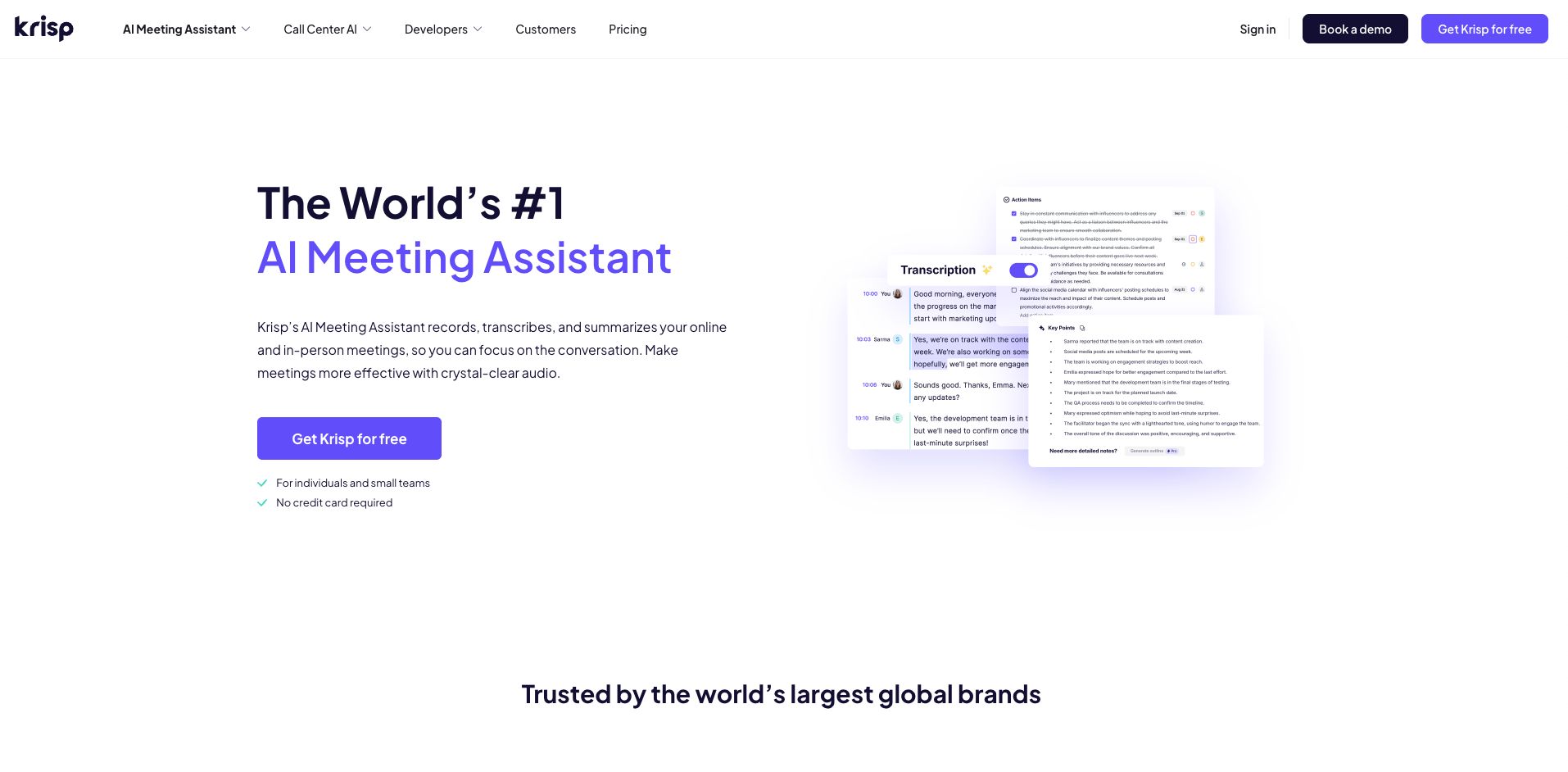
Best for: Remote workers and teams that want AI meeting notes with noise cancellation.
Krisp has noise cancellation features, and it offers a full AI meeting assistant as well. Its bot-free note taker can create transcripts, record audio and video, generate AI notes and action items, and capture in-person meetings.
It also includes AI Chat, multilingual transcripts, integrations, and Krisp’s noise cancellation technology. This makes it especially useful if you often take calls from noisy locations or deal with poor audio quality.
Key features:
- Bot-free AI note taker
- Unlimited transcription
- AI notes and action items
- Audio and video recording
- In-person meeting support
- AI Chat
- Noise cancellation
- Multilingual transcripts
- HubSpot, Slack, Notion, Zapier, and other integrations
Pricing: Krisp offers a seven-day free trial. Paid plans start at $16 per month per user.
Why I picked it: Krisp is one of the better options if audio quality is a major concern and you also want meeting notes without adding a bot to every call.
How to Choose the Best AI Meeting Assistant
The best AI meeting assistant depends on how you work and what you want the tool to handle. Start by thinking about the features you will use most, such as transcription, summaries, action items, or meeting search.
Ask yourself these questions:
- What meeting platforms does it support? Make sure it works with the video conferencing tools you already use.
- How accurate is the transcription? This is especially important if your meetings include different accents or languages.
- What tools does it integrate with? Check whether it connects with your calendar, CRM, project management, or communication tools.
- Does it use a meeting bot or bot-free recording? Decide which option fits your meetings and preferences.
- How does it handle privacy and security? Review how meeting recordings, transcripts, and other data are stored and protected.
- How much does it cost? Compare free-plan limits and paid features based on how often you use it.
- Is it easy to use? Choose a tool that saves time instead of adding more steps to your workflow.
If possible, try a free plan or trial before paying. This is the easiest way to see whether the transcription, summaries, and workflow fit your needs.
Conclusion
AI meeting assistants can save time by handling notes, transcripts, summaries, and follow-ups automatically. The right choice depends on your meeting platforms, workflow, budget, and the features you need most.
If you want a simple option with AI summaries, action items, multilingual support, and automatic meeting recording, Summary AI’s AI Meeting Assistant is a great place to start.

