



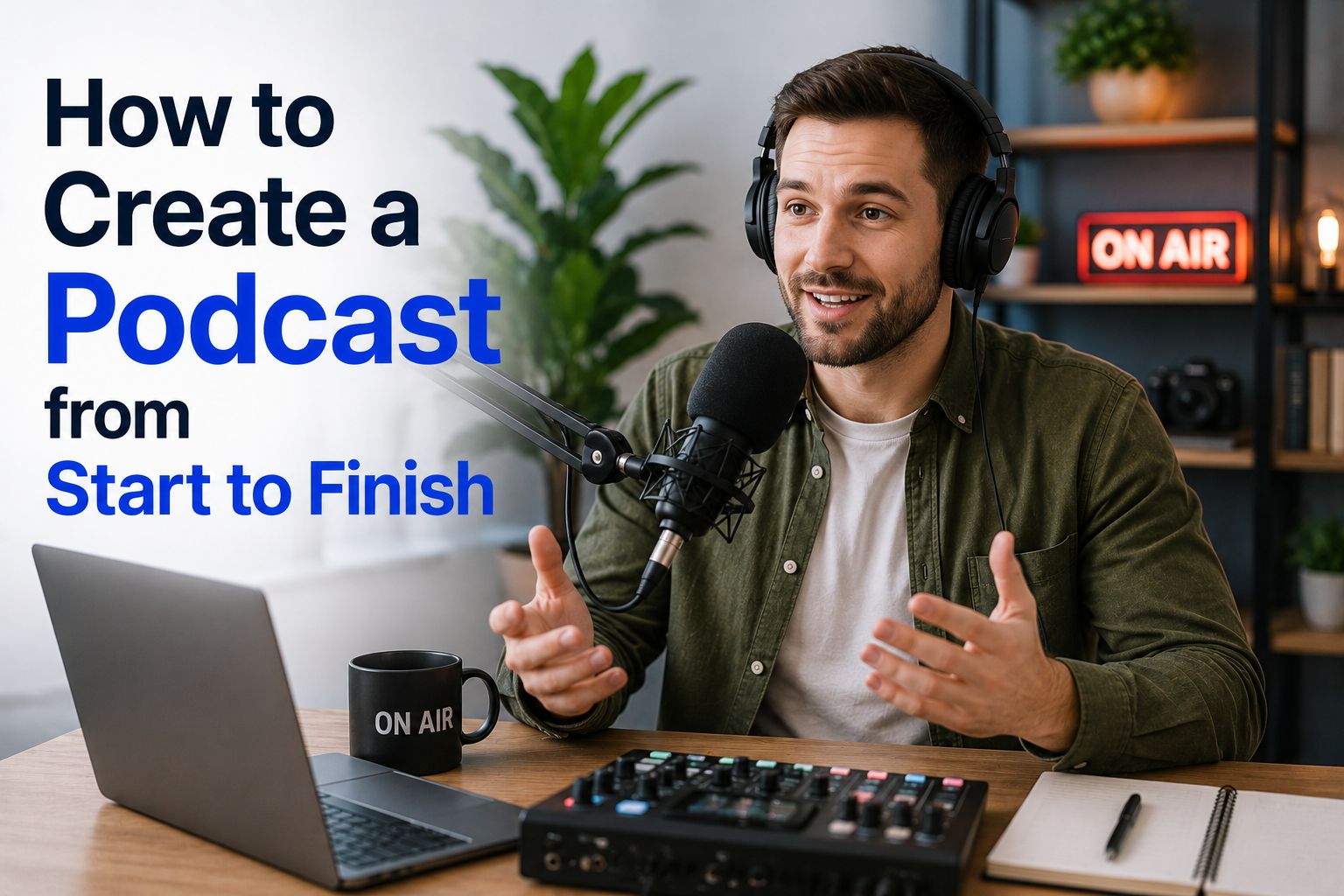


Learning how to create a podcast may feel like a big undertaking at first, but we’ve broken down the process for you to make it more manageable. You do not need a full studio, a big team, or thousands of dollars to get started. What you need is a clear idea, a good way to record your content, and a plan for putting your episodes out.
A podcast has many different formats. Depending on what you choose you can share stories, teach people, talk with guests, and build up a community around a topic you care about. You can make a podcast from home and record all by yourself, or bring on people as guests from anywhere in the world.
This guide will go through how to start a podcast and it will walk you through what you need, how to plan and record it, and how to launch it for listeners on platforms such as Apple Podcasts and Spotify.
What Do You Need to Create a Podcast?
Before you start, think about what you need to make a podcast. The basics are simple:
- A topic and target listener
- A name for your podcast
- A microphone and headphones
- Podcast recording and editing software
- A quiet place to record
- A podcast hosting platform
- Cover art and episode details
You can always add more and change things here and there as your show grows. Still, the best way to get a podcast started is to keep things simple in the beginning. The most important thing when getting started will be consistency in producing episodes and promoting them.
Podcast Equipment You Need
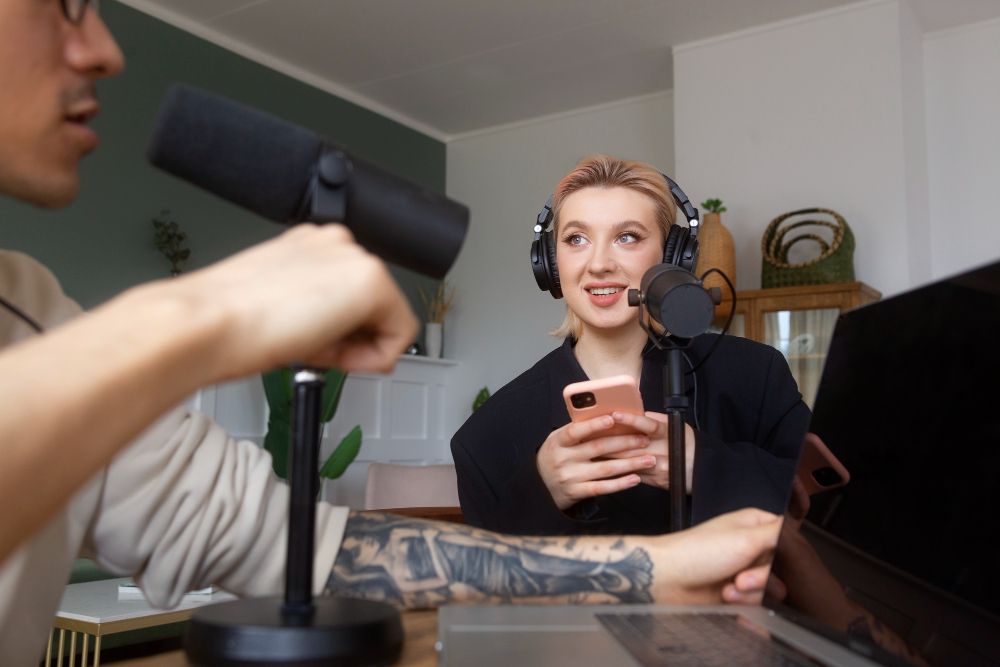
When getting started, you do not need to spend a lot on starting a podcast. Equipment is necessary, but stick with the basics and optimize your recording space first. Get started and upgrade later once your show takes off. Good sound matters more than fancy gear.
Here is the podcast equipment you need to start:
- A USB microphone, such as a Samson Q2U.
- Wired headphones to listen for background noise and stop echo
- A laptop or desktop computer
- A quiet room
- A microphone stand or a boom arm, if your budget allows
This list of basic podcast equipment is enough for many new podcasters.
How Much Does It Cost to Create a Podcast?
It depends on how much you want to spend, but if you limit yourelf to the list of basic tools above, you can start with those on the cheap. If you are on a really tight budget, you can even start with tools you already own. If you have a PC you can record sound on with free recording software, and a quiet room, your first cost may only be a basic microphone.
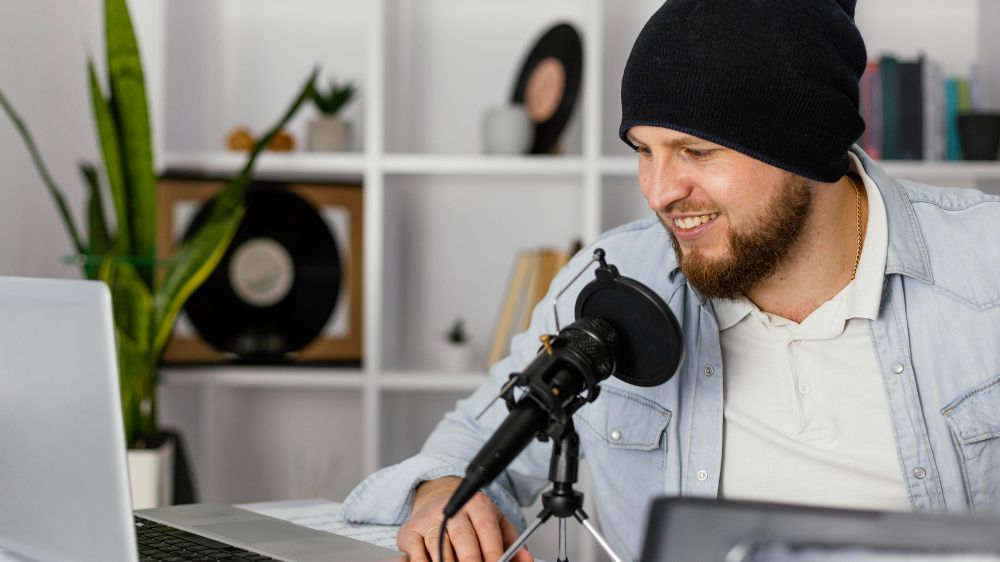
A beginner setup can cost around $50 to $150. Depending on the equipment you choose, this can cover a USB microphone, headphones, and a stand. If you want more gear, video tools, or even want to hire an editor or graphic designer to help, costs can quickly go up.
So, how much it costs to start a podcast doesn’t have one answer. You can build a podcast for little money or spend hundreds of dollars. People generally recommend that you start with what you can afford, then upgrade as you go once you have started making money from podcasting.
How to Create a Podcast for Free
You can learn how to create a podcast for free by using free tools and keeping your setup to the bare minimum. You need basic equipment, but most people already have everything that is absolutely necessary.
For example, you can:
- Use a free recorder app like Audacity or GarageBand
- Use your phone or computer at first
- Edit your episodes yourself
- Make cover art with a free design tool like Canva
- Use a free plan from a podcast hosting platform, when available
- Share episodes on your own social media accounts
- If creating video also, use free screen recording software
A popular screen and video recording software that many content creators use that you can also take advantage of as podcaster is OBS.
If you want to know how to start a podcast with no money, you should use what you have and focus on creating content that resonates with your audience. You can always buy better gear later.
How Long Does It Take to Create a Podcast?
When just starting out, your first episode may take several hours or even a few days to complete. You need time to plan, record, edit, upload, and write your episode notes.
As you get used to your tools and you get the hang of structuring podcast episodes, things will speed up. A weekly episode may take two to five hours from start to finish. Interview shows or video podcasts can take longer to make because more research and more preparation are usually involved.
Don’t rush the first few episodes. Take the time to build a repeatable podcast production process because it will help you stay consistent, which is most important for content creators who want to build an audience.
How to Plan a Podcast

Knowing how to plan a podcast gives your show a strong start. First, you need to pick a clear topic and listener group. A podcast about “business” is too broad. A podcast about “how small local businesses can get more leads online” is easier for new listeners to understand, making it easier to market as well.
When planning your podcast, ask yourself:
- Who is this podcast for?
- What problems will it help listeners solve?
- Why should they listen to you?
- What will make the show stand out?
- How often can you realistically put out episodes?
It also helps to map out your first five to ten episode ideas before you launch your podcast. That way you avoid running out of things to talk about, again helping with consistency.
1. Choose a Good Podcast Name
Creating a good podcast name is the second step of planning your podcast, although most of these steps are interchangable. When it comes to names, try to keep it clear, short, and easy to say. Your name should give people a clue about what the show covers.
For example, “The Small Business Lead Factory” says more than a vague name such as “Better Every Day.”
Try to avoid names that are too similar to the names of other podcasts. When you have ideas for names, search Apple Podcasts, Spotify, Google, and social media before you settle on one. You should also create a logo for your podcast that fits the name and topic.
2. Choose a Podcast Format
The format shapes each episode. Common podcast formats include:
- Solo podcast: You talk about a topic on your own
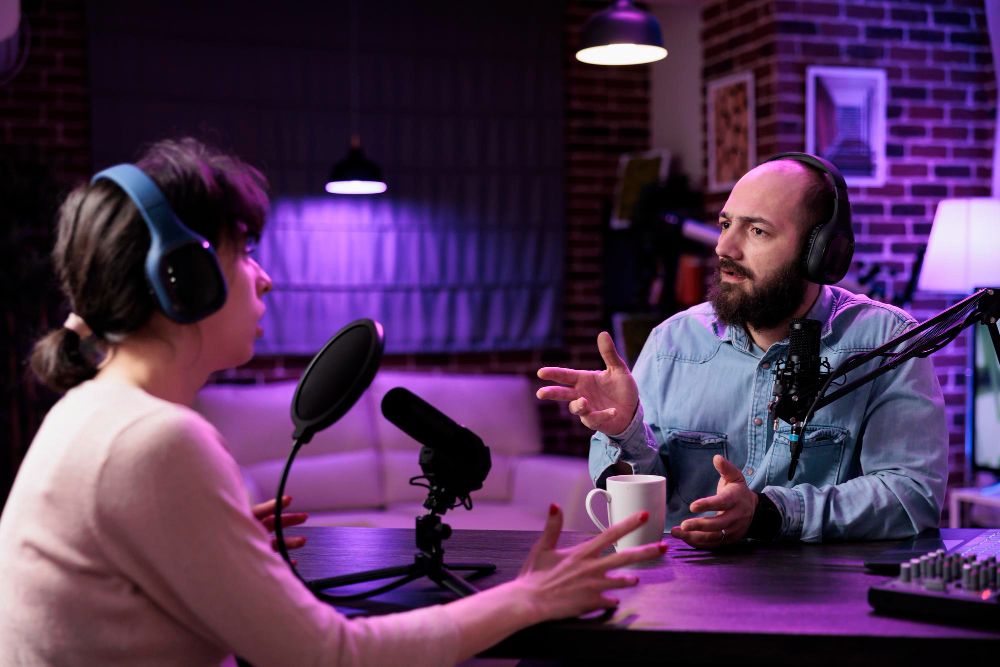
- Interview podcast: You bring on guests
- Co-hosted podcast: Two or more regular hosts talk together
- Storytelling podcast: You tell stories, often with music and sound clips
- Roundup podcast: You share news, tips, or takeaways from the week
Starting a solo podcast is often the easiest path for beginners. When you podcast alone, you do not need to line up guests or work around someone else’s schedule.
You can also create a video podcast, which lets people not only listen to the audio version, but also watch you on YouTube, Spotify, and other social platforms that support video. Want to know how to create a podcast video? Start by creating a setup to record your video and audio at the same time. Keep the camera setup simple and make sure your face is well lit and the audio is easy to hear.
3. Create Your Podcast Structure
The final step for planning your podcast is creating a clear podcast structure that makes your episodes easier to follow. You do not need to write a script for episodes word-by-word, but you should list the main talking points.
A simple structure might look like this:
- Quick intro and episode topic
- A short hook that tells listeners why the topic matters
- Main points, story, or interview
- Key takeaways
- Call to action, such as following the show or visiting your website
- Outro
Understanding this basic structure helps you know how to start off a podcast without rambling. It also makes producing a podcast much easier every week.
How to Create a Podcast Episode
To create a podcast episode, start with one clear goal. What should the listener know, feel, or do by the end?
Next, create an outline with a hook, three to five main points, and a closing. Record your episode, then listen back and cut out major mistakes, long pauses, or parts that do not add value.
Do not try to make every line perfect. A natural voice helps people connect with you.
Create a Podcast Intro
Create a memorable podcast intro to make a good first impression on new listeners, but keep it brief. A good intro should tell listeners:
- The name of your show
- Who it is for
- What they can expect
- Why they should keep listening
For example: “Welcome to The Small Business Lead Lab, the show that helps local business owners get more calls, leads, and customers online.”
Your intro can include a jingle or a short clip of music, but make sure you have the right to use it. Do not use copyrighted music without permission. You can use royalty-free music or music you have made yourself.
How to Launch and Market a Podcast
Once you have your podcast planned out and you have recorded and edited your first few episodes, you are ready to publish your podcast. To put it on hosting platforms and make it look appealing to your potential audience, you need to create a few assets for promoting the show and presenting it a a professional product.
We’ll take a look at these things next so you can share your podcast episodes confidently.
1. Create a Podcast Cover Image
Your podcast cover image is often the first thing people see. Design it in a way that makes it easy to read even at a small size, since many listeners will view it on a phone.
Use a simple design, a clear title, and a few colors that match your brand. If you want to create a nice cover page for a podcast, avoid putting too much text or too many small details into the design to keep it simple.
2. Create a Podcast Website
Learning how to create a website for your podcast can help you build a home for your project that you own. Your website can include episode pages, show notes, guest details, links, transcripts, and an email sign-up form.
A podcast website also helps with search traffic. Each episode can be turned into a blog post easily using AI transcription that can target a useful topic and give people another way to find your show through Google organically.
3. Create a Podcast Channel
If you plan to create a video podcast you can also create a YouTube channel where you share either full episodes or short clips and behind-the-scenes content to help new viewers find you.
4. Create an RSS Feed for a Podcast
In most cases, you do not need to make an RSS feed by hand. Your podcast host creates it for you after you set up your show and upload your first episode.
To create a podcast channel, set up your show on your podcast host first. Then use the host’s RSS feed to send your show to podcast directories.
You can submit your RSS feed to places such as Apple Podcasts Connect and Spotify. Once they approve your show, new episodes you upload to the host should show up in those apps automatically.
How to Make Money With a Podcast
Making money with podcasting is the best way to grow your podcast, because you will have more to spend on better equipment and you will be able to hire people to help you write and edit your show.
You can create a podcast and make money, but most shows do not earn right away. It takes dedication and consistency. First, focus on building a steady listener base by uploading new episodes regularly.
Ways to make money with a podcast include:
- Sponsorships and ads
- Affiliate links
- Paid memberships
- Premium or private podcast episodes
- Courses, coaching, or services
- Selling products
- Paid speaking or consulting work
The best way to make money from podcasting depends on your audience and the business plan you create around the podcast. Most often, revenue comes not through the podcast itself but everything else tied to the podcast, like paid newsletters or courses people can buy. In these cases, the podcast becomes more like a lead generation or acquisition channel.
Transcribe Your Podcast with Summary AI
Recording an episode is only one part of podcast marketing. After you publish it, you need to help more people find it.
With AI transcription tools like Summary AI, you can transcribe each of your podcast episodes and turn spoken content into written content. Instead of letting one episode stay as audio only, you can break it down into several pieces of content.
For example, you can use a podcast transcript to create a blog post based on the episode, social media posts with tips or quotes from the episode, email newsletter content, or video captions.
Recycling content helps you get more value from every recording. Publishing content and building your marketing automation system can also bring in new viewers and listeners and raise awareness of your podcast.

