



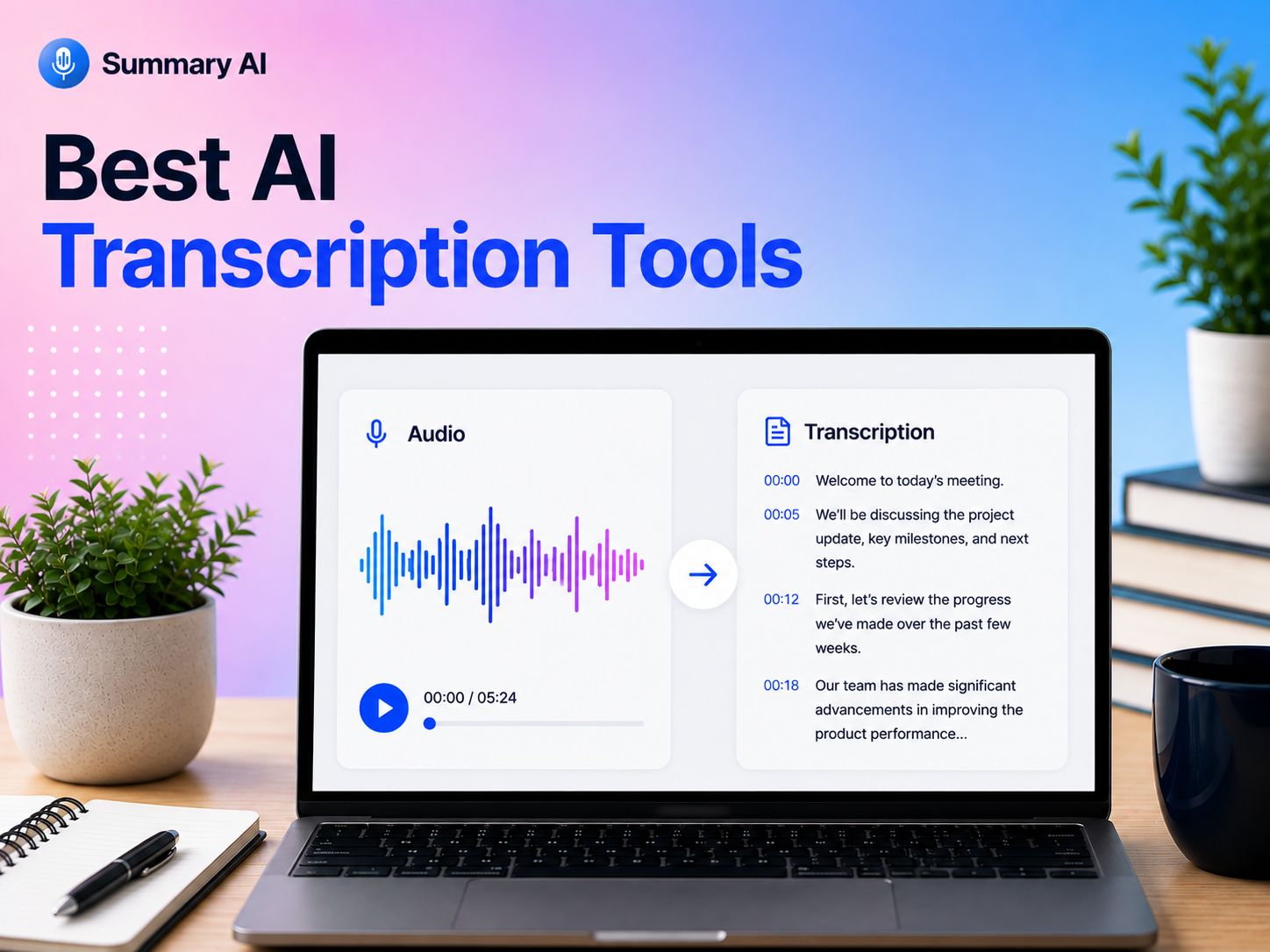


AI transcription tools can turn meetings, interviews, podcasts, lectures, and other recordings into searchable text in minutes. Many can also identify speakers, create summaries, highlight key points, and generate captions or subtitles automatically.
But transcription quality can vary a lot between tools. Some are better for live transcription, while others are designed for uploaded audio and video, multilingual content, meetings, or professional workflows.
To help you choose, I reviewed and compared the best AI transcription tools based on accuracy, features, language support, ease of use, integrations, pricing, and overall value. Below, you’ll find options for different needs, along with what each tool does best and who it is most suitable for.
What Are AI Transcription Tools?
AI transcription tools use artificial intelligence to turn spoken audio into written text. They can transcribe meetings, interviews, podcasts, lectures, videos, and voice recordings.
Many tools can also identify different speakers, add timestamps, create summaries, and highlight key points. Some support live transcription, while others work with uploaded audio or video files.
The main goal is to save time compared with typing everything manually. AI transcription tools can be useful for professionals, students, content creators, researchers, and teams that need fast, searchable transcripts.
How I selected these tools
I reviewed AI transcription tools based on the features that matter most in everyday use. I compared the platforms based on important factors like transcription accuracy, language support, speaker detection, file support, integrations, ease of use, pricing, and overall value.
I also looked at how well each tool handles different types of content, including meetings, interviews, podcasts, lectures, and video recordings.
Now that you know what went into creating this list, let’s take a look and compare these options for people looking for the best AI transcription tools.
Top AI Transcription Tools
The best AI transcription tool depends on what you want to transcribe and how you plan to use the text afterward. Some tools focus on simple audio and video transcription, while others add features like live transcription (for meetings, for example), translation, summaries, captions, or tools for editing the recording.
Here are 10 of the best AI transcription tools I reviewed and compared.
Pricing and features below were checked in August 2026. Keep in mind that pricing may change, and you should always verify the current price and capabilities on the website of each vendor.
1. Summary AI: Best Overall AI Transcription Tool
Best for: Anyone who wants a simple tool for transcribing, summarizing, and translating different types of audio and video.
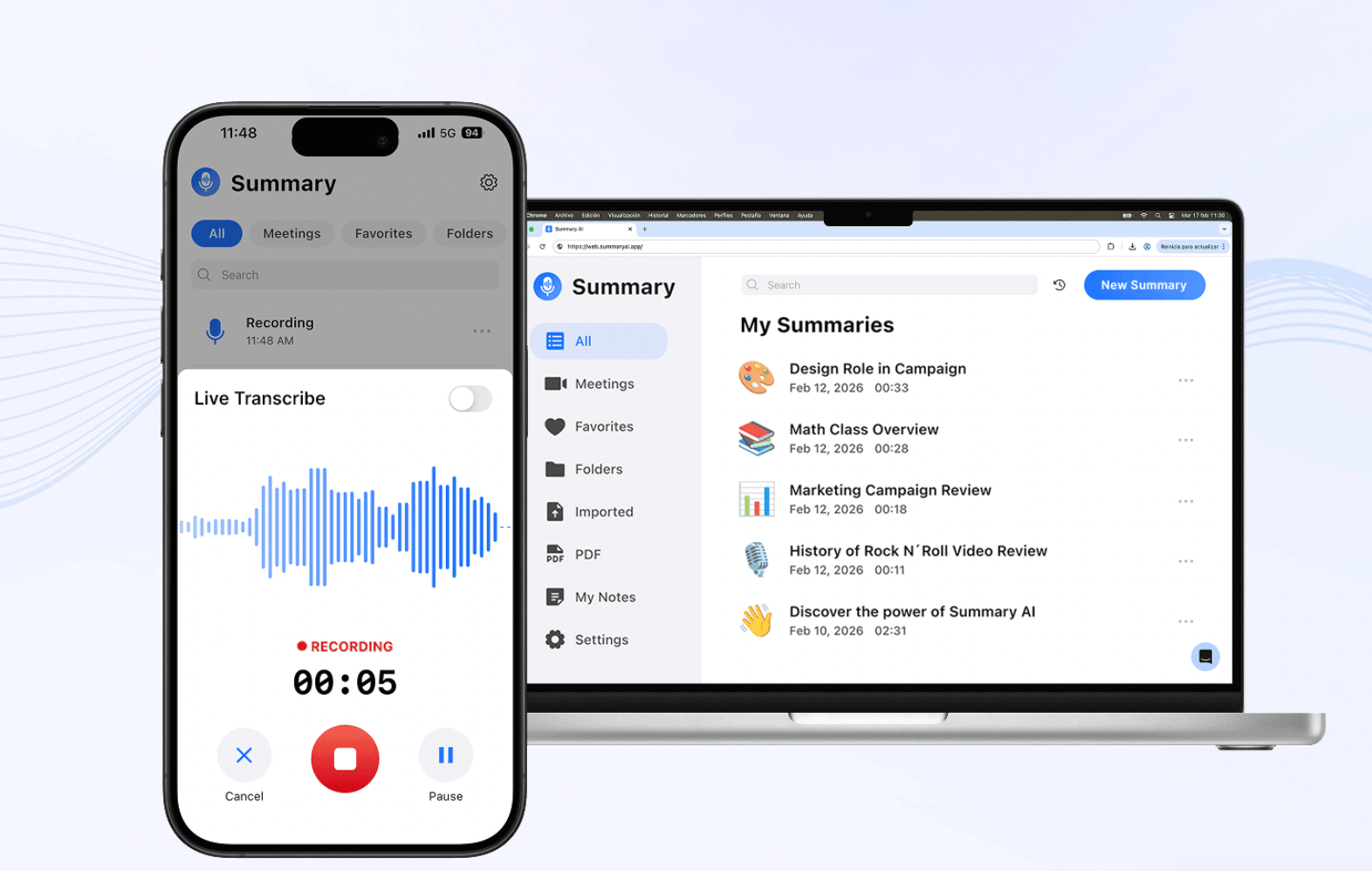
Summary AI is an AI transcription tool that can turn meetings, interviews, calls, podcasts, videos, and other recordings into searchable text. You can upload audio or video files, organize speaker sections, and export transcripts for later use. It also offers live transcription for meetings that works especially well for online meetings.
The platform offers even more tools that go beyond basic transcription with summarization, translation, a meeting assistant, AI Chat, and more. Summary AI supports more than 120 languages, making it a useful option if you work often with multilingual recordings.
Key features:
- Audio and video transcription
- Live transcription
- 120+ languages
- AI summaries
- Speaker organization
- AI Chat
- Meeting transcription
- Translation
- Searchable and exportable transcripts
Pricing: You can start for free. Paid plans start from $8.99/week or $79.99/year. Both include unlimited audio transcription, recordings of any duration, and support for 120+ languages. For a quick solution try this free online audio-to-text transcription tool.
Why I picked it: Summary AI combines transcription with summaries, translation, and meeting tools without making the workflow complicated. It is a good all-around choice for meetings, interviews, podcasts, and audio or video recordings.
2. Sonix: Best for Professional Audio and Video Transcription
Best for: Professionals who regularly transcribe interviews, podcasts, research, or other recorded content.
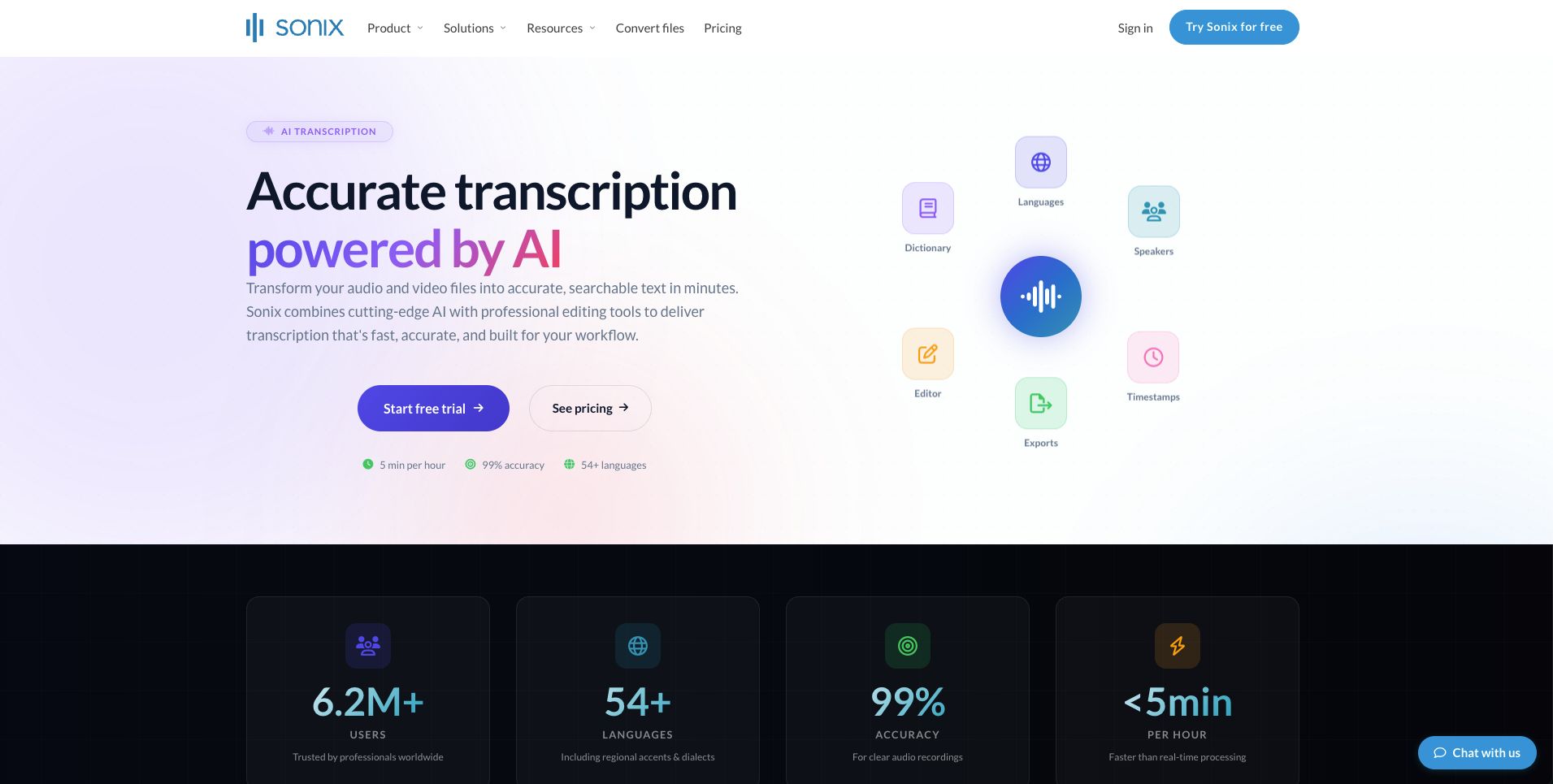
Sonix is an AI transcription platform that supports more than 54 languages. It includes speaker labels, timestamps, a browser-based transcript editor, custom dictionaries, subtitles, search, and several export formats.
Sonix also offers automated translation into more than 55 languages and can export transcripts as DOCX, PDF, TXT, SRT, and VTT files. The company claims transcription accuracy of up to 99%, although actual accuracy will depend on factors like audio quality, accents, and background noise.
Key features:
- 54+ transcription languages
- Speaker labels and timestamps
- In-browser transcript editor
- Custom dictionary
- Automated subtitles and captions
- 55+ translation languages
- Multiple export formats
- Search across transcripts
- API and Zapier support
Pricing: Pay-as-you-go transcription costs $10 per audio hour. The Core plan costs $25/month and includes five transcription and translation hours per month.
Why I picked it: Sonix is built specifically around transcription and gives professionals tools for editing, languages, exports, and collaboration.
3. TurboScribe: Best for Unlimited Transcription
Best for: Users who need to transcribe a large amount of recorded audio or video at a predictable price.
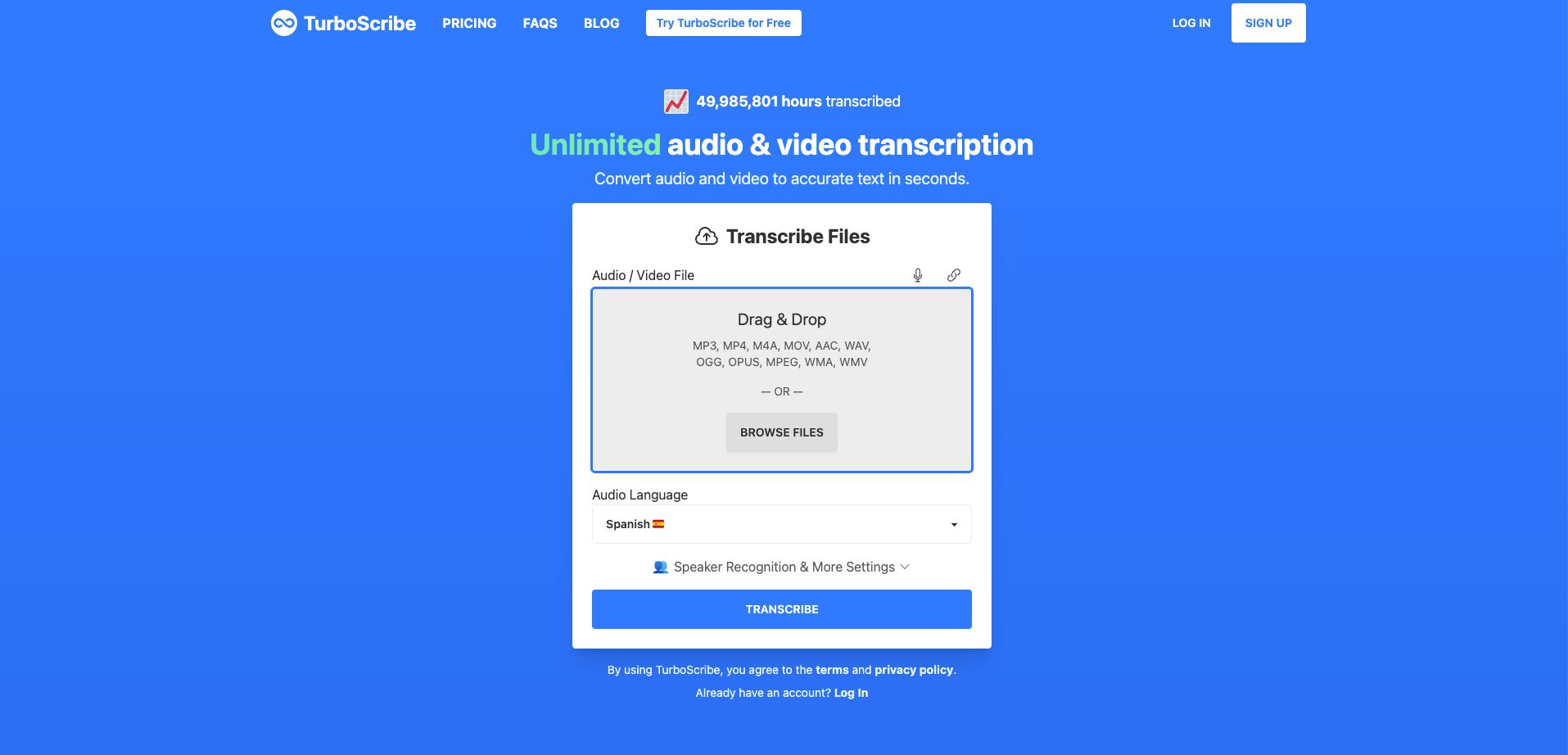
TurboScribe is powered by Whisper and supports more than 98 spoken languages. It can identify speakers, transcribe common audio and video formats, translate transcripts into more than 134 languages, and export files as PDF, DOCX, TXT, SRT, VTT, and CSV.
One of its biggest advantages is its simple unlimited plan. Paid users can upload files up to 10 hours or 5 GB each and process as many as 50 files at once.
Key features:
- 98+ transcription languages
- Speaker recognition
- Audio and video transcription
- Translation into 134+ languages
- 10-hour file uploads on the paid plan
- Bulk transcription
- Subtitle exports
- Audio restoration for difficult recordings
Pricing: With the free plan you can do 3 transcripts per day with a maximum length of 30 minutes per file. Paid plans start at $20/month.
Why I picked it: TurboScribe is a strong option if you have many long recordings and do not want to keep track of transcription minutes.
4. Descript: Best for Podcasts and Video Creators
Best for: Podcasters, YouTubers, and other creators who want to transcribe and edit content in the same app.
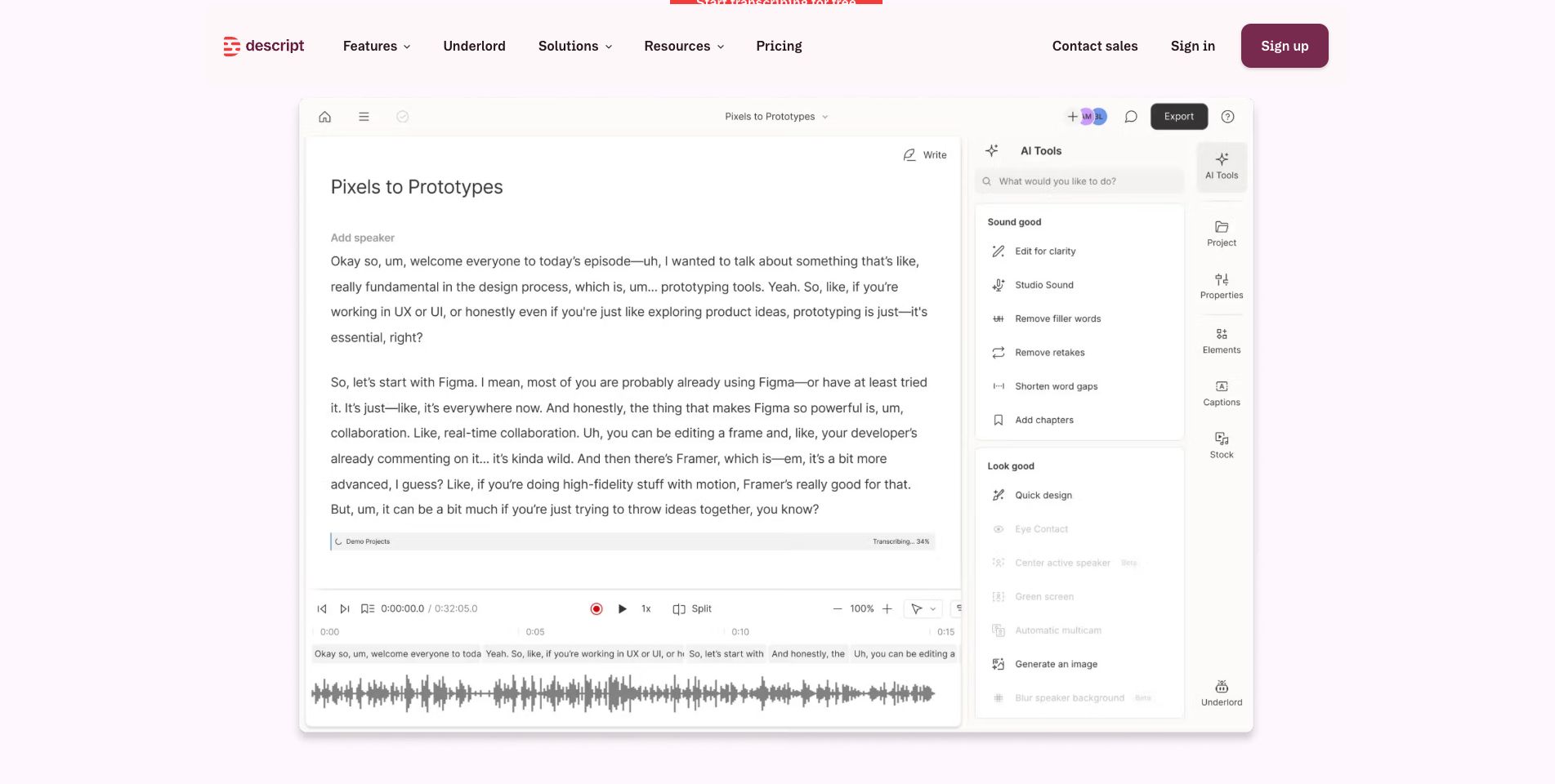
Descript combines AI transcription with audio and video editing. Once your recording is transcribed, you can edit the media by editing the text, making it especially useful for podcasts, interviews, and video content.
It also includes automatic speaker detection, filler word removal, captions, screen recording, and AI editing features. Descript supports transcription in 23 languages.
Key features:
- Audio and video transcription
- Text-based audio and video editing
- Speaker detection
- 23 transcription languages
- Automatic captions
- Filler word removal
- Screen recording
- AI audio and video editing
Pricing: The free plan includes one transcription hour per month. Paid plans start at $15/editor/month and include 10 transcription hours.
Why I picked it: Descript saves creators from moving between separate transcription and editing tools.
5. Rev: Best for AI and Human Transcription
Best for: Users who sometimes need fast AI transcripts but also want access to human transcription for important projects.
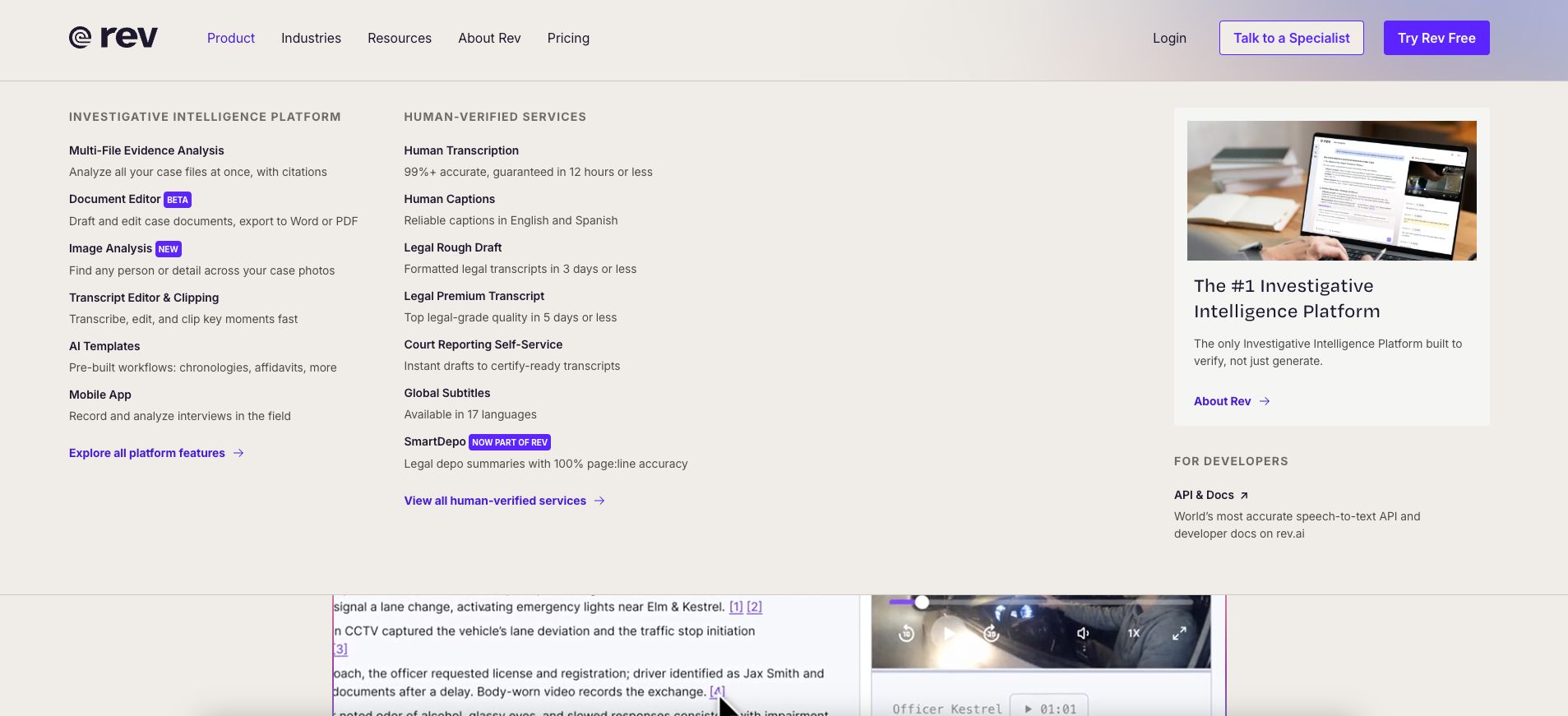
Rev offers both AI-powered and human transcription. Its AI supports 37 languages and is designed to return transcripts in minutes. Rev says its AI transcription can achieve 95%+ accuracy, while its human transcription service offers a higher level of accuracy for recordings.
The platform also includes an interactive editor, a mobile recording app, captions, AI tools, and integrations with services such as Dropbox.
Key features:
- AI transcription
- Human transcription
- 37 AI transcription languages
- Interactive transcript editor
- Mobile recording
- AI captions
- Human-verified options
- Meeting and file transcription
Pricing: Pay-as-you-go AI transcription costs $0.25 per minute, while human transcription starts at $1.99 per minute.
Why I picked it: Rev gives you the flexibility to use AI transcription and switch to human transcription when accuracy is even more important.
6. Otter.ai: Best for Live Transcription
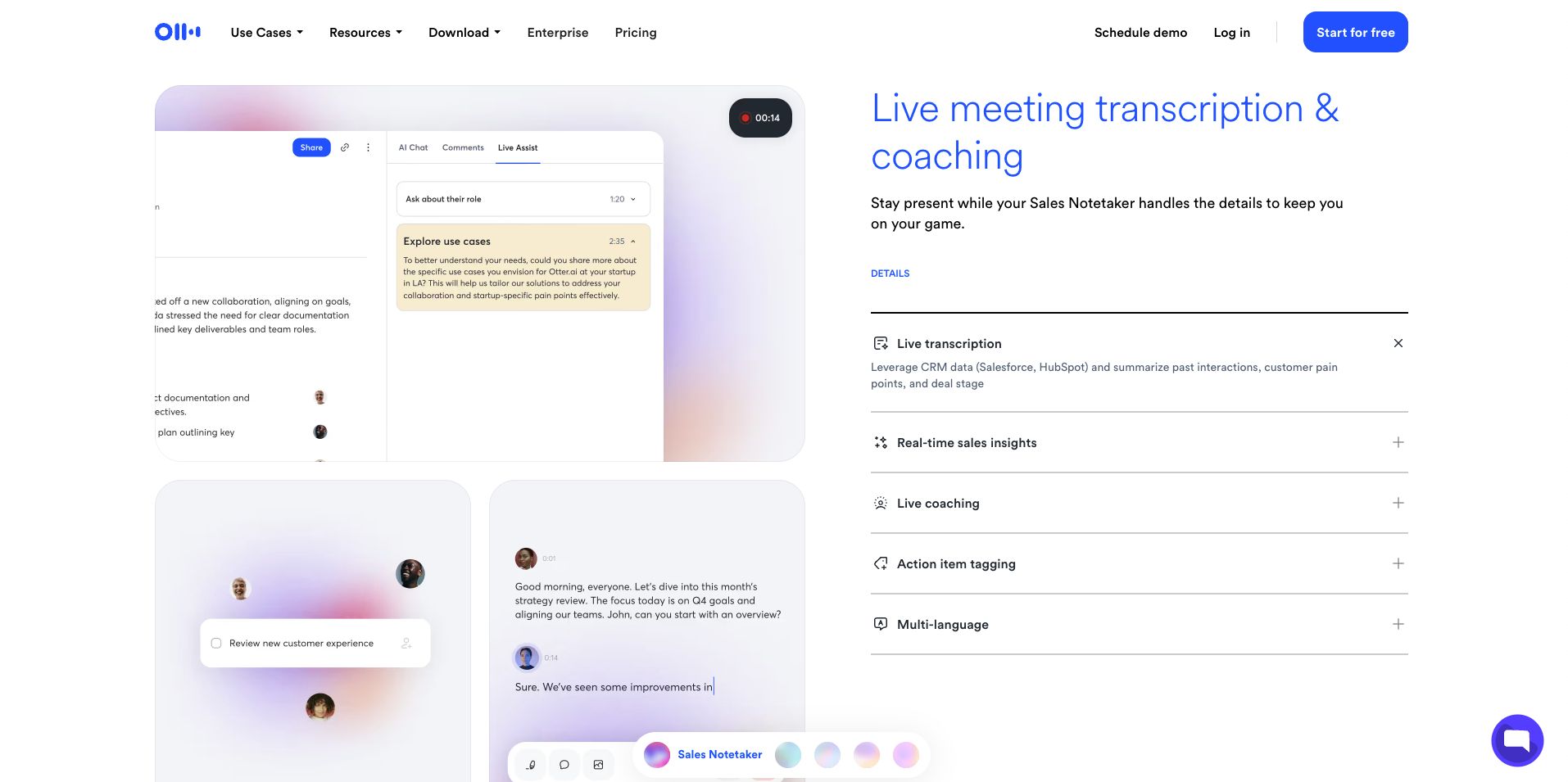
Best for: Meetings, lectures, interviews, and conversations that need real-time transcription.
Otter is designed around live transcription. You can record through its apps or have its AI meeting assistant join Zoom, Microsoft Teams, and Google Meet calls. The transcript appears as people speak, and Otter can identify speakers and create automated summaries and action items.
Otter currently supports AI transcription in English, Spanish, French, German, Japanese, and Chinese. It also includes AI Chat, search, playback, and custom vocabulary features on supported plans.
Key features:
- Live transcription
- Speaker identification
- Six transcription languages
- AI summaries
- AI Chat
- Audio recording and playback
- Meeting transcription
- Custom vocabulary
- Search and export tools
Pricing: Basic is free and includes 300 transcription minutes per month. Paid plans start at $16.99/user/month.
Why I picked it: Otter is particularly useful when you want to read and work with a transcript while the conversation is still happening.
7. Notta: Best for Multilingual Live Transcription
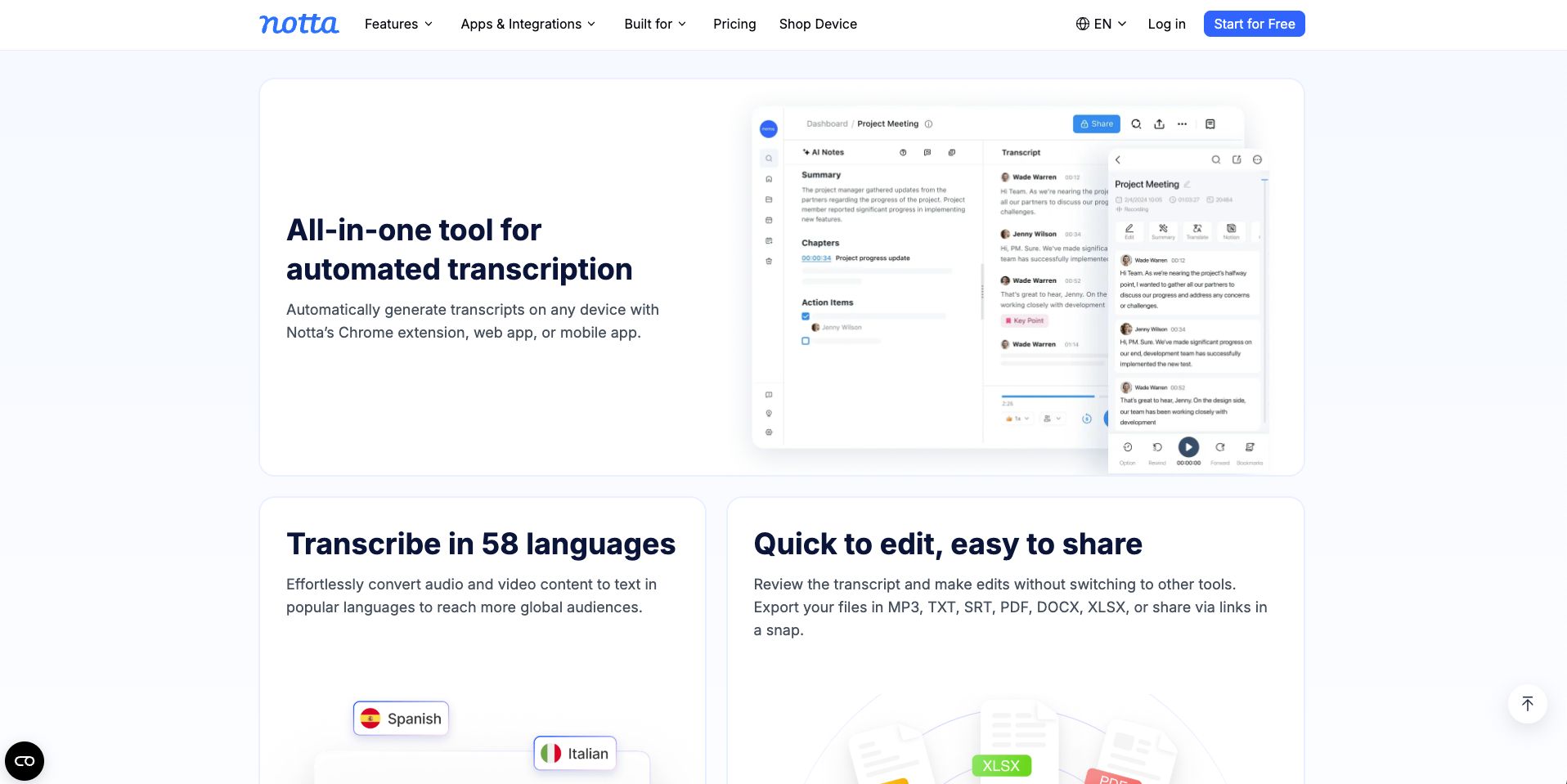
Best for: International teams and users who need transcription across several languages and devices.
Notta can transcribe uploaded audio and video as well as live speech. It supports 58 languages and includes automatic speaker identification, transcript editing, summaries, translation, and several ways to import recordings.
You can upload files or import content from sources such as YouTube, Google Drive, and Dropbox. Transcripts can be exported in formats including TXT, SRT, PDF, DOCX, and XLSX.
Key features:
- 58 transcription languages
- Live and recorded transcription
- Speaker identification
- AI summaries
- Transcript translation
- YouTube and cloud file imports
- Multiple export formats
- Web, desktop, and mobile access
Pricing: The free plan includes 120 transcription minutes per month, while Pro includes 1,800 minutes per month. Paid plans start at about $13.99/month.
Why I picked it: Notta offers a useful mix of live transcription, uploaded-file transcription, language support, and mobile access.
8. HappyScribe: Best for Transcription and Subtitles
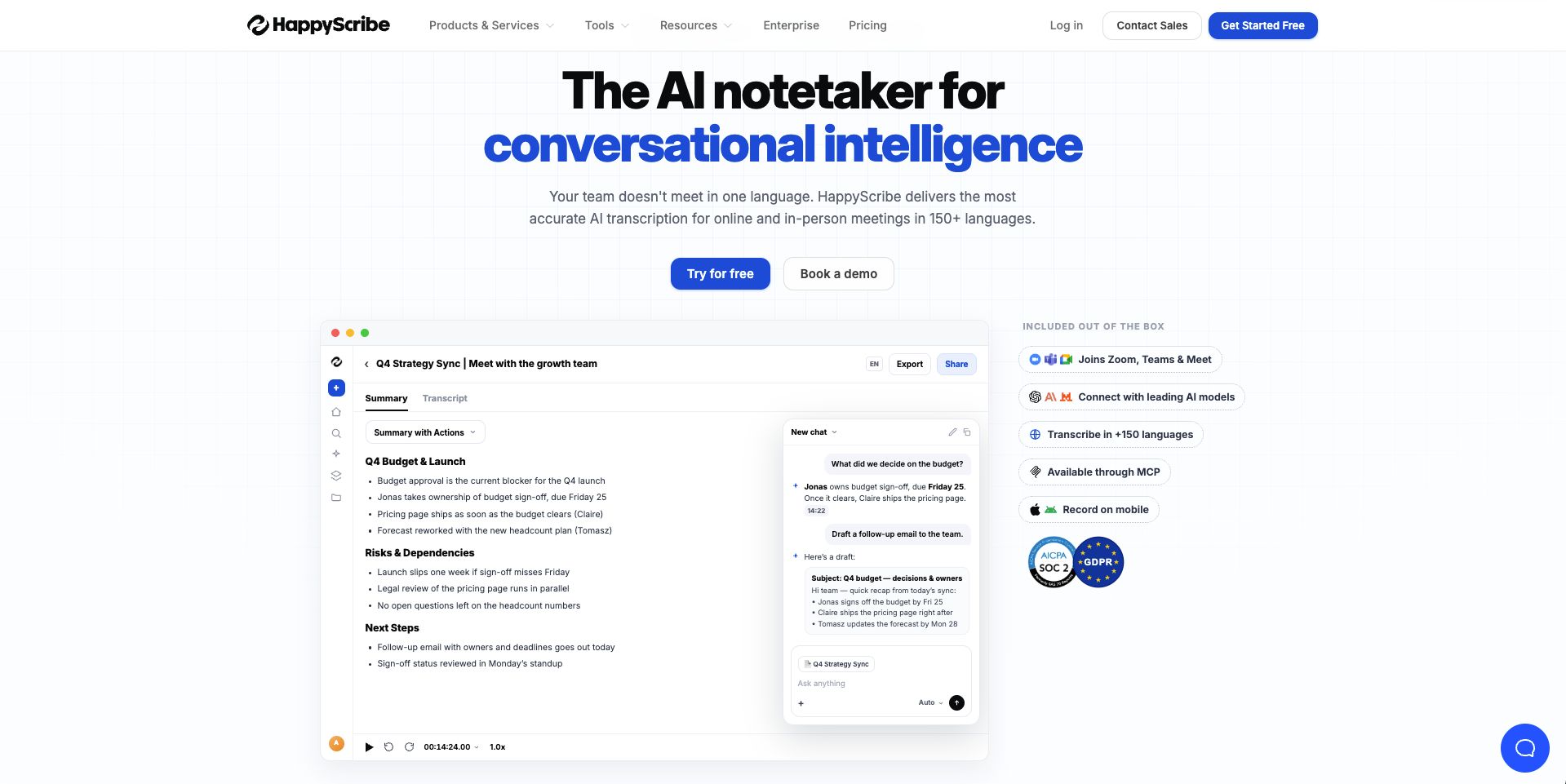
Best for: Video creators and anyone who needs both transcripts and subtitles.
HappyScribe offers AI transcription in more than 150 languages as well as human proofreading services. You can upload audio and video, edit transcripts in its interactive editor, add speaker labels and timestamps, and collaborate with other people.
The platform is especially useful for video workflows because it can create subtitles, translate content, and export to many subtitle and text formats. It also includes AI Chat for summarizing transcripts, extracting quotes, and creating other content from a recording.
Key features:
- 150+ AI transcription languages
- AI and human transcription
- Speaker detection
- Interactive transcript editor
- AI Chat
- Translation
- Subtitle creation
- Team collaboration
- Multiple export formats
Pricing: The free tier gives you a 10-minute trial of AI transcription, subtitling, and translation. Paid plans start at $17/month. Pricing for human transcription varies depending on your language.
Why I picked it: HappyScribe is a flexible choice if you need to turn the same recording into transcripts, captions, subtitles, and translated content.
9. Transkriptor: Best for Language Support and AI Extras
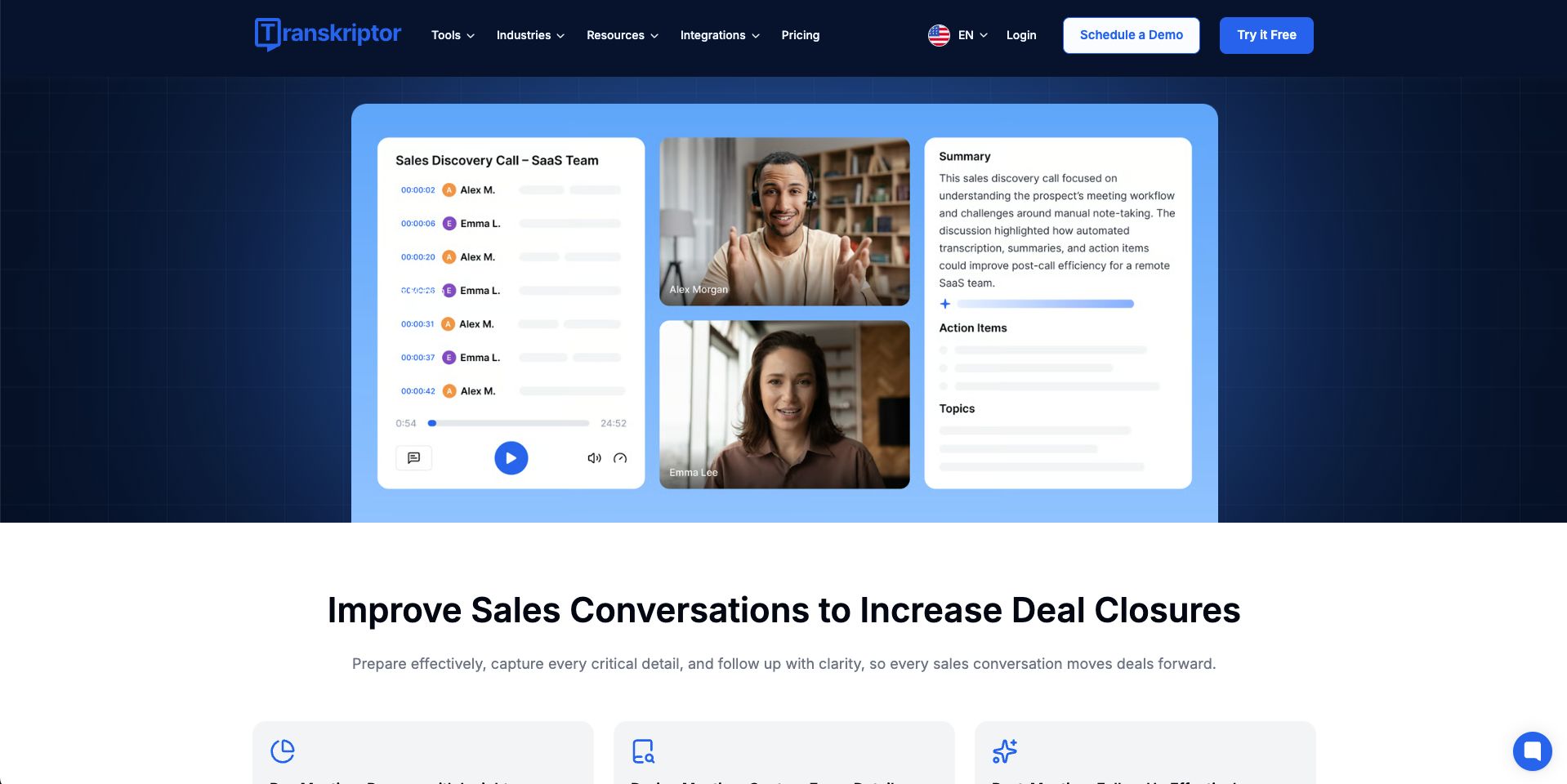
Best for: Students, professionals, and teams that want transcription plus summaries and AI analysis.
Transkriptor can convert uploaded audio and video into text in more than 100 languages. It supports multiple speakers, speaker labels, YouTube transcription, subtitle generation, transcript translation, and editing.
Higher plans also include AI summaries, custom summary templates, AI Chat, and a knowledge base. This makes Transkriptor useful when you want to do more with a transcript after it has been created.
Key features:
- 100+ transcription languages
- Speaker identification
- Audio and video uploads
- YouTube transcription
- Transcript translation
- Subtitle generation
- AI summaries
- AI Chat
- Transcript editing and sharing
Pricing: Paid plans start at $9.99/month and include 300 transcription minutes.
Why I picked it: Transkriptor offers support for many languages and useful AI tools at a relatively accessible price.
10. Fireflies.ai: Best for Transcribing Meetings and Calls
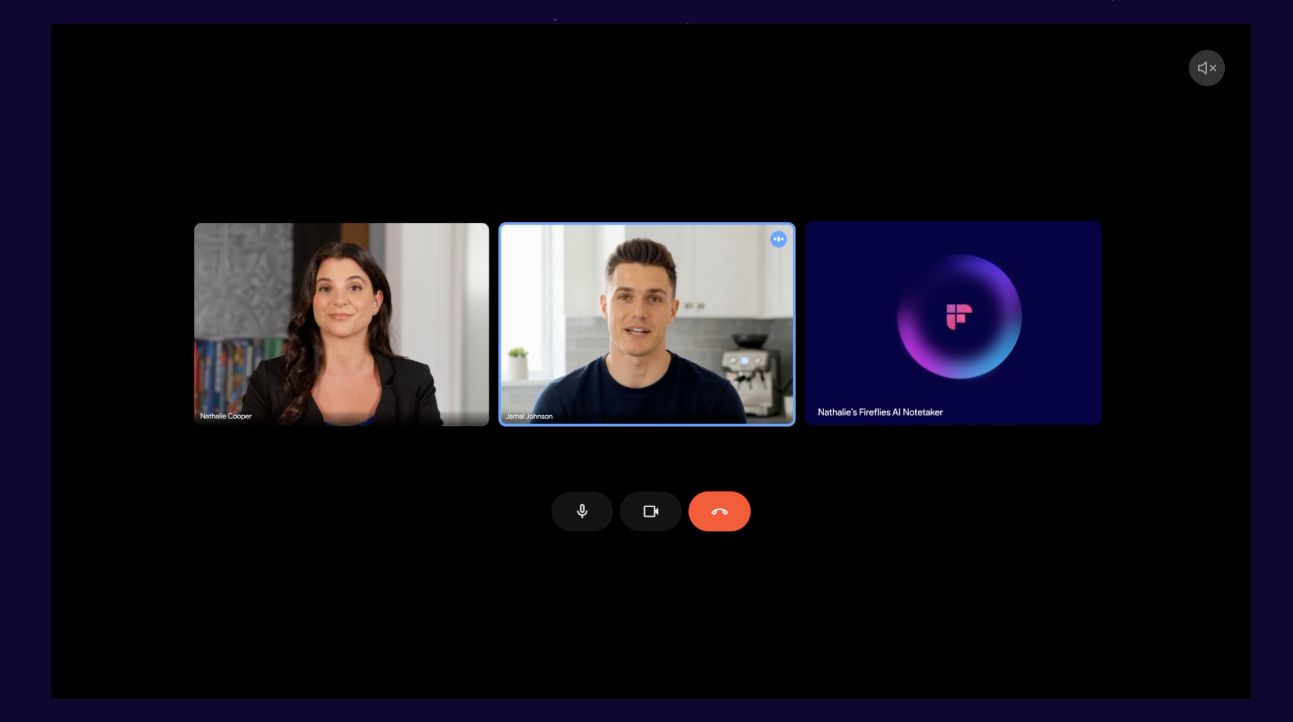
Best for: Teams that want searchable transcripts from online meetings and recorded calls.
Fireflies.ai is mainly a meeting assistant, but its transcription tools make it useful for teams that need to record and search conversations. It supports transcription in more than 100 languages and can capture Zoom, Google Meet, Microsoft Teams, and other calls. You can also upload existing audio and video files for transcription.
Fireflies adds real-time transcription, meeting search, AskFred AI, summaries, action items, and integrations, making it a good choice if your transcripts need to connect with other business tools.
Key features:
- Unlimited transcription
100+ languages - Live transcription
- Uploaded audio and video transcription
- AI summaries
- AI assistant
- Meeting search
- Action items
- Business integrations
Pricing: The Free plan includes unlimited transcription and AI summaries with limited storage and AI credits. Paid plans start at $18 monthly.
Why I picked it: Fireflies is a strong option for teams whose main transcription needs come from meetings, calls, and other business conversations.
How to Choose an AI Transcription Tool
The best AI transcription tool depends on what you need to transcribe and how you plan to use the transcript afterward. Before choosing one, ask yourself these questions:
- How accurate is the transcription? Look for a tool that can handle your audio quality, accents, and speaking styles well.
- What languages does it support? Make sure it covers the languages you use most often.
- Does it support the file types I use? Check whether you can upload your audio and video formats.
- Does it offer live transcription? This is important if you want text to appear while someone is speaking.
- Can it identify different speakers? Speaker labels can make interviews, meetings, and group conversations easier to follow.
- What editing and export options does it offer? Look for easy transcript editing and the file formats you need.
- Does it include other useful features? Features like summaries, translations, and AI Chat can help you get more value from each transcript.
- How much does it cost? Compare transcription limits, free plans, and paid features based on how much audio or video you process.
If possible, test the tool with your own recordings before paying. This is the easiest way to check its accuracy and see whether it fits your workflow.
Conclusion
AI transcription tools can save time by turning audio and video into clear, searchable text. The best option depends on the type of content you work with, the languages you need, and the extra features that matter to you.
If you want a simple all-in-one option, Summary AI is a great choice for transcription, summaries, and support for multiple languages. You can also try its free online audio-to-text transcription tool to quickly convert recordings into text and see how well the platform works.

