



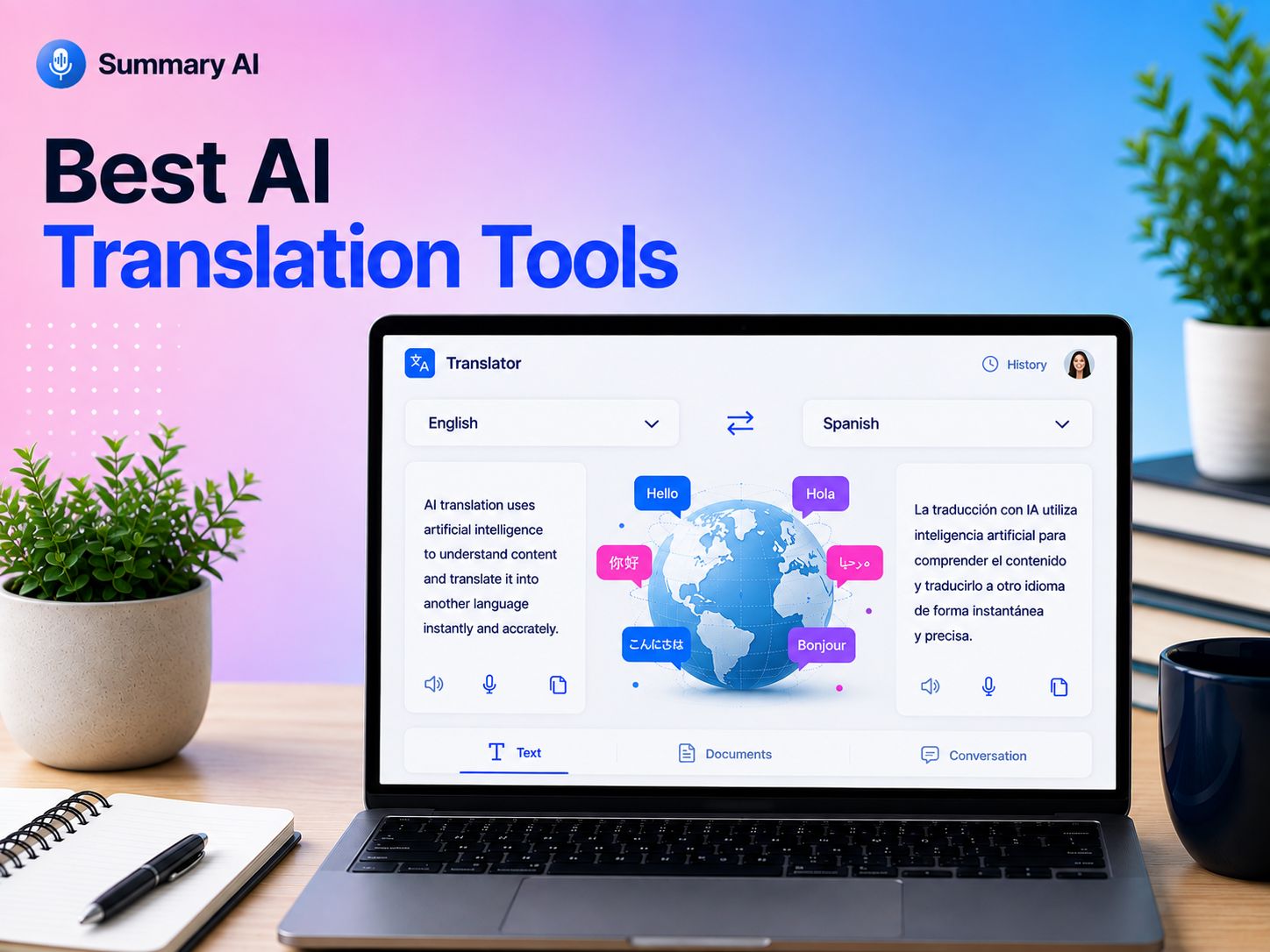


AI translation tools can make it much easier to communicate across languages, which is especially important when you work with a multilingual team. These tools can translate all sorts of materials from written text and complete document files to recorded audio and videos, and even meeting and in-person conversations in seconds.
Some tools are designed specifically for certain use cases like written translation, while others focus on meetings or generating captions for videos. The right choice depends on what you need to translate and how you plan to use it.
To help you choose, I reviewed and compared the best AI translation tools. The reviews are based on a variety of factors like the number of languages the platforms support, features they include besides translation, how easy it is to use, pricing, and integrations. Below, I’ll explain what each tool does best and who it is most suitable for.
What Are AI Translation Tools?
AI translation tools use artificial intelligence to translate text or speech from one language into another. The language you translate from is called the “source language” and the language you translate to is called the “target language.” AI can help you translate documents, messages, meetings, interviews, videos, and even in-person conversations easily.
The newest AI translation software can understand more context than older translation software. Some can also translate speech in real time, create transcripts in multiple languages, generate subtitles, or even summarize translated conversations.
AI translation tools can be very useful productivity tools for international teams who need to work together without having a shared language and travelers who want to understand people around them, but they can also come in handy for a variety of different users like content creators, students, and anyone who regularly communicates with people who speak different languages.
How I Selected These Tools
As mentioned in the intro of this article, I reviewed AI translation tools based on a couple of the main features that people look for in these tools, based on online reviews. I compared the platforms based on important factors like the languages they support, quality of translation, whether they can translate both recorded and transcribed content or translate live as well, how easy to use they are, integrations available, what they cost, and what they offer for the price.
Now that you know what went into creating this list, let’s take a look at the top AI translation tools and compare the strongest options.
Top AI Translation Tools
The best AI translation tool depends on what you need to translate. Some are better for documents, while others are designed for meetings, live conversations, videos, or large events.
Here are 10 of the best AI translation tools with a short review and comparison to the other platforms on the list.
Pricing and features below were checked in August 2026. Keep in mind that pricing may change, and you should always verify the current price and capabilities on the website of each vendor.
1. Summary AI: Best for Live AI Meeting Translation
For international teams that want AI translation that is useful for live meeting translation, transcripts, and summaries in one place, Summary AI is the best choice.
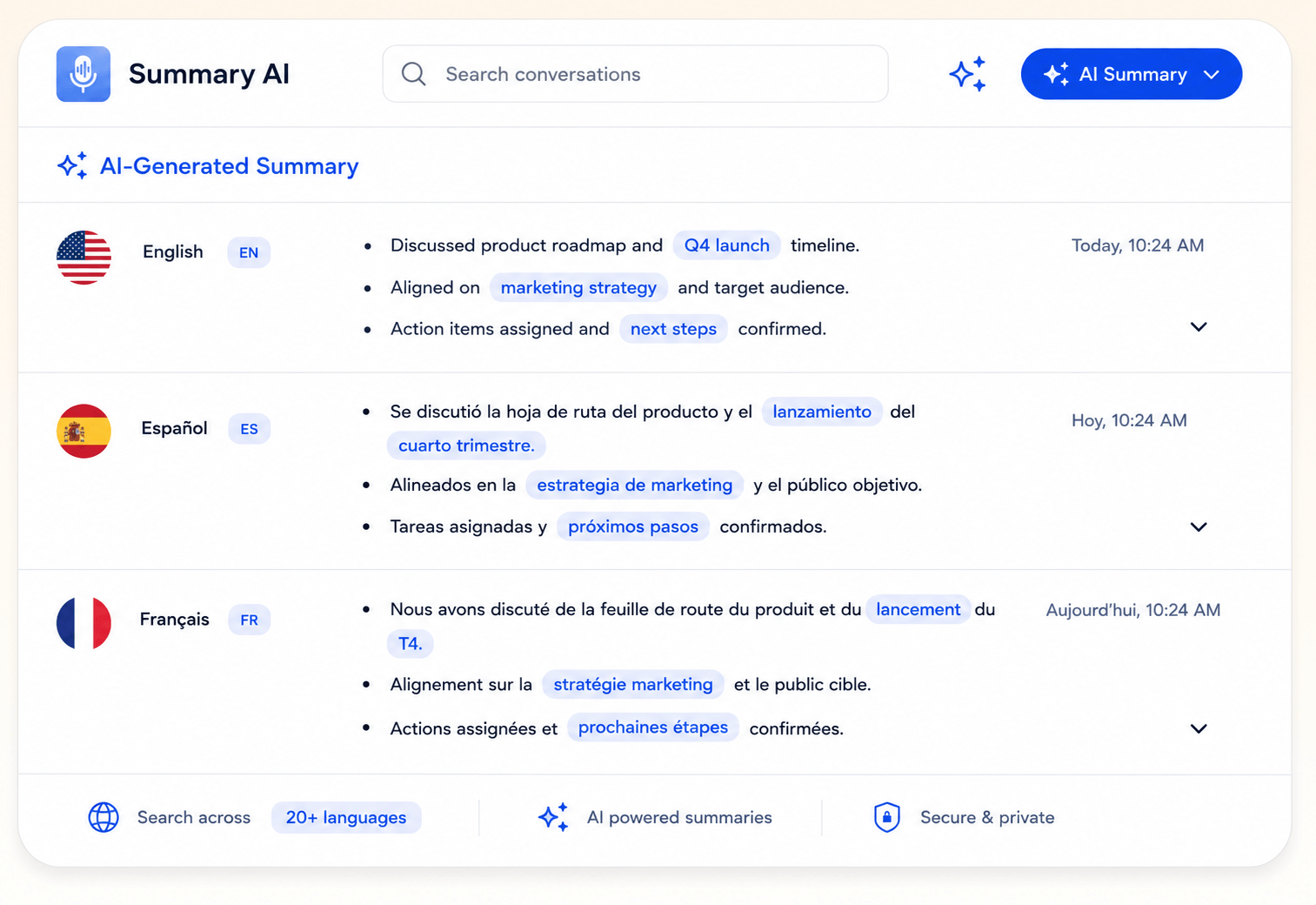
It is an AI platform designed to translate discussions as they happen and see captions in your own language for what people say. You can use it for meetings, interviews, calls, and even in-person conversations, with support for more than 120 languages. It can also translate previously recorded meetings, videos, webinars, and other content.
One of its biggest advantages is that translation can be used for more even after the meeting. After the meeting ends, Summary AI can create a transcript and generate a summary with key points, decisions, and action items highlighted. You can also keep translated conversations as transcripts that are searchable so it is easier to find important info in them and you can even share these transcripts or summaries with other people.
Key features:
- Live meeting translation
- 120+ languages
- Audio and video translation
- Multilingual transcripts
- AI meeting summaries
- Action items and key points
- AI Chat
- Zoom, Google Meet, and Microsoft Teams support
Pricing: You can start for free. Paid plans start at $8.99/week or $79.99/year. They include unlimited audio transcription, meetings of any duration, and support for 120+ languages.
Why I picked it: Summary AI is a strong choice if your main goal is communicating during multilingual meetings rather than translating text.
2. DeepL: Best for Translating Documents
DeepL is a good choice if you need polished translations of text and business documents that really understand the context of the text.
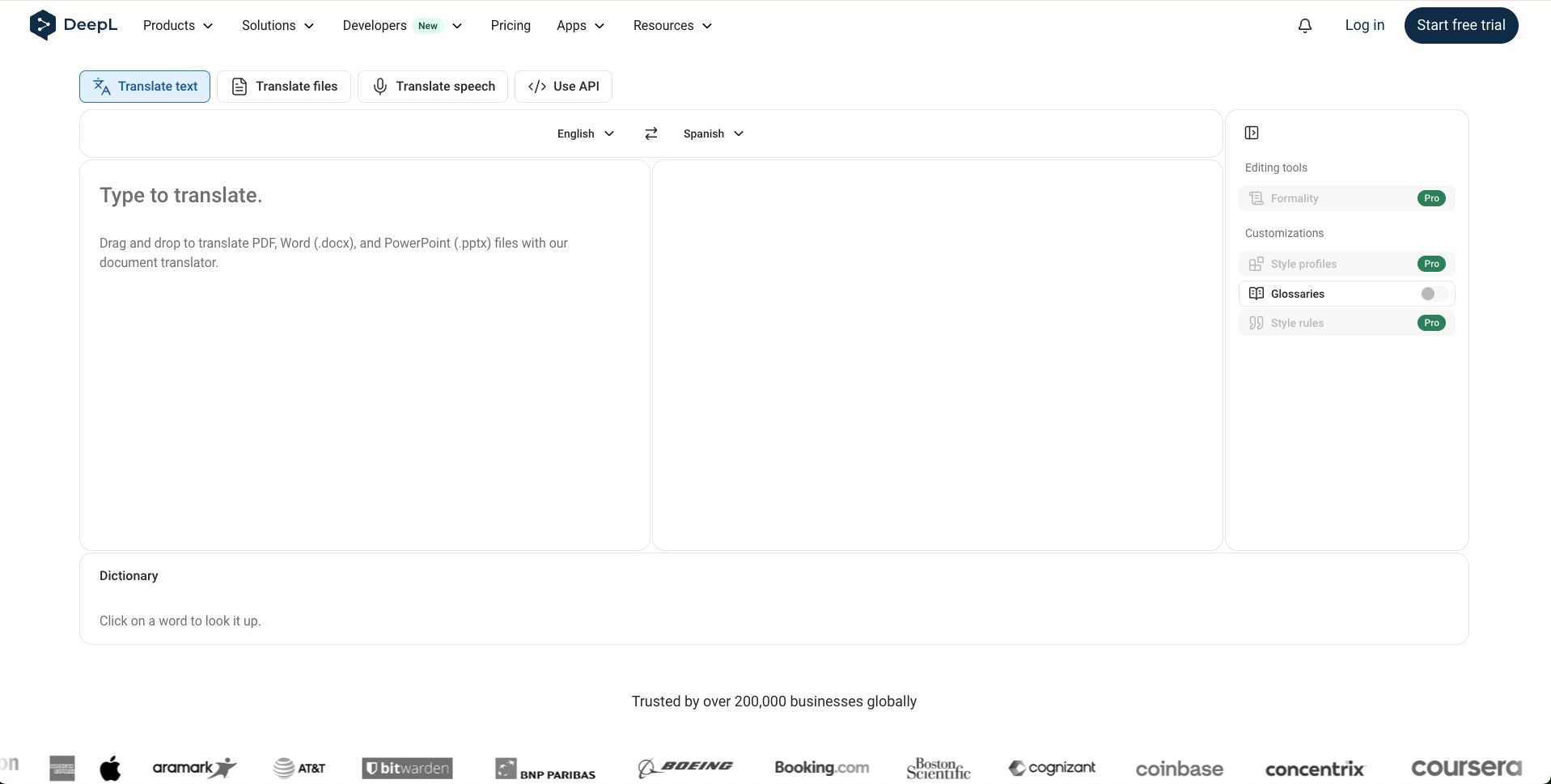
DeepL is one of the most well-known AI translation platforms for written content. You can translate text that you copy and paste into the window, but you can also drag and drop files into DeepL if they use supported formats. Paid plans also add features like glossaries and more advanced privacy controls.
DeepL Voice for Conversations can also translate face-to-face conversations, while Voice for Meetings can provide real-time transcription and translation inside supported virtual meeting platforms.
Key features:
- Text translation
- Document translation
- Translation glossaries
- Desktop and mobile apps
- Browser extensions
- Business integrations
- Live conversation translation
- Real-time meeting translation through DeepL Voice
Pricing: A free version is available. DeepL Pro starts at $10.49 per month.
Why I picked it: DeepL is especially useful when natural-sounding written translation is what you want.
3. Google Translate: Best Free Translation Tool
Google Translate is known by virtually everyone and used most often for quick translations during the day.
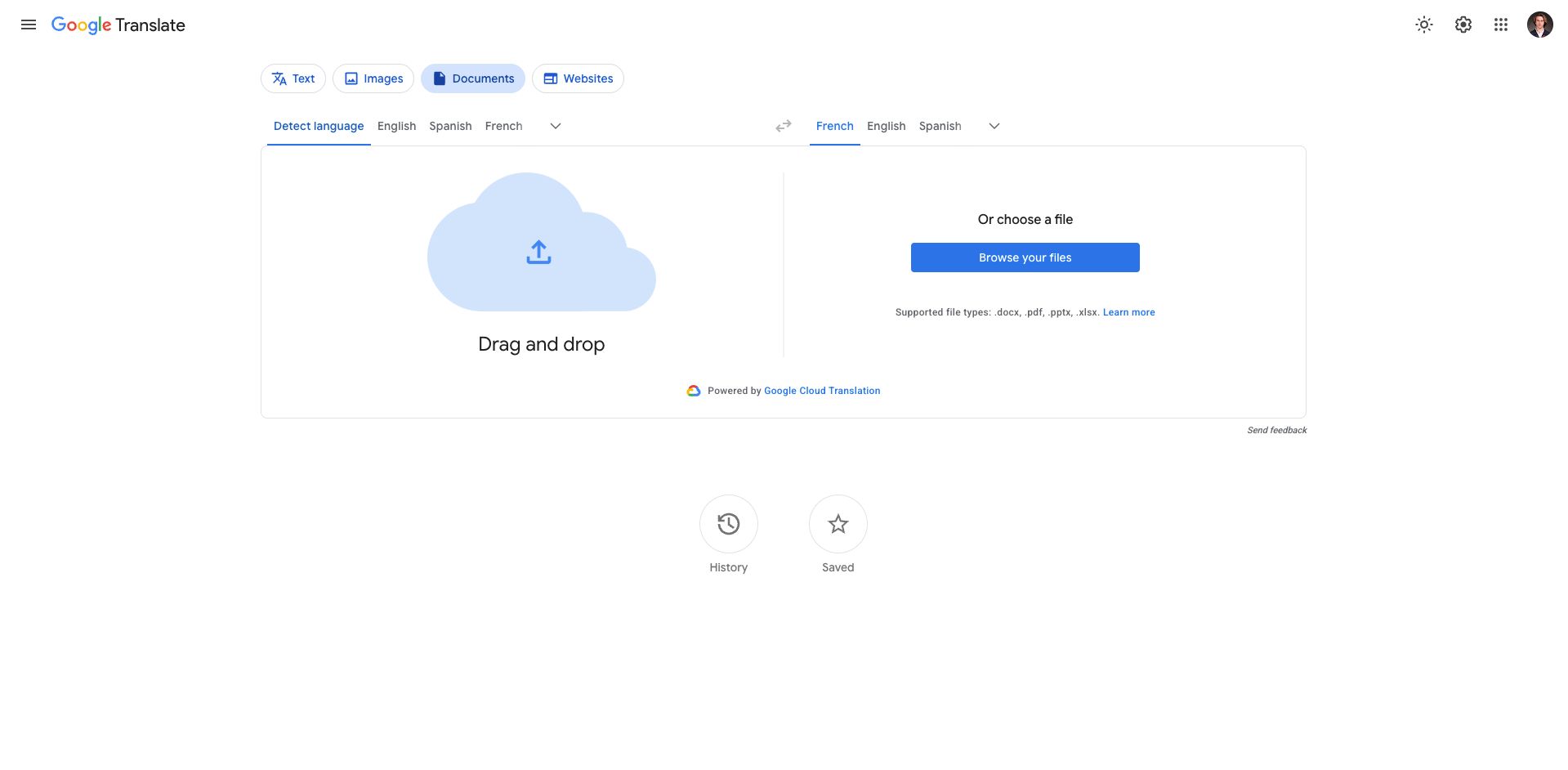
Google Translate is one of the easiest translation tools to access. It can now translate text, handwriting, images, and speech in more than 200 languages through its web and mobile apps.
You can type or paste text, use your phone camera to translate signs and documents, or speak into a microphone to translate spoken phrases. Some languages are also available offline, which can be useful while traveling.
Key features:
- 200+ languages
- Text translation
- Speech translation
- Image and camera translation
- Handwriting translation
- Website translation
- Mobile apps
- Limited offline language support
Pricing: Google Translate is free for normal personal use.
Why I picked it: Google Translate is difficult to beat for quick, free translations. No article of the top AI translation platforms is complete without it.
4. ChatGPT: Best for Short AI Translations
ChatGPT is best for users who want to translate text while also asking for a few adjustments to the meaning, tone, style, or wording of the text.
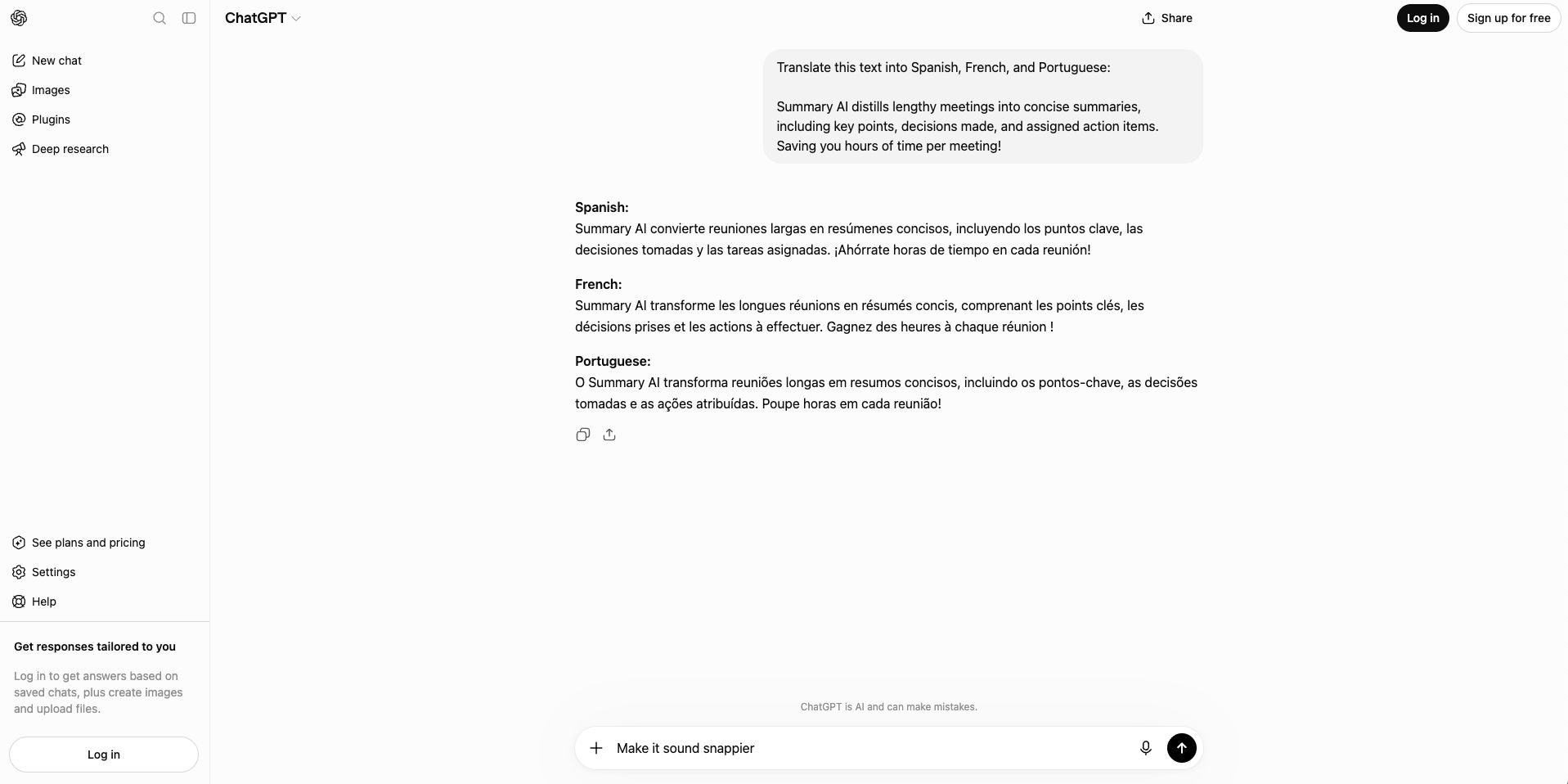
ChatGPT can be useful when you want more than a direct word-for-word translation. You can provide context and ask it to make a translation more formal, casual, natural, simple, or appropriate for a particular audience.
OpenAI also has GPT-Realtime-Translate available for developers, which supports live speech translation from more than 70 input languages into 13 output languages. Input and output languages are another way to say source and target languages, respectively.
Key features:
- Text translation
- Context-aware rewriting
- Tone and style adjustments
- Voice conversations
- Follow-up questions
- File analysis
- Real-time translation options through the API
Pricing: ChatGPT has a free plan. ChatGPT Plus costs $20/month.
Why I picked it: ChatGPT is useful when you not only want to create a translation, but also adjust the phrasing or style of the result.
5. Wordly: Best for Translating Live Events
Wordly is useful for conferences, webinars, training sessions, town halls, and other events with multilingual audiences that can benefit from AI translation.
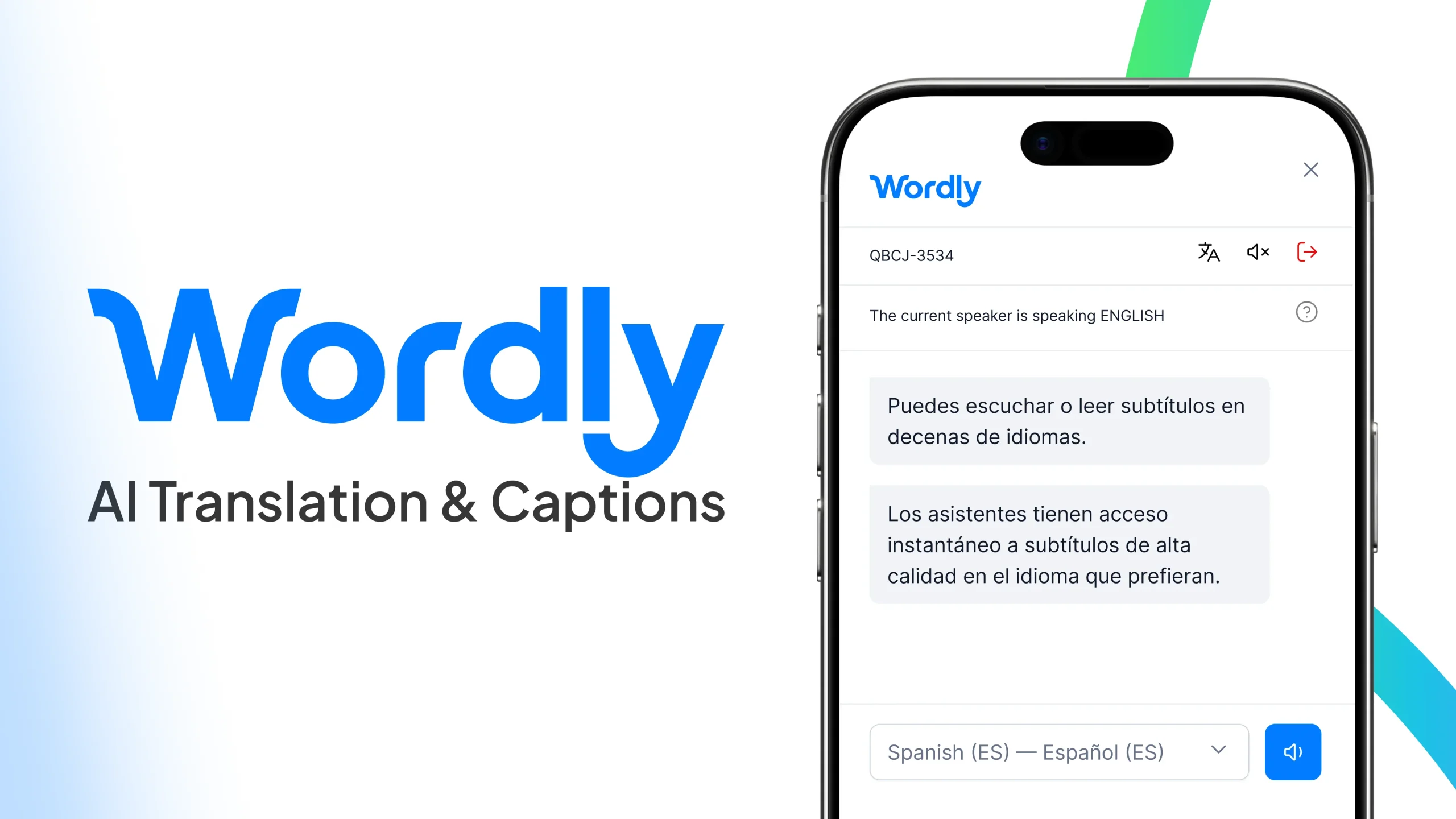
Wordly focuses on live AI translation and captions for meetings and events. Participants can listen to translated audio or read translated captions on their own devices.
The platform supports dozens of languages and more than 3,000 language pairs. It works with in-person, virtual, and hybrid events and integrates with platforms including Zoom, Microsoft Teams, Google Meet, Webex, and Cvent.
Wordly can also create transcripts and summaries after sessions, while higher plans add transcript translation and other features.
Key features:
- Real-time speech translation
- Live translated captions
- 3,000+ language pairs
- In-person and virtual events
- Meeting and event transcripts
- AI summaries
- Custom glossaries
- Zoom, Teams, Meet, and Webex integrations
Pricing: Wordly pricing depends on the package and usage, so you need to request a quote. No public pricing info is available on their website.
Why I picked it: Wordly is built using AI translation specifically for making large events accessible to audiences that speak different languages.
6. KUDO: Best for AI Translation and Human Interpreters
Organizations that want AI translation with the option to use professional human interpreters when needed should look into KUDO.
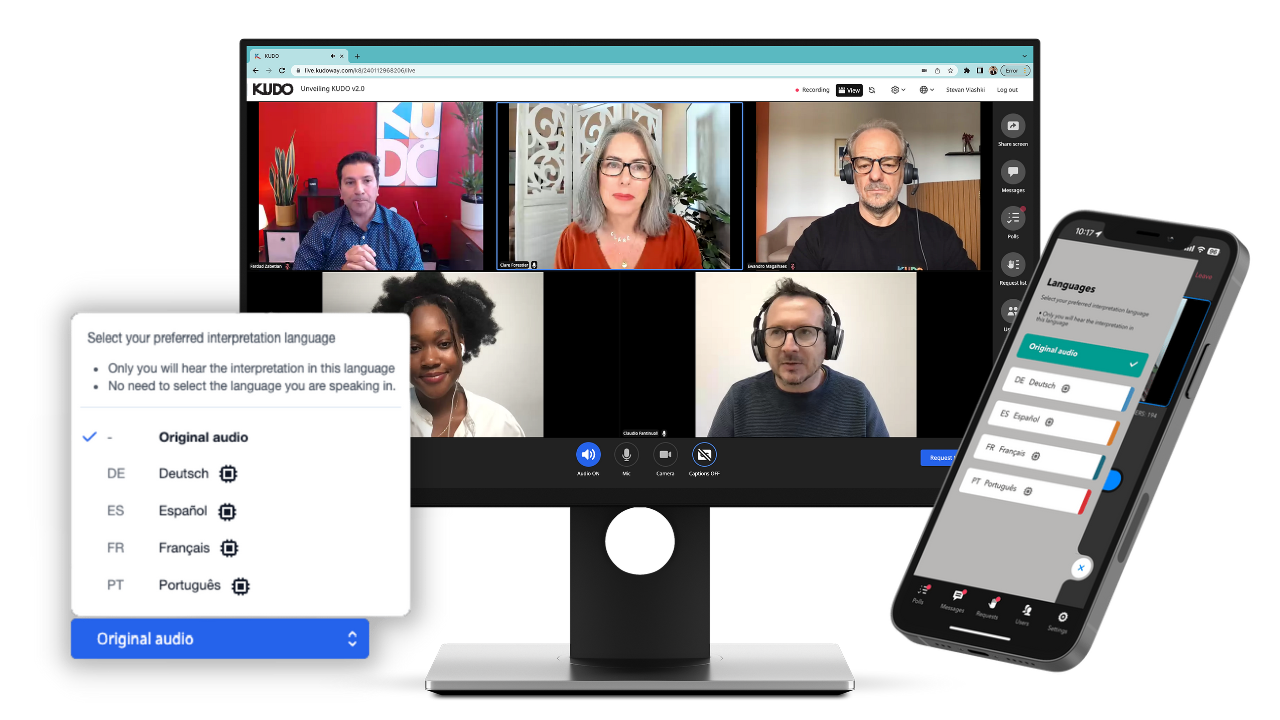
KUDO provides live translated speech and captions for meetings and events. Its AI solution supports more than 70 languages and regional variants, while its human interpreter network covers 200 spoken languages and sign languages.
KUDO works with online, in-person, and hybrid events. It now also has integrations with Zoom and Google Meet. Its recently announced Google Meet integration provides access to real-time AI speech translation in more than 80 languages.
Key features:
- Live AI speech translation
- Translated captions
- 70+ AI languages
- Professional human interpreters
- 200 spoken and sign languages through human interpretation
- Custom glossaries
- Online and in-person events
- Zoom, Teams, and Google Meet support
Pricing: KUDO has several plans available, but no prices are public on their website. Exact prices are provided by its sales team.
Why I picked it: With KUDO organizations can choose between AI translation and human interpretation.
7. Interprefy: Best for Enterprise Translation
Large organizations that need live multilingual support across many meeting and event platforms should take a look at Interprefy.
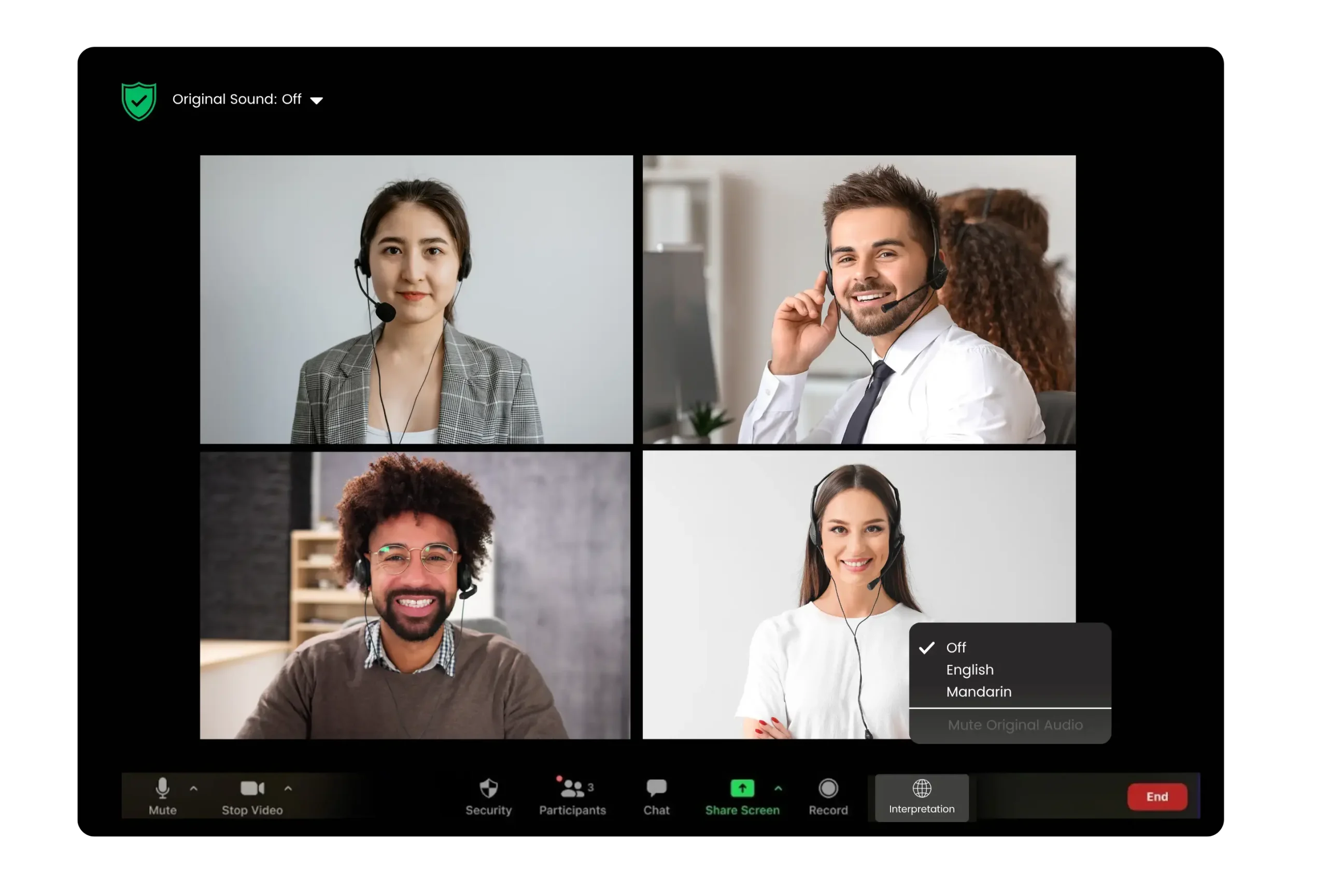
Interprefy provides AI speech translation for online, hybrid, and in-person meetings and events. Its AI platform supports more than 80 languages and over 6,000 language combinations. Translations can be delivered as audio, captions, or both.
It also supports custom vocabulary, which can help the system handle company names, product names, technical terms, and other specialized language more accurately.
Interprefy can work with Microsoft Teams, Zoom, Google Meet, Webex, and many other platforms. Companies can also combine its AI translation with professional human interpreters when necessary.
Key features:
- 80+ AI translation languages
- 6,000+ language pairs
- Live translated audio
- Multilingual captions
- Two-way translation
- Custom vocabulary
- 80+ platform integrations
- Human interpretation options
Pricing: Interprefy uses custom pricing based on usage. Costs depend on factors such as the length of your event, the languages spoken, the size of your audience, and whether you use AI translation or human interpreters.
Why I picked it: Interprefy is designed for businesses that need to translate languages across many meetings, conferences, and events.
8. Notta: Best for Bilingual Meeting Translation
Notta is best for meetings where participants regularly switch between two languages.
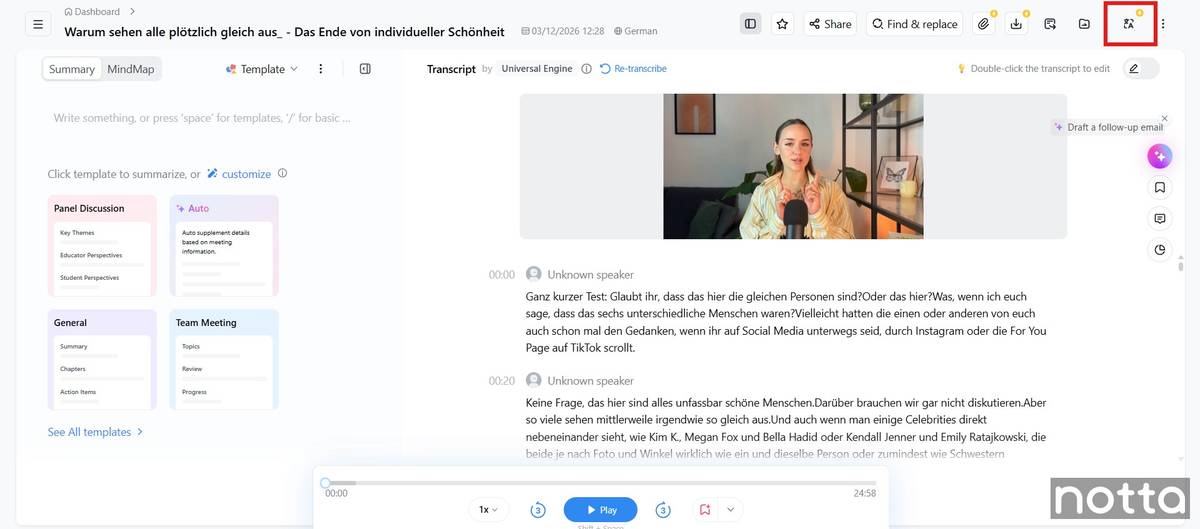
Notta combines transcription, meeting notes, and translation. It can record and transcribe Zoom, Microsoft Teams, Google Meet, and Webex meetings and includes tools for translating transcripts afterward.
It also offers bilingual transcription and translation, which can recognize and process two languages within the same conversation. A separate real-time translation option is available for meetings where you want to follow the translated conversation as people speak.
Key features:
- Meeting transcription
- Transcript translation
- Bilingual transcription and translation
- Real-time translation
- Speaker identification
- AI summaries
- Zoom, Teams, Meet, and
- Webex support
- Mobile and web apps
Pricing: Notta has a free plan with limits, but translation is available through paid plans and add-ons. Its monthly translation add-ons are listed at $10/month for real-time translation of one language and $15/month for transcription and translation of bilingual meetings.
Why I picked it: Notta is particularly useful when transcription and translation need to happen together during multilingual meetings.
9. Maestra: Best for Translating Videos and Subtitles
Maestra is useful for creators and businesses that want to translate videos, subtitles, voiceovers, and live content.
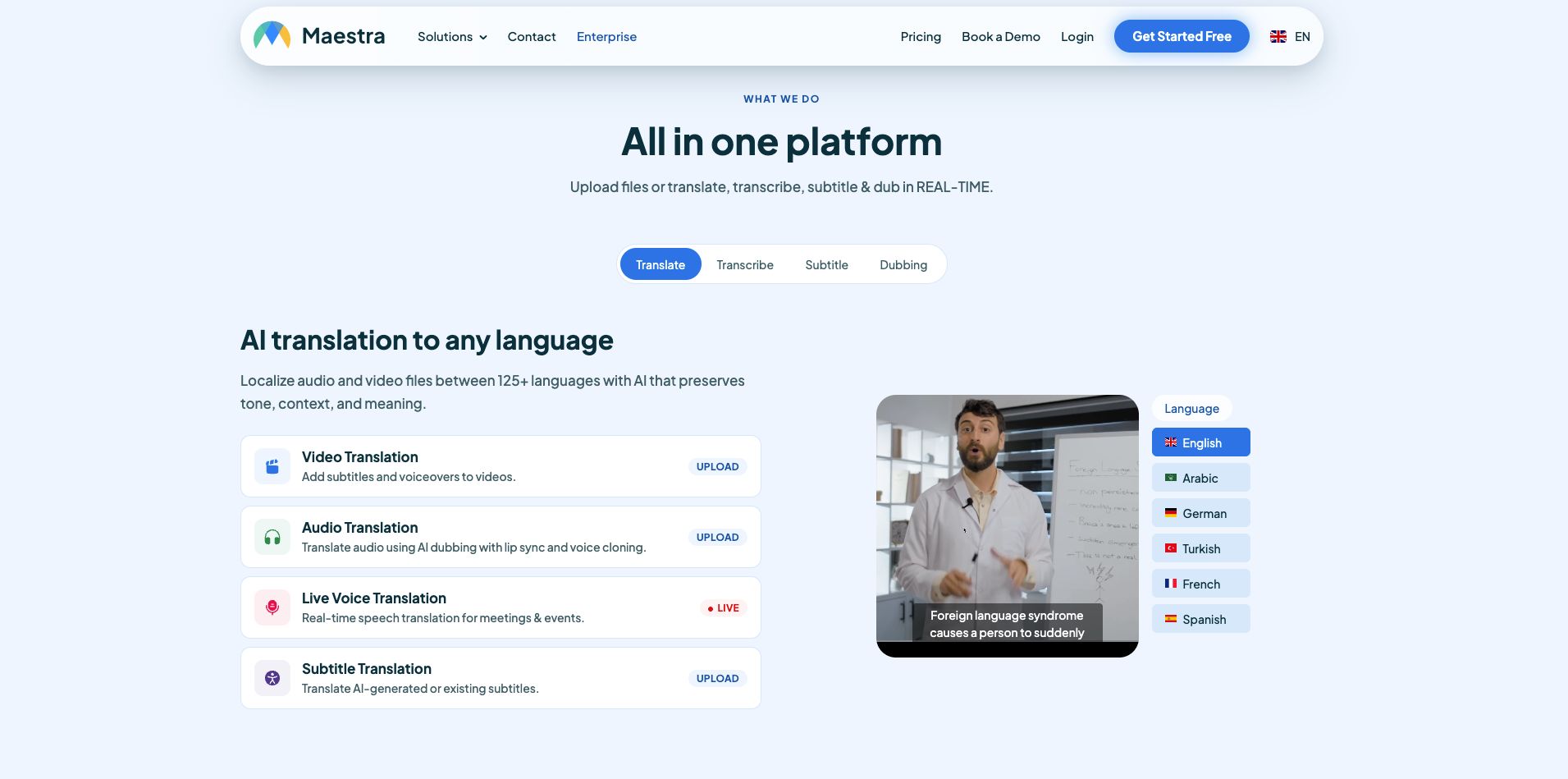
Maestra combines transcription, subtitles, translation, voiceovers, and real-time captions. It supports transcription in more than 125 languages and lets users translate subtitles or create translated voiceovers.
Key features:
- 125+ transcription languages
- Subtitle translation
- AI voiceovers
- Real-time translation
- AI dubbing
- Translation glossaries
- Voice cloning
- Zoom integration
- OpenAI and DeepL translation options on higher plans
Pricing: Maestra has many plans available. Pay-as-you-go pricing starts at $12 for 60 credits.
Why I picked it: Maestra offers more AI translation features video localization than other options on this list.
10. HappyScribe: Best for AI Translation with Human Review
HappyScribe is best for anyone who wants AI translation with the option to use professional linguists.
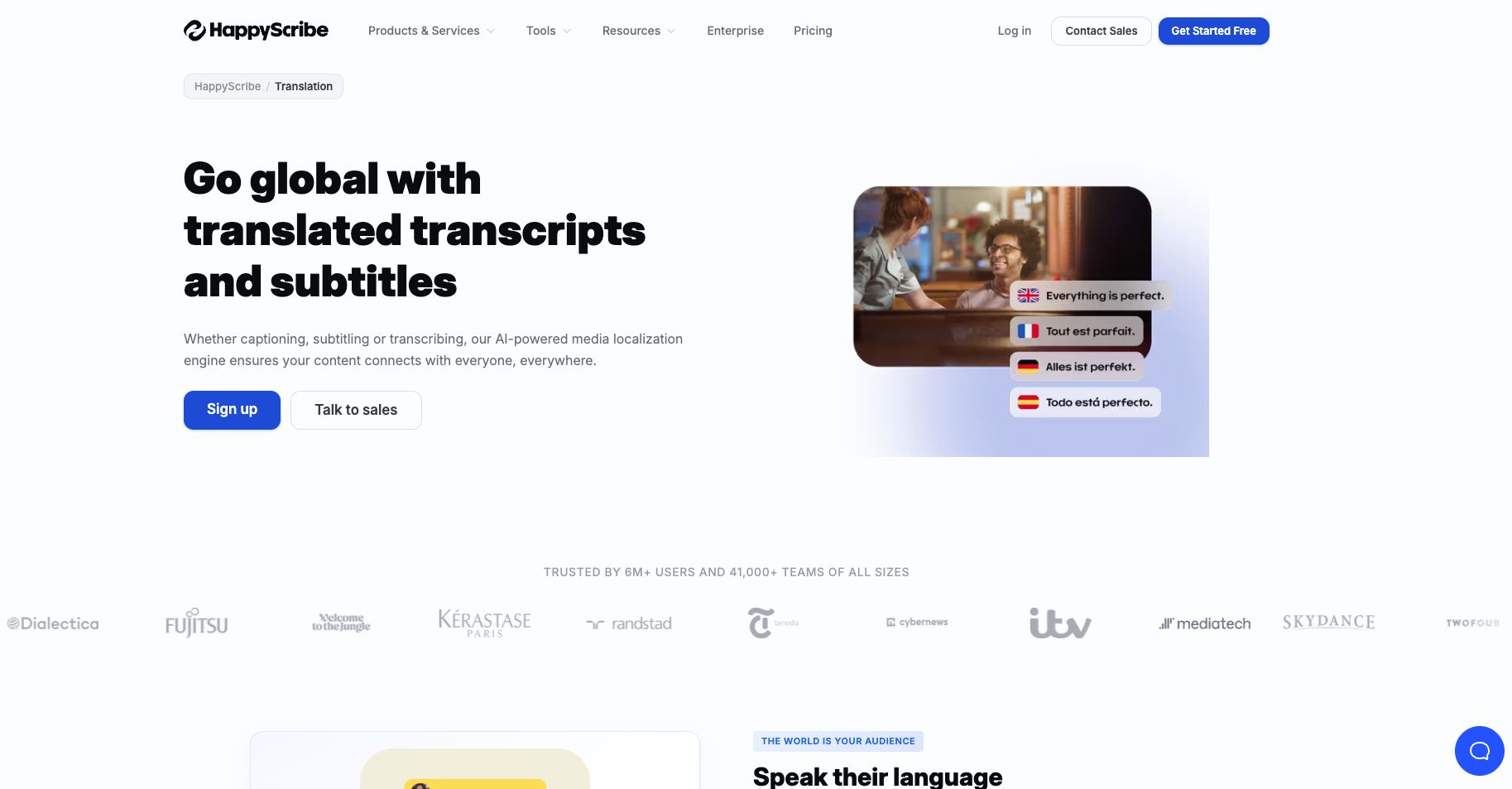
HappyScribe can transcribe, subtitle, and translate audio and video content. Its AI translation supports more than 80 languages, while its wider platform supports more than 150 languages.
It also gives users access to human proofreading and professional translation services. This can be useful when AI provides a fast first version but you need a person to review important content before publishing it.
Key features:
- AI translation in 80+ languages
- Transcription and subtitles in 150+ languages
- Audio and video translation
- Subtitle translation
- Collaborative editing
- AI Chat
- Human proofreading
- Professional translation services
Pricing: Paid plans start at $17/month. Rates for professional proofreading and human translation are different and vary depending on the languages.
Why I picked it: HappyScribe gives you the best of AI translation while keeping professional human services available when needed.
How to Choose an AI Translation Tool
The best AI translation tool depends on what you need to translate and how important accuracy, speed, and language support are to you. Before choosing one, ask yourself these questions:
- What languages does it support? Make sure the tool covers both the source and target languages you regularly use.
- What do I need to translate? Some tools focus on text and documents, while others are better for meetings, audio, videos, or live events.
- Does it offer real-time translation? If you work with international teams, live translation can make meetings and conversations easier to follow.
- How accurate are the translations? Test the tool with your own content, especially if you use technical terms, accents, or industry-specific language.
- Can I customize translations? Glossaries and custom vocabulary can help with company names, products, and specialized terms.
- Does it integrate with the tools I use? For meetings, check whether it works with platforms like Zoom, Google Meet, or Microsoft Teams.
- Does it support audio as well as text? If you need meeting or conversation translation, look for speech-to-text or speech-to-speech features.
- How much does it cost? Compare free limits, subscriptions, usage-based pricing, and any extra fees for translation features.
- If possible, test the AI translation tool using your own content before paying. This will give you a better idea of how well it handles your languages and workflow.
Conclusion
AI translation tools can make it much easier to work, meet, and communicate across languages. The best choice depends on whether you need to translate text, documents, meetings, videos, or live conversations.
If meetings are your main priority, Summary AI is a good place to start. It uses AI translation to let you translate meetings live in 120+ languages with transcription, meeting summaries, action items, and searchable notes, so you can manage the full conversation in one place and save a lot of time while increasing your team’s productivity.

