



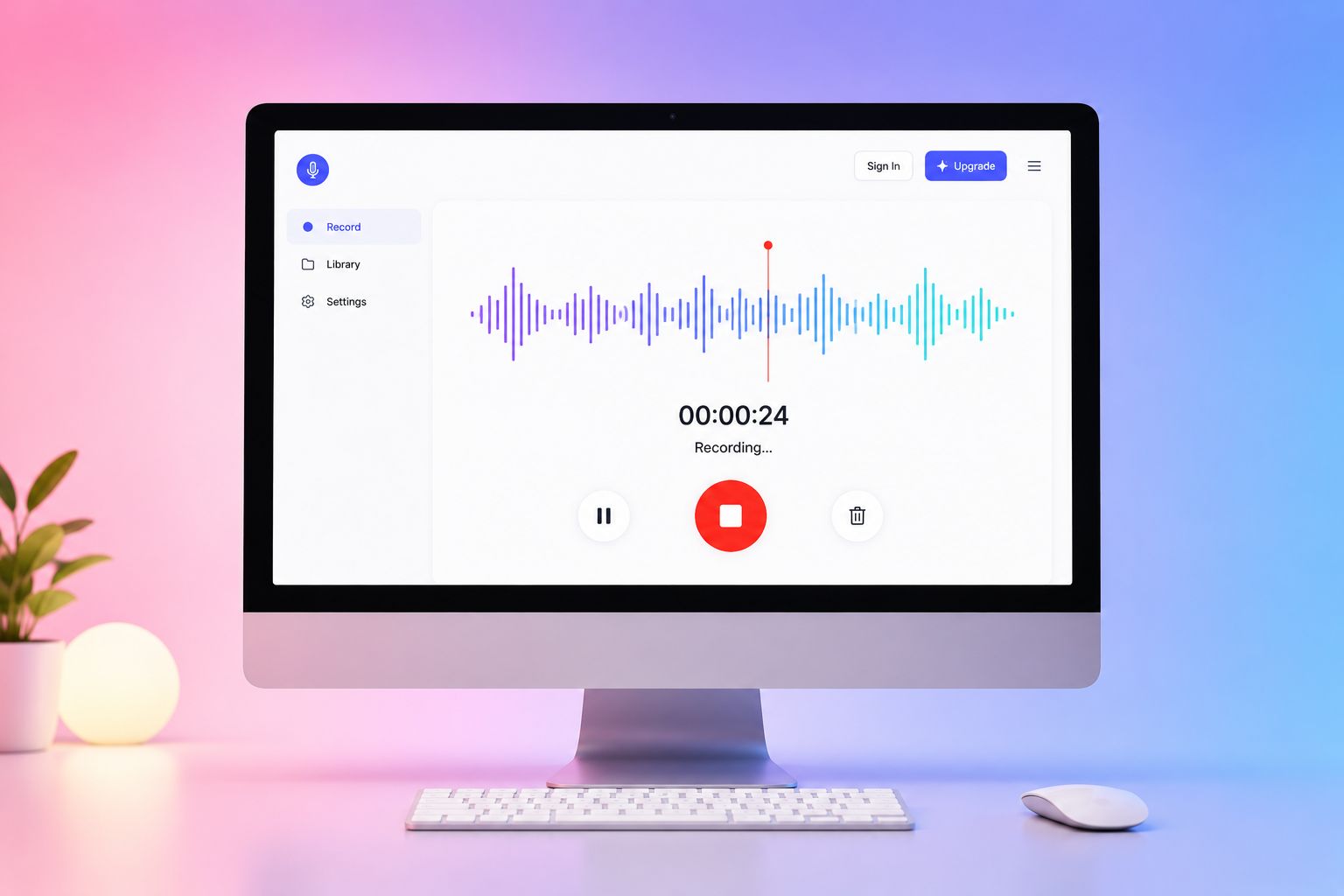


A good website for voice recording can help you capture audio without downloading and installing a full recording app. You can use it for all sorts of things from voice notes and interviews to lectures, podcast clips, video voiceovers, meeting notes, or for recording quick voice notes of ideas you do not want to forget. Whatever project you need it for, a website that lets you record your voice can be a quick and easy, convenient way to do it.
In this guide, we’ll look at ten different voice recording websites so you can find the one that suits your needs.
What Is a Website for Voice Recording?

A website for voice recording is an online tool that lets you record audio through your browser.
In most cases, you open the website, allow microphone access, press record, and save the file when you are done.
The type of audio you may use a voice recording website to record could be:
- Voice memos
- Class notes
- Interviews
- Meeting ideas
- Podcast clips
- Voiceovers
- Language practice
- Feedback
- Audio comments
- Quick personal reminders
Whatever it is you need to record, the list in this article will help you find the right tool. Some tools only record your microphone. Others can also record system audio.
Before you choose a tool, think about what you want to do with the recording after it is finished. If you only need a simple recording, you should choose a recorder that is very easy to use. If you need a transcript or summary of the recording, choose a tool that supports those next steps. AI transcription tools are best for these cases.
Best Websites for Voice Recording
There are plenty of websites that let you record your voice online, but each one offers different features and benefits. Below, you’ll find some of the best voice recording websites, along with what they do well and who they’re best suited for.
1. Online Audio Recorder by Summary AI
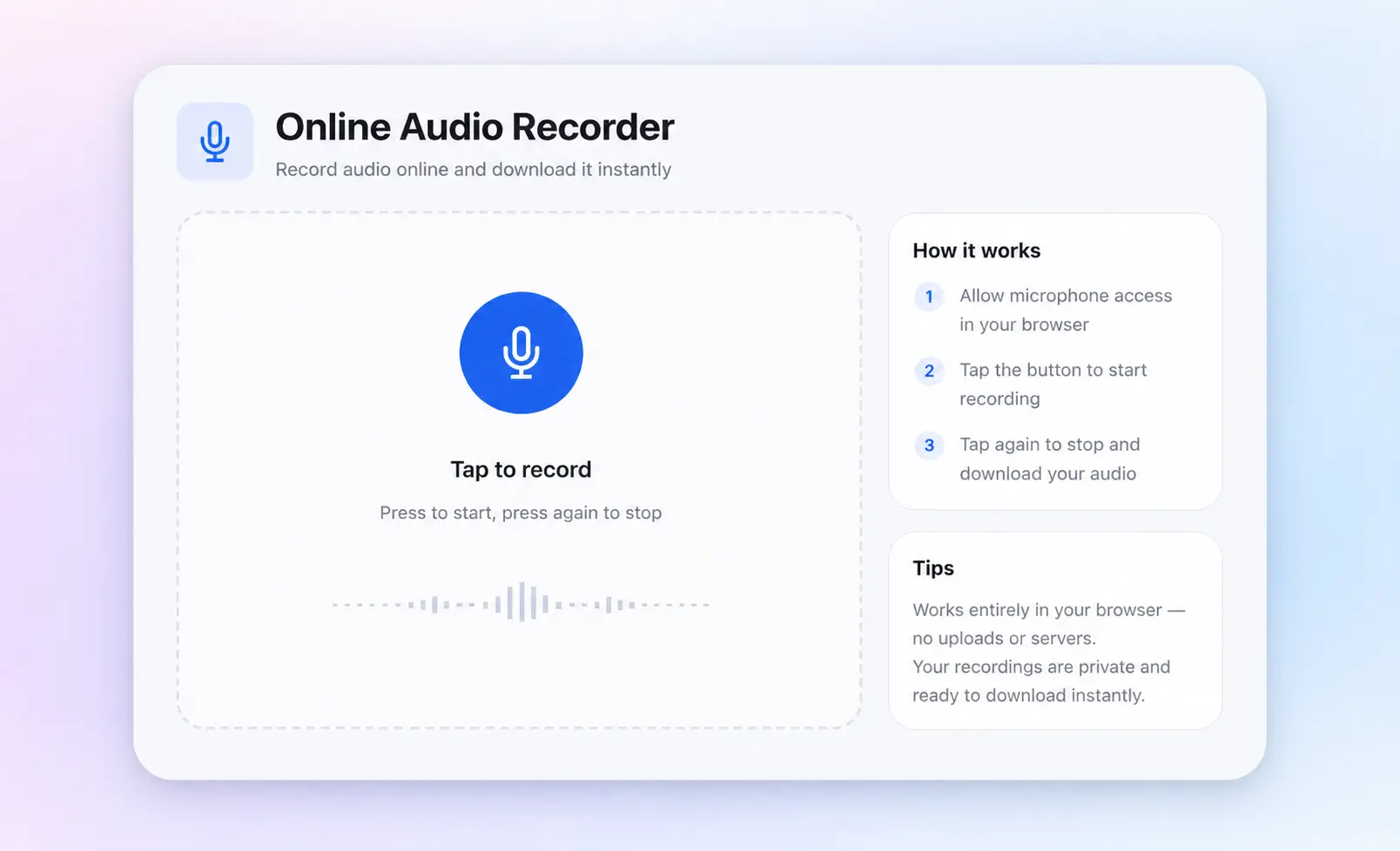
Online Audio Recorder by Summary AI is a simple online tool for voice recording that works directly in your browser. It is built for people who want to record audio quickly without dealing with a complicated setup involving downloading something and installing it.
You can use it for voice memos, ideas, meetings, interviews, lectures, or short audio clips. The tool is easy to use because the main action is clear: open the recorder, start recording, then save or download your audio.
The company behind the tool is Summary AI, an AI transcription tool create for recording, transcribing, and summarizing meetings, lectures, podcasts, and conversations. This makes it a good choice if you do not only want to record audio, but also want to turn spoken content into useful notes later.
Best for:
- Quick browser-based voice recording
- Meeting notes
- Interviews
- Lectures
- Voice memos
- People who may also want transcripts or summaries
Summary AI is a good first option because it keeps the recording process simple while connecting naturally to transcription and summary workflows.
2. Rev Online Voice Recorder
Rev Online Voice Recorder is a free browser-based recorder from Rev. It lets you record audio, preview it, trim it, download it as an MP3, and send it for transcription if needed.
Rev is a company known for transcription, captions, subtitles, and speech-to-text services. Its online voice recorder is a good match for people who want to record audio and may later need a transcript.
This option is useful for interviews, research calls, voice notes, dictation, and spoken drafts.
Best for:
- Recording and downloading MP3 files
- People who may need transcription
- Interviews
- Research notes
- Simple browser recording
Rev is a good choice if you want to convert your recording to text later.
3. 123Apps Online Voice Recorder
123Apps Online Voice Recorder is a simple website for voice recording from 123Apps. It works in the browser and lets users record voice from a microphone.
One helpful feature is that you can use the same platform to cut the recording after you finish. It can also detect silence at the start and end of the recording, which can make the final audio cleaner and the app easier to use.
123Apps is the company behind a group of online tools for audio, video, PDF, and file editing. Its voice recorder is a good fit for people who want a basic recorder with light editing.
Best for:
- Simple voice recordings
- Cutting audio after recording
- Removing silence
- Fast browser-based recording
- People who want a free online tool
123Apps is a practical option if you want a quick recorder and do not need advanced features.
4. SpeakPipe Voice Recorder
SpeakPipe Voice Recorder lets you record audio directly in a browser using your microphone. It is simple and can be used for quick voice messages.
The company behind it is SpeakPipe, a service that helps podcasters, website owners, and creators collect voice messages from listeners or visitors.
SpeakPipe is different from some basic recorders because it is also built around sharing. You can save a recording and get a link, which makes it useful when you want to send your voice recording to someone else.
Best for:
- Voice messages
- Listener feedback
- Website voice messages
- Sharing recordings by link
- Simple browser recording
SpeakPipe is a good option if your main goal is to record and send a voice message, not edit a full audio project.
5. VEED Voice Recorder
This voice recorder is an online recording tool available on the website of VEED. It lets users record audio through the microphone of their computer or phone. VEED also supports recording webcam and screen content, depending on what you choose.
VEED is a video creation and editing platform. It is built for creators, marketers, educators, and teams that make videos, clips, tutorials, and social media content.
This makes VEED a useful website for voice recording if your audio will be part of a video. For example, you can record a voiceover, add it to a video, edit the clip, and export the final result.
Best for:
- Video voiceovers
- Social media content
- Tutorials
- Screen and webcam recording
- Creators who need editing tools
VEED is a strong choice if you need more than a simple audio file.
6. Clipchamp Voice Recorder
Clipchamp Voice Recorder is an online voice and audio recorder from Microsoft Clipchamp. It is built into Clipchamp’s online video editing platform.
Clipchamp lets you record voice in the browser and use it in a video project. This is useful if you are making tutorials, explainers, presentations, training videos, or social media clips.
Microsoft is the company behind Clipchamp, a familiar option for people who already use Microsoft tools or want a browser-based video editor with voice recording included.
Best for:
- Recording voiceovers for videos
- Editing audio with video
- Tutorials
- Training content
- Simple online video projects
Clipchamp is best when your voice recording is part of a video, not just a standalone audio note.
7. Apowersoft Free Online Audio Recorder
Apowersoft has a free online audio recorder which is a browser-based. It can record microphone audio and system sound, depending on the setup and device.
Apowersoft is a software company that offers screen recording, audio recording, PDF, video, and mobile tools. Its online audio recorder is useful for people who want to record more than just their voice.
For example, you may want to record a meeting, online class, browser audio, or a mix of microphone and system sound. Always make sure you have permission before recording other people, copyrighted content, or private audio.
Best for:
- Microphone recording
- System audio recording
- Browser audio
- Online classes
- Meetings
- People who need more audio input options
Apowersoft is a better fit if you need to record audio from your computer, not only your microphone.
8. Riverside
Riverside is an online recording platform for podcasts, interviews, webinars, and video content. It is more advanced than a basic voice recorder because it is made for high-quality remote recording.
Riverside is a platform that is built for creators, podcasters, media teams, marketers, and businesses that record audio or video with guests.
Riverside can be a good option if you need better quality, remote guest recording, separate tracks, video recording, and editing tools.
Best for:
- Podcasts
- Remote interviews
- Webinars
- Guest recordings
- Creator content
- Higher-quality audio and video
Riverside may be more than you need for a quick voice memo, but it is useful for professional recording workflows.
9. VirtualSpeech Online Voice Recorder
VirtualSpeech has an online voice recorder which is a simple browser-based tool that lets you record your voice using a microphone and download the result.
VirtualSpeech as a company focuses on communication training, public speaking, interviews, and soft skills practice. That makes its recorder a good match for people who want to practice speaking and listen back to themselves.
You can use it for speech practice, pronunciation, presentations, interview answers, or quick audio notes.
Best for:
- Speech practice
- Interview practice
- Presentation practice
- Simple MP3 or OGG downloads
- Browser-based voice recording
VirtualSpeech is a good choice if your goal is to improve how you speak, not just save an audio file.
10. TwistedWave Online Audio Editor
TwistedWave’s online audio editor is a browser-based audio editor that can record and edit audio files. It is more advanced than a basic audio recorder because it also includes editing features.
The company behind, TwistedWave, offers audio editing tools for Mac, iPhone, iPad, and online use.
TwistedWave can be useful if you want to record audio and then clean it up, trim it, edit it, or export it in different formats.
Best for:
- Recording and editing audio
- Voiceovers
- Podcast clips
- Audio cleanup
- People who want more control after recording
TwistedWave is a good option if you need editing tools in the same place as your recorder.

How to Choose the Best Website for Voice Recording
The best website for voice recording depends on your goal, i.e. what you want the voice recording for and what you want to do with it afterwards.
- Start by thinking about the type of recording you need. A short voice memo does not need the same tool as a podcast interview, online class, meeting, or video voiceover.
- Next, check how easy the tool is to use. A good recorder should let you start recording quickly, stop without confusion, and save the file in a format you can use.
- You should also check the audio quality. If the recording is only for yourself, basic quality may be fine. If you plan to share it with others, especially in a professional setting, choose a tool that gives you clear sound. Some recorders are part of a larger set of AI marketing tools.
- Think about what happens after recording. Some tools only let you download the audio. Others also offer other features like editing, sharing, transcription, summaries, and more.
- Privacy matters too. If you are recording a meeting, interview, class, or personal note, check where the audio is saved and whether you need an account. For sensitive content, use a tool you trust and avoid uploading private audio to unknown websites.
- It also helps to check the file format. MP3 is usually easy to share, while WAV may be better if you need higher-quality audio for editing.
- Finally, look at limits. Some free tools may have recording length limits, file size limits, export limits, or fewer editing options. Choose a recorder that fits the length and purpose of your recording.
Choose Summary AI’s free online audio recorder if you want a simple recorder. You may also need notes, transcripts, or summaries later and Summary AI offers all of that as well.
Record your meetings with Summary AI
If you need to record longer sessions, for example your meetings, AI transcription is best. Summary AI can join your calls, transcribe them, and create perfect summaries with key points and action items. That way you can share important info with your team and always know what to follow up on.

