



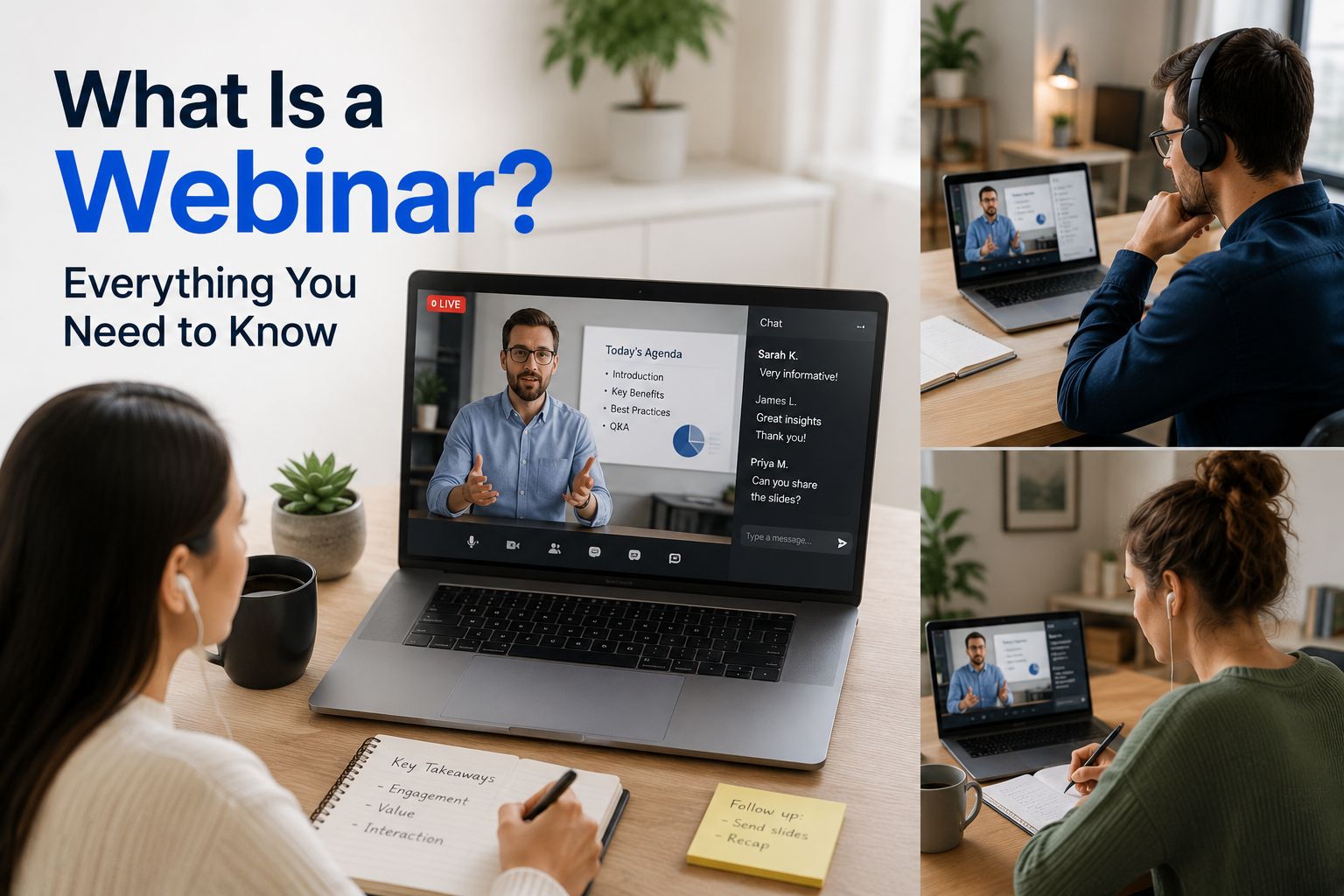


A webinar is a live online presentation, class, workshop, or event. The word “webinar” comes from “web-based seminar.” But what is a webinar? Simply put, it’s a way for people to join a live event online from almost anywhere thanks to the internet.
During a webinar, one or more speakers share information with an online audience. People can watch the presentation, listen to the speaker, view slides, and join in using chat, polls, or Q&A.
Webinars are popular for business, training, education, marketing, and product demos. They make it easy to connect with lots of people without everyone needing to be in the same place.
What Is a Webinar?

The basic webinar definition is an online seminar. It is usually a one-to-many event, meaning one host or small group of speakers talks to a larger group of attendees.
A webinar can be live, pre-recorded, or set up to run automatically. Live webinars happen at a set time and let people join in as the event takes place. On-demand webinars let people watch the recording later when it works for them.
A webinar event may include:
- A host or presenter
- Guest speakers
- Slides or screen sharing
- Live video and audio
- A chat box
- Polls
- Questions and answers
- Downloadable resources
- A replay after the event
Join many webinars? Taking notes is useful if you aim to learn something useful, but it can also hinder your ability to pay attention and keep up with what is being discussed. An AI Note Taker like Summary AI can be really helpful in these situations. Try it yourself!
Webinar vs. Webcast
A webinar and a webcast are similar, but they are not exactly the same. They both share audio and video online, but a webcast is less interactive.
What makes a webinar more interactive is that the host may ask attendees to answer polls, send questions, write in chat, or raise a virtual hand. A webinar is more like an online class or workshop.
A webcast is usually more like a broadcast, which is where it gets its name. A webcast may reach a very large audience, but attendees often have fewer ways to join in. For example, a company might webcast a product launch, industry event, or quarterly update.
The difference between a webcast and a webinar all comes down to interaction. While a webinar invites people to take part, a webcast mainly sends information out to viewers.
How Does a Webinar Work?

This next section is for those asking, “What is a webinar and how does it work?”, and the answer is simple. The host of the webinar sets up an event on a webinar platform, like Zoom for example, and invites people to register. When the time comes, the speakers present the webinar online at a chosen time.
Attendees get a link by email or through a registration page. At the start time, they click the link to join the webinar. They can watch the host, listen to the talk, and use the available tools to take part to make the webinar more interactive.
Breakdown of how a webinar works
Here is how a live webinar often works:
- The host chooses a topic and webinar platform.
- The host sets a date, time, title, and registration page.
- People sign up and receive a joining link.
- The presenter shares their camera, slides, screen, or video.
- Attendees watch and use chat, Q&A, polls, or reactions.
- The host answers questions and wraps up the event.
- The host may send a recording, slides, or follow-up email.
One way to create interaction during a webinar is to run a live poll. For example, a presenter can ask attendees about their biggest challenge before sharing advice. The answers can help shape the rest of the session.
A good webinar should not become a long uninterrupted speech. The best hosts keep people involved by asking questions, sharing examples, and leaving time for Q&A.
Types of Webinars
There are many types of webinars. The right kind depends on who you want to reach and what you want them to learn, do, or buy.
Common types include:
- Educational webinars that teach a topic or skill
- Product demo webinars that show how a tool or product works
- Sales webinars that explain an offer and encourage sign-ups
- Training webinars for employees, customers, or partners
- Customer onboarding webinars that help new users get started
- Thought leadership webinars that share research, trends, or expert views
- Internal webinars for company updates or team training
- Lead generation webinars that give useful content in return for registration details
- Live event webinars with speakers, guests, and audience questions
- Automated webinars that play a pre-recorded session at set times
A webinar class is often an educational session. A teacher, coach, or expert may use it to explain a topic, show a process, and answer questions from learners.
A webinar interview is another popular format. In this type of webinar, a host speaks with an expert, customer, leader, or guest. The audience gets useful information from a natural conversation.
Popular Webinar Formats
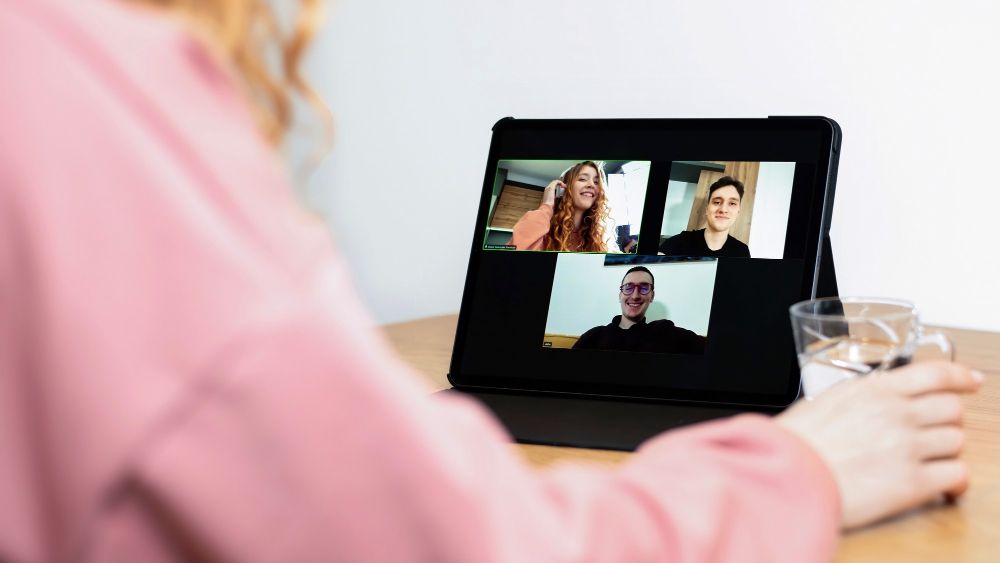
You can run a webinar in many ways. Pick a format that suits your topic, audience, and speakers.
Solo Presentations
A solo presentation has one main speaker. The presenter may talk through slides, show their screen, or speak directly to the camera.
This format works well for product walkthroughs, how-to lessons, company updates, and expert talks. It is also one of the easiest formats to set up.
To keep a solo webinar interesting, use clear visuals, tell stories, and stop at key points to ask for questions or poll answers.
Panel Discussions
A panel discussion brings together several speakers to talk about one topic. One person usually acts as the host or moderator and guides the discussion.
Panels work well when your topic needs different points of view. For example, a marketing webinar may include a content expert, a paid ads expert, and a business owner.
Make sure each speaker has a clear role. Too many people talking at once can make the webinar hard to follow.
Roundtables
A roundtable is a more open conversation between experts or team members. It may feel less formal than a panel discussion.
This format works well for industry trends, new ideas, problem-solving, and community events. Attendees may also send in questions that the speakers discuss live.
A roundtable can make a webinar feel more personal. However, it still needs a clear topic and a host who can keep the conversation on track.
Seminars
A webinar seminar usually focuses on teaching one main topic. It may include slides, examples, data, and time for questions.
For example, a business might run a webinar on how to improve customer onboarding. A school may run one on study skills. A software company may teach users how to get more from a new feature.
The best webinar seminars give attendees something useful to take away. This could be a checklist, template, guide, or clear next step.
Interviews
An interview webinar features a host and guest. The host asks questions while the guest shares advice, stories, or expert knowledge.
This can be an easy format because the conversation flows naturally. It can also help you reach a larger audience if the guest shares the event with their own network.
Before the webinar, agree on the main topics and questions. Leave room for follow-up questions so the interview does not sound too scripted.
Workshops
A workshop is a hands-on webinar. Instead of only listening, attendees may follow steps, complete tasks, or work through a real example.
For example, a writing coach could run a workshop on planning a blog post. A software trainer could show users how to build a report inside a tool. A sales trainer could help a team practice handling customer questions.
Workshops often need more time than a standard webinar. They also work best with a smaller group, especially if the host wants to give feedback or answer many questions.
Most Common Webinar Platforms
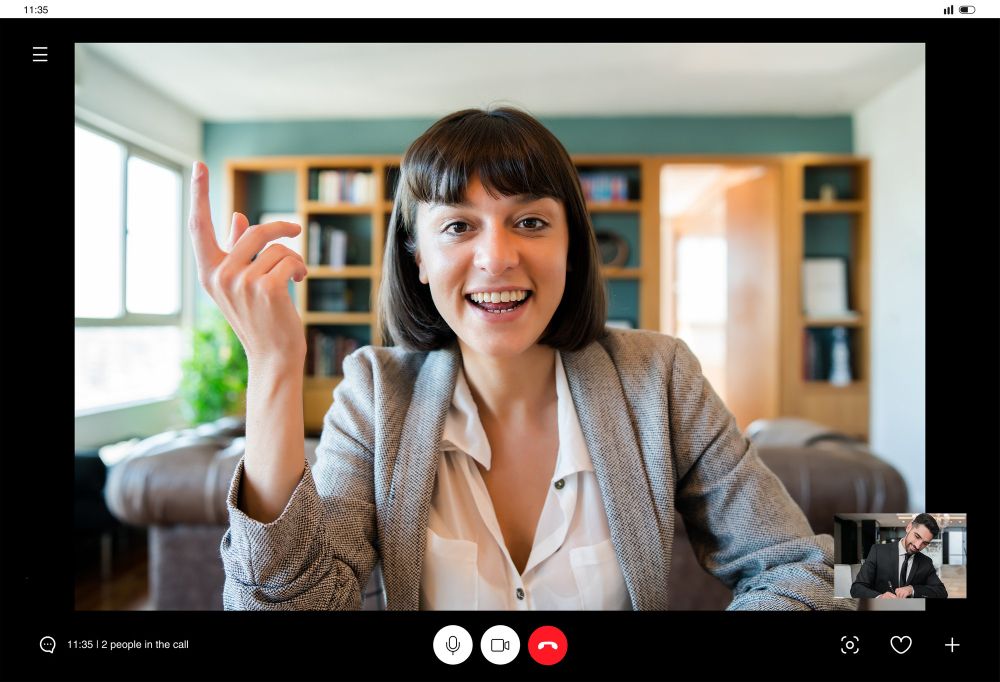
A webinar platform is software that lets you host webinars online. It helps you create the event, invite people, present live, and interact with your audience.
Unlike a basic video call app, webinar platforms are built for larger online events. Many include features like registration pages, live chat, polls, Q&A, recordings, and attendee reports.
Some popular webinar platforms include:
- Zoom Webinars
- Microsoft Teams
- Google Meet
- Webex Webinars
- GoTo Webinar
- Livestorm
- Demio
- WebinarJam
What Is a Zoom Webinar?
A Zoom webinar is a webinar hosted using Zoom, which lets you cutomize many different aspects of the webinar experience, including the registration process. The host and panelists can speak, share their video, and present slides. Attendees usually watch the presentation and can join in through chat or Q&A. Read our article for more info on hosting a Zoom webinar.
Zoom Webinar vs. Zoom Meeting
A Zoom meeting is designed for group conversations where everyone can speak and use their camera. A Zoom webinar is designed for presentations, giving the host more control while attendees mostly watch and listen.
How to Choose a Webinar Platform
When comparing webinar platforms, think about:
- How many people will attend
- Whether you need chat, polls, or Q&A
- If you want registration pages and reminder emails
- Whether you need recordings
- If you plan to run automated webinars
- Your budget
- How easy the platform is for attendees to use
What Are Webinars Used For?
Webinars help people teach, sell, train, and connect with others online. They are used by businesses, schools, nonprofits, coaches, and creators to share information with an audience.
Marketing and Sales
Businesses use webinars to build trust and connect with potential customers. A useful webinar can show that a company understands its audience and can solve their problems. Webinars on AI marketing are really popular nowadays.
For example, a software company might host a webinar about improving reporting. During the session, it can show how its product works, share customer examples, and answer questions.
Webinars can also help businesses collect leads. People who sign up can receive follow-up emails, webinar recordings, or product information. You can plan all of this out using marketing automation.
Product Demos
A product demo webinar shows people how a product works. Instead of just reading about a product, attendees can see it in action.
The host can explain key features, show common uses, and answer questions. This helps people decide if the product is right for them.
Employee Training
Companies use webinars to train employees, introduce new tools, and share important updates. They are especially helpful for remote teams or companies with employees in different locations.
Recorded webinars also let employees watch training later without needing another live session.
Customer Onboarding
Customer onboarding webinars help new customers learn how to use a product or service. The host can show how to set up an account, use important features, and avoid common problems.
This helps customers get started faster and reduces support questions.
Education and Coaching
Teachers, coaches, and experts use webinars to teach people anywhere in the world. They can host live classes, share lessons, and answer questions online.
Webinars can cover many topics, including business skills, languages, health education, and creative subjects.
Transcribe Your Webinar With Summary AI
A webinar can be useful long after the live event ends. By recording and transcribing your webinar, you can turn it into content you can use again.
Try AI transcription from Summary AI to turn your webinar recording into a transcript and easy-to-read notes.

