



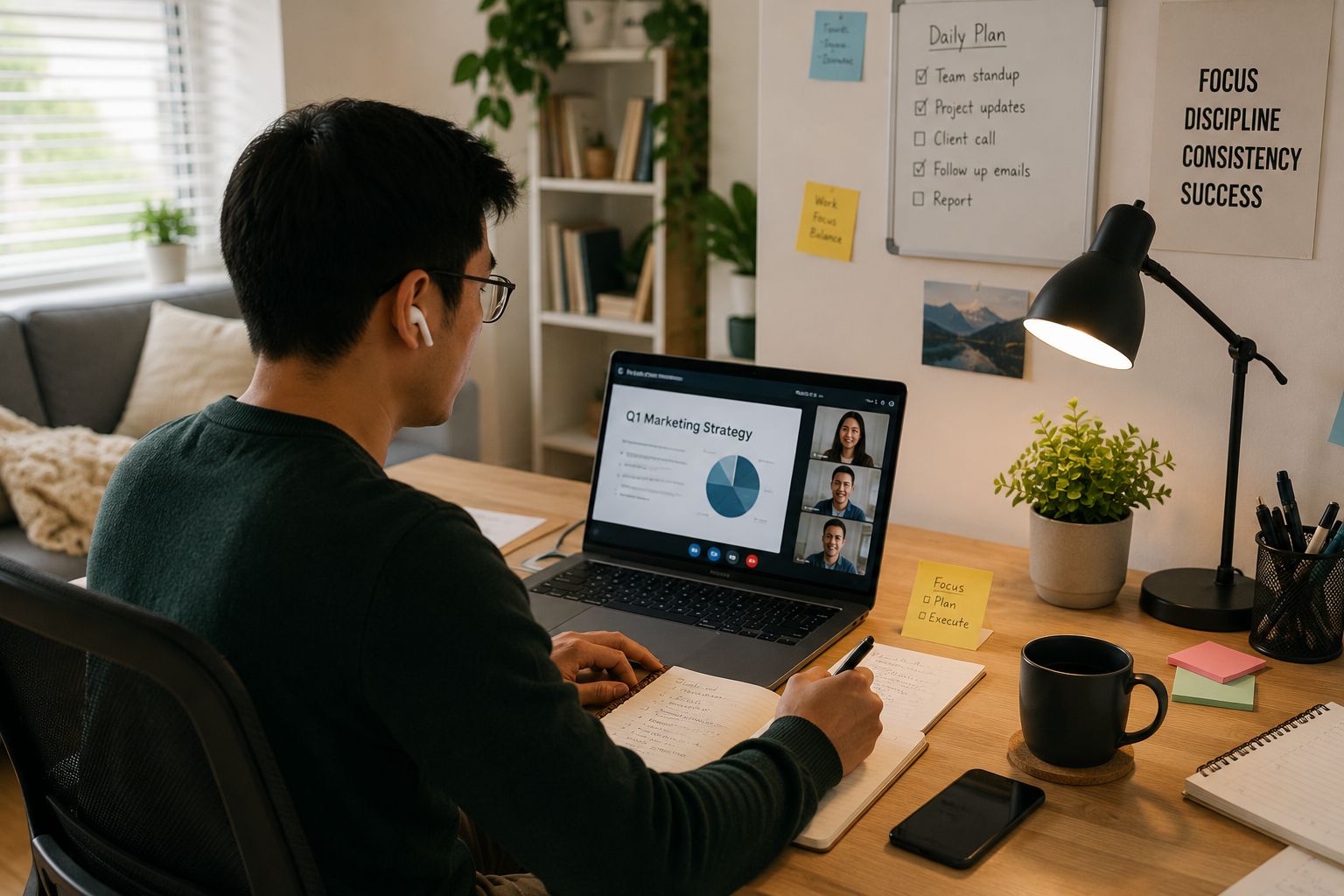


WFH means work from home or working from home. It is a common abbreviation people use in work messages, job posts, team chats, and texts.
If someone says they are WFH, they mean they are doing their job from home instead of going into an office. For example, a coworker might write, “I’m WFH today,” which means they are working from home that day.
In this guide, we’ll explain what WFH means in simple terms and everything you need to know about the concept.
What Does WFH Mean?
WFH stands for work from home. It means a person does their job from their house, apartment, or another home workspace instead of working in an office.

The meaning of WFH is simple:
WFH = work from home or working from home
People use WFH when talking about remote work, flexible work, hybrid schedules, and home office days.
A few examples of where you will encounter the abbreviation:
- “I’m WFH today, so message me on Slack.”
- “Our team has two WFH days each week.”
- “This is a WFH job, so you do not need to commute.”
- “My manager approved my WFH request for Friday.”
So, if you are wondering what WFH means, the short answer is that someone is working from home.
WFH Meaning in Text and Chat
You may see WFH in a text message, Slack message, Microsoft Teams chat, email, or calendar note. In these cases, WFH is usually used to quickly tell someone where a person is working that day. The meaning of WFH in text is the same as it is at work. It means work from home. There isn’t any other meaning in text, as you would use LOL or OMW to say laughing out loud or on my way. Someone texting you “WFH” is not a joke or a secret slang term. It is a simple workplace abbreviation.
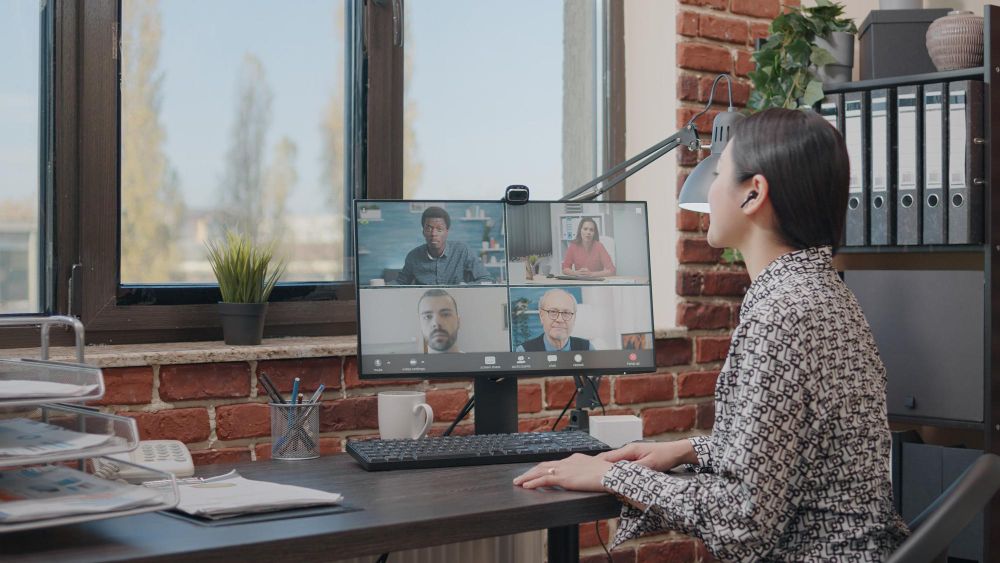
For example, in text you would say:
- “Can we do the meeting online? I’m WFH.”
- “WFH today because I have a delivery coming.”
- “I’ll be WFH tomorrow, but I’m available all day.”
So, WFH mean in text still means the person is working from home instead of from the office.
Texing WFH is most common in work-related conversations, but your friends and family may use it too if they work remotely, of course!
WFH Meaning in Business
In business, WFH means a work arrangement where employees can do their job from home. This may happen every day, a few days per week, or only when needed.
A company may have a WFH policy that explains when employees can work from home, how to request it, and what tools they need to use when working from home.
A WFH policy may include:
- Which roles can work from home
- How many days per week employees can work from home
- What hours employees must be available
- How meetings should be handled
- What equipment the company provides
- How employees should protect company data
The term WFH in a business context is usually about workplace flexibility. It means the company allows some work to happen outside the office, which can be appealing to some jobseekers.
The Most Common WFH Jobs
WFH jobs are or the concept of “telework” is popular among some jobseekers, especially among younger people in the workforce, according to data from the BLS.
While WFH jobs are jobs you can do from home based on your work arrangement, some WFH jobs are fully remote. This means you work from home every day. Other WFH jobs are hybrid, which means you work from home some days and go to the office on other days.
Common WFH jobs include:
- Customer support representative
- Content writer
- Social media manager
- Graphic designer
- Software developer
- Data analyst
- Virtual assistant
- Online teacher or tutor
- Project manager
- Sales representative
- Recruiter
- Accountant
- Marketing specialist
Not every job can be WFH. Some jobs need in-person work because of physical equipment or because service requires face-to-face contact. For example, nurses, chefs, construction workers, and store staff need to work on-site.
If a job post says “WFH available,” “WFH friendly,” or “remote,” it means some or all of the work can be done from home.

Benefits of WFH
Working from home can make work easier for many people. For example, the whole concept of WFH moms exists because in some cultures, mothers stay home with their children and in order to make ends meet, they take a job. Working from home makes it easier for them to be able to enter the workforce again after taking a break to raise young kids while still being available to help them. These jobs are usually best when done part-time.
Common WFH benefits include:
- No daily commute
- More control over your workspace
- More schedule flexibility
- Fewer office distractions
- Lower travel and lunch costs
- More time for family or personal needs
- Easier focus for some types of work
WFH can also help companies. They may need less office space, hire people from more locations, and support employees who need flexible schedules.
But work from home arrangements work best when teams communicate clearly. People need to know when others are available, where files are stored, and how decisions are made.
Challenges of WFH
WFH can be helpful, but it is not perfect.
Common challenges of working from home include:
- Feeling lonely or disconnected
- Too many video meetings
- Trouble separating work and home life
- Home distractions
- Slow internet
- Poor desk setup
- Less face-to-face communication
- Harder teamwork for some tasks
Some people also find it hard to stop working at the end of the day. When your office is at home, work can feel like it is always nearby.
To make WFH easier, create a simple routine. Start work at a set time, take breaks, and shut down your computer when the day is done.

What Equipment Do You Need to WFH?
A good WFH setup does not need to be fancy. But it should help you work comfortably and stay connected.
Basic WFH equipment may include:
- Laptop or desktop computer
- Reliable internet connection
- Desk or work surface
- Comfortable chair
- Headphones or earbuds
- Webcam, if your computer does not have one
- Mouse and keyboard
- Good lighting
- Charger and power strip
- Notebook or planner
Depending on your job, you may also need a second monitor, printer, scanner, microphone, or special software.
For video meetings, a quiet space and clear audio matter more than choosing the perfect Teams background.
Tools That Help With WFH
WFH depends on clear communication and easy access to work.
Common WFH tools include:
- Video meeting tools like Google Meet, Zoom, or Microsoft Teams
- Chat tools like Slack or Microsoft Teams
- Project tools like Asana, Trello, Monday.com, or ClickUp
- Cloud storage like Google Drive, Dropbox, or OneDrive
- Calendar tools for meetings and deadlines
- Password managers
- VPN or security tools, if your company requires them
These tools help people work together even when they are not in the same room.
For meetings, it also helps to use a tool that can make summaries with action items and key points. This makes remote teamwork easier because everyone can see what was discussed and what needs to happen next.
Tips for Working From Home
WFH is easier when you build good habits.
- Start with a clear workspace. It does not need to be a separate room, but it should be a place where you can focus.
- Keep a regular schedule. Start and end work around the same time each day when possible.
- Take real breaks. Step away from your screen, stretch, drink water, and rest your eyes.
- Create a new Google calendar for work. Block focus time, meetings, lunch, and end-of-day tasks.
- Communicate with your team. Let people know when you are available and when you are away.
- Protect your personal time. When the workday ends, close your laptop and leave your workspace if you can.
- Make use of tools. Productivity tools can help you schedule your tasks and make you more efficient in work.
Also, try not to work from bed every day. It may feel comfortable at first, but it can make it harder to focus and harder to rest later.
Make the most of WFH with Summary AI
A big challenge that many people who work from home face is the amount of meetings they have to sit through. Taking notes during these meetings means you can’t really focus on what is being said while trying to record everything discussed. An AI note taker like Summary AI can help you create the best summaries that you can share with your team so you always know what to follow up on and you can stay productive even when you work from home.

